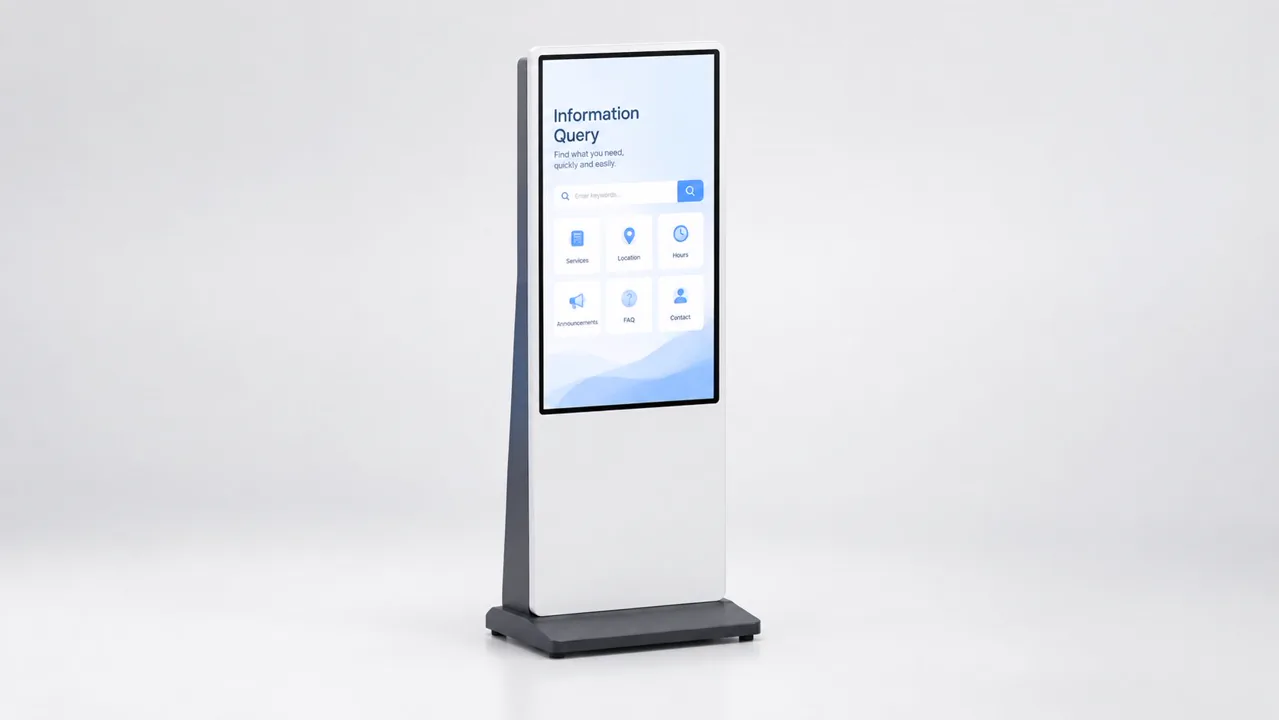
All-in-one touch terminals combining a display, a touch overlay and an integrated computing platform. Supplied for interactive self-service, information display and control-panel applications.
Overview
An all-in-one touch terminal removes the separate media player or PC box, its power point and its cable run. That simplification is the point: fewer components, fewer failure points, and an installation that looks deliberate in a public sightline. We build these terminals in both touch and non-touch variants from the same platform, so a project that starts as an information display can later become interactive without changing the enclosure.
Typical applications
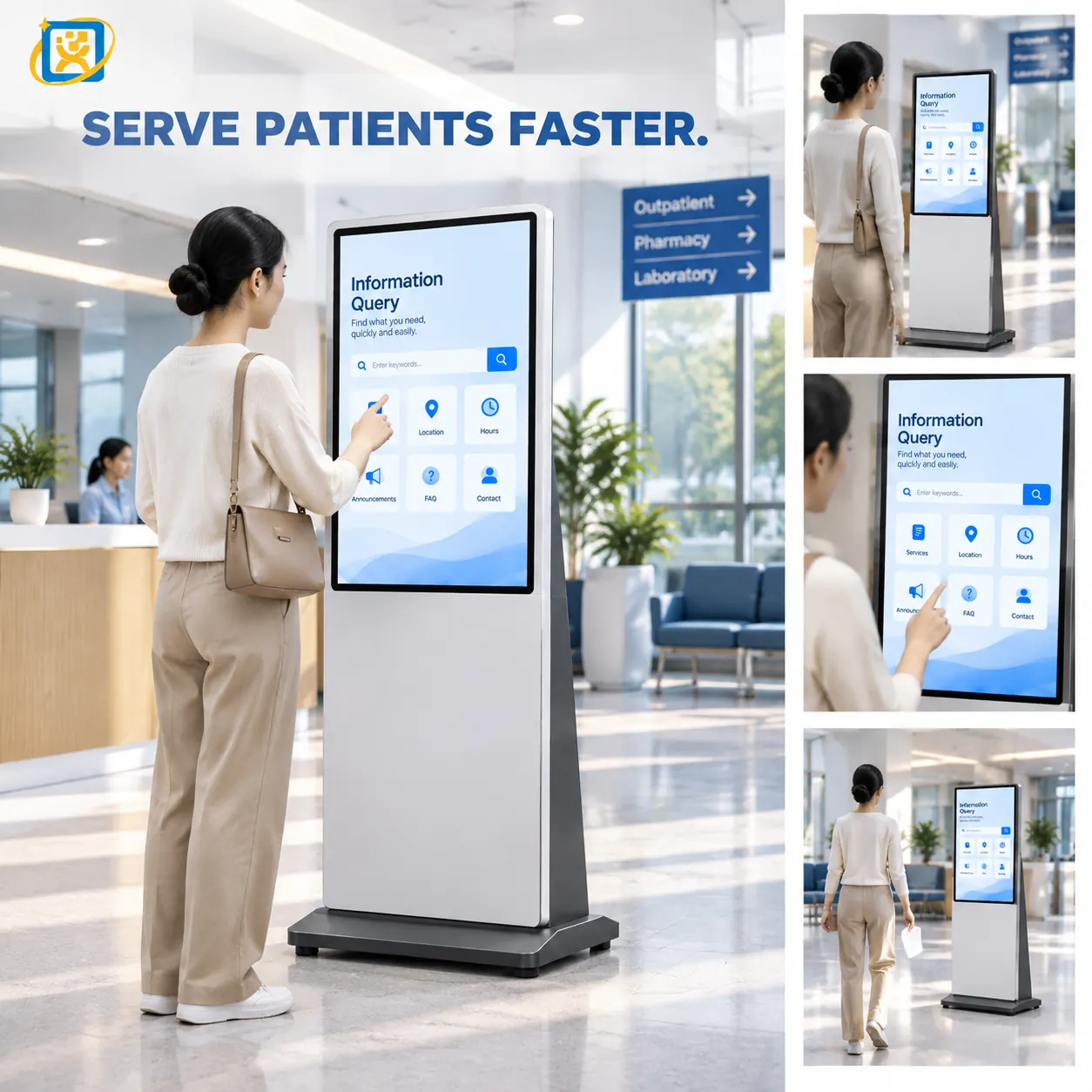
Interactive information and wayfinding terminals
Public-service hall self-service points
Exhibition, showroom and reception displays
Industrial and equipment control panels
Meeting-room and classroom touch displays
Kiosk installations where a screen-only unit is preferred
Capability
Key functions
Functions that can be built into this family of terminals. The final set depends on your software and the peripherals you select.
Projected capacitive multi-touch interaction
Available on this product family — specify it in your requirement and we will confirm the configuration.
Integrated computing — no external player
Available on this product family — specify it in your requirement and we will confirm the configuration.
Dual-distance readability for information and interaction
Available on this product family — specify it in your requirement and we will confirm the configuration.
Network and serial control interfaces
Available on this product family — specify it in your requirement and we will confirm the configuration.
Optional camera, microphone and card reader
Available on this product family — specify it in your requirement and we will confirm the configuration.
Scheduled content and autostart application launch
Available on this product family — specify it in your requirement and we will confirm the configuration.
Models
1 model in this family
Standard builds shown. Housing, interfaces, OS and branding are all configurable.
A 55-inch all-in-one touch terminal combining a large-format display with an integrated computing platform. Used for wayfinding, information display and self-service functions read from a distance.
Display
55-inch panel, resolution and brightness confirmed against the selected panel datasheet
Close-interaction terminals and control panels where the user stands directly in front.
32–43 inch
Mid-size interactive terminals and small information displays.
49–55 inch and above
Terminals read from a distance and touched up close, and multi-purpose information displays.
Touch or non-touch
Choose non-touch when the screen is only ever read — simpler, lower cost, fewer parts to fail.
What can be customised
Screen size, orientation and aspect ratio
Touch or non-touch configuration
Brightness class and anti-glare treatment
Housing dimensions, colour and bezel width
Logo, backlit signage and silk-screen branding
Integrated computing specification and storage
Mounting method — pedestal, floor stand, wall or recessed
Export packaging and accessory kitting
Integration capability
Content management and scheduling systems
Supported through documented interfaces, mounting points and configuration options.
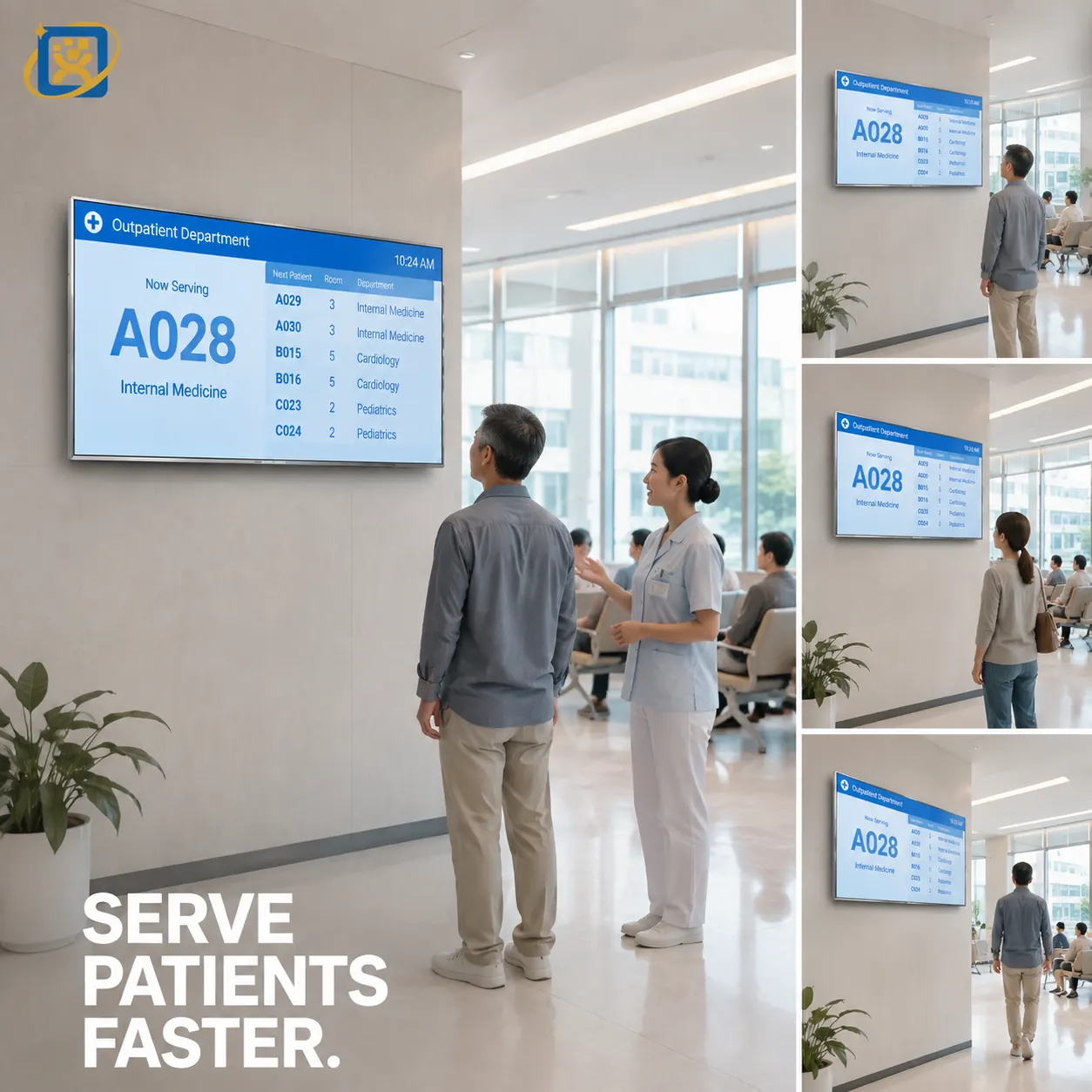
Queue-management and information feeds
Supported through documented interfaces, mounting points and configuration options.
Operating system image and autostart configuration
Supported through documented interfaces, mounting points and configuration options.
Driver and peripheral integration
Supported through documented interfaces, mounting points and configuration options.
Network, serial and GPIO control
Supported through documented interfaces, mounting points and configuration options.
Remote management and update tooling
Supported through documented interfaces, mounting points and configuration options.
FAQ
Questions about this family
What is your minimum order quantity?
A single unit can be accepted on selected models for evaluation or sample purchase. Volume pricing applies from 10 units. For OEM and ODM projects the minimum depends on the tooling and configuration involved.
Can I order a sample before placing a production order?
Yes. Selected models can be ordered as a single evaluation unit, with a sample lead time of 7–14 days. Sample units are production units, not a simplified demonstrator.
What are your production and delivery lead times?
Samples ship in 7–14 days. Mass production runs at 20–35 days depending on configuration and quantity. Shipping time is additional and depends on the destination and the transport mode.
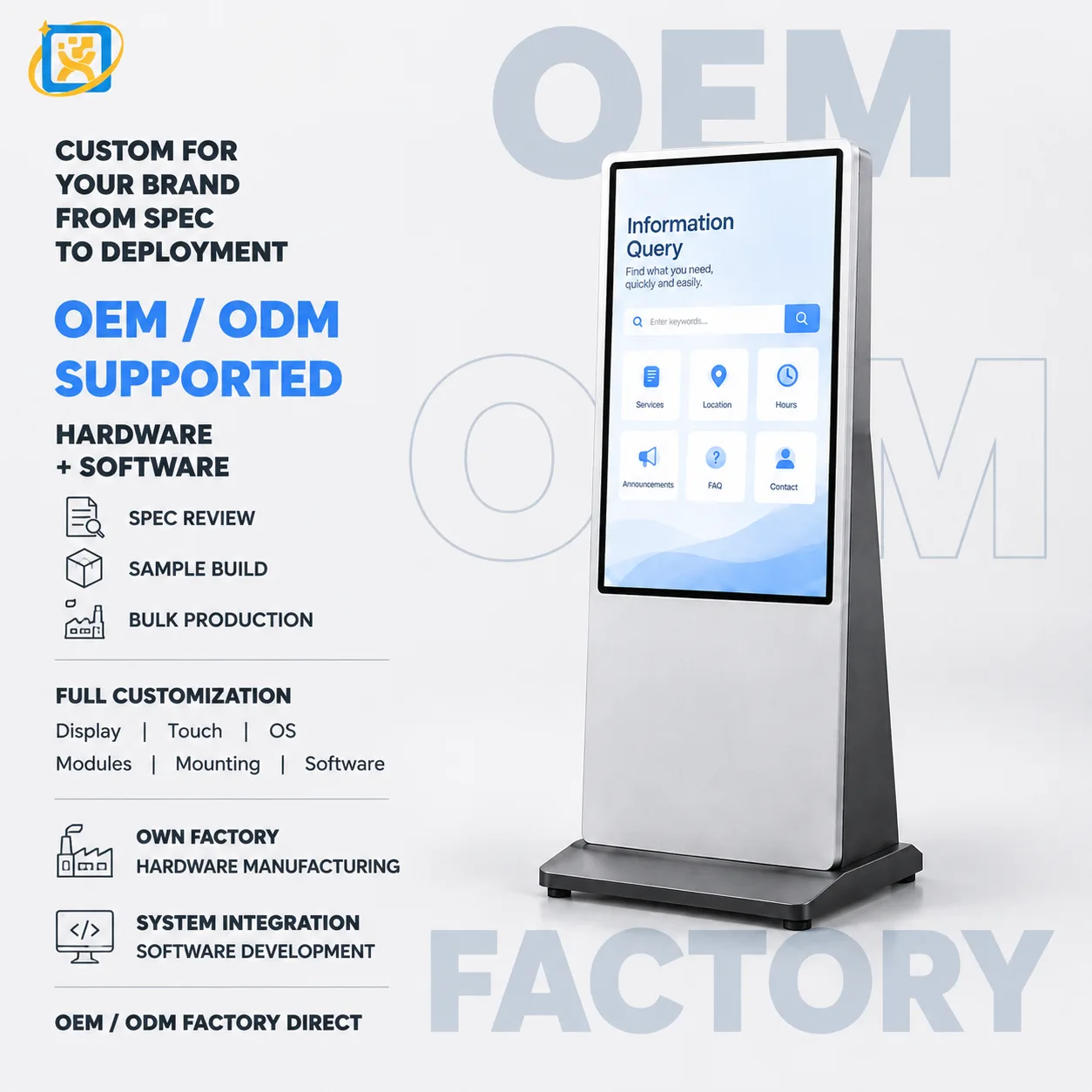
Do you support OEM and ODM projects?
Yes. OEM means we build to your design; ODM means we adapt an existing platform to your requirement. Dimensions, structure, colour, logo, configuration, hardware, software integration, interface layout and packaging are all within scope.
How are the terminals packaged for export?
Standard export packaging is a reinforced carton with EPE foam protection and edge support, palletised for multi-unit shipments. Custom packaging is available for retail or project delivery.
What warranty and after-sales support do you provide?
A 3-year warranty with remote technical diagnosis and repair guidance. Where remote support cannot resolve a fault, the unit is returned to the factory for repair. Spare parts are supplied for the warranty period and beyond.
A side-by-side comparison of the two most common self-service terminal sizes — throughput, interaction length, footprint, cost structure and the deployment scenarios where each one is the wrong choice.
What to specify before you approach a manufacturer — the workflow questions, the hardware decisions, the integration risks and the procurement documentation that determine whether a self-service deployment is still in service two years later.
· Updated 18 September 2026
Request a touch display terminals quotation
Send the specification, quantity and integration requirements. We will reply with a configuration proposal and lead time.