YUEQIANXIANGIntelligent Equipment

Product family

Medical Self-Service Kiosks

Self-service terminals for registration, appointment check-in, queue ticketing and payment in hospitals, clinics and public-service halls. Configurable for OEM and ODM programmes.

Overview

A self-service kiosk is only useful if it removes a step from the process behind it. We build these terminals around the workflow the buyer already runs — patient registration, appointment confirmation, queue ticketing or payment — and specify the enclosure, the peripheral set and the software image around it. The result is a terminal that commissions without rework rather than a generic box that has to be adapted on site.

Typical applications

  • Hospital lobby registration and appointment check-in
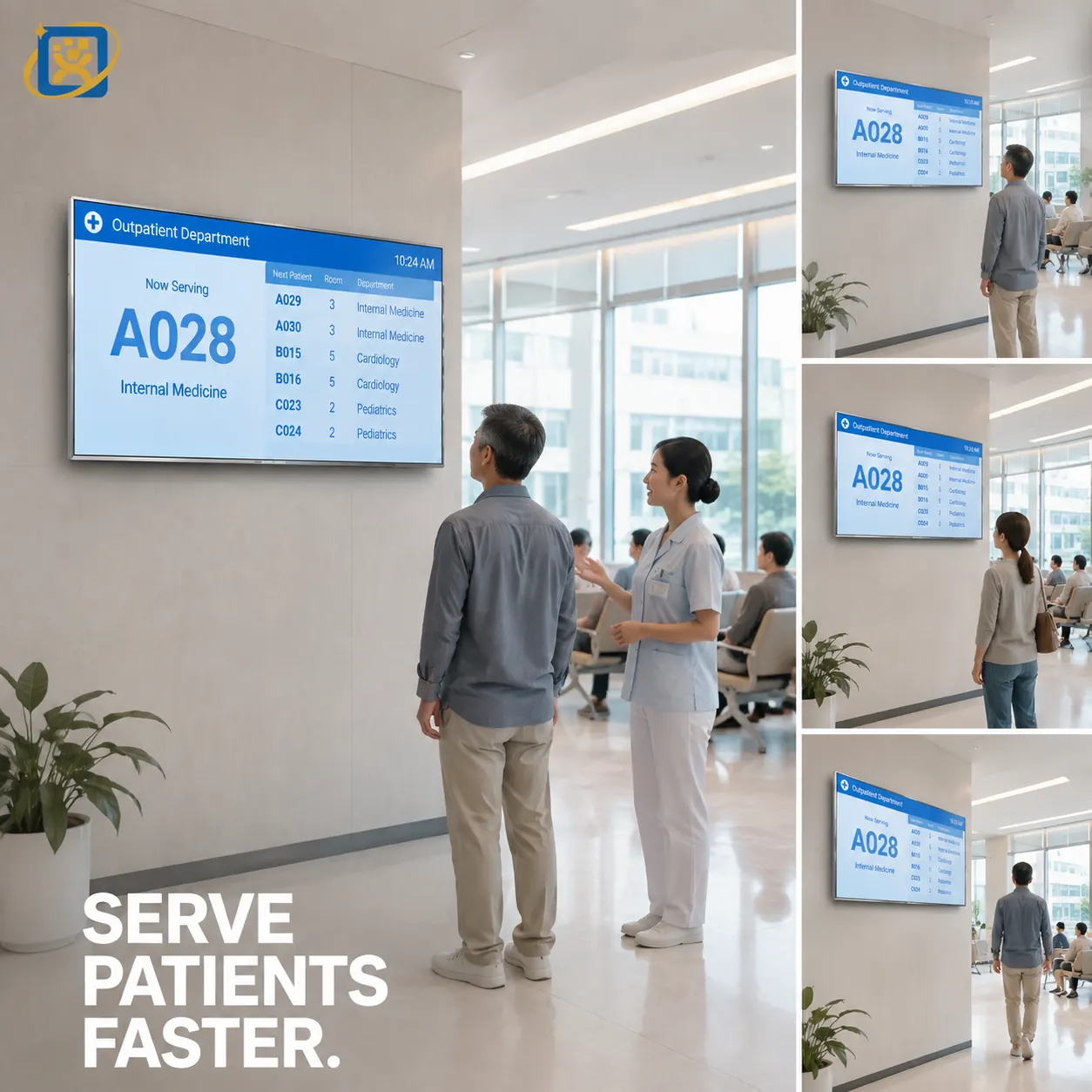
  • Outpatient department queue ticketing
  • Clinic and community health centre reception
  • Government service hall form submission and receipt printing
  • Insurance, social-security and utility self-service counters
  • Pharmacy collection and laboratory sample-drop confirmation
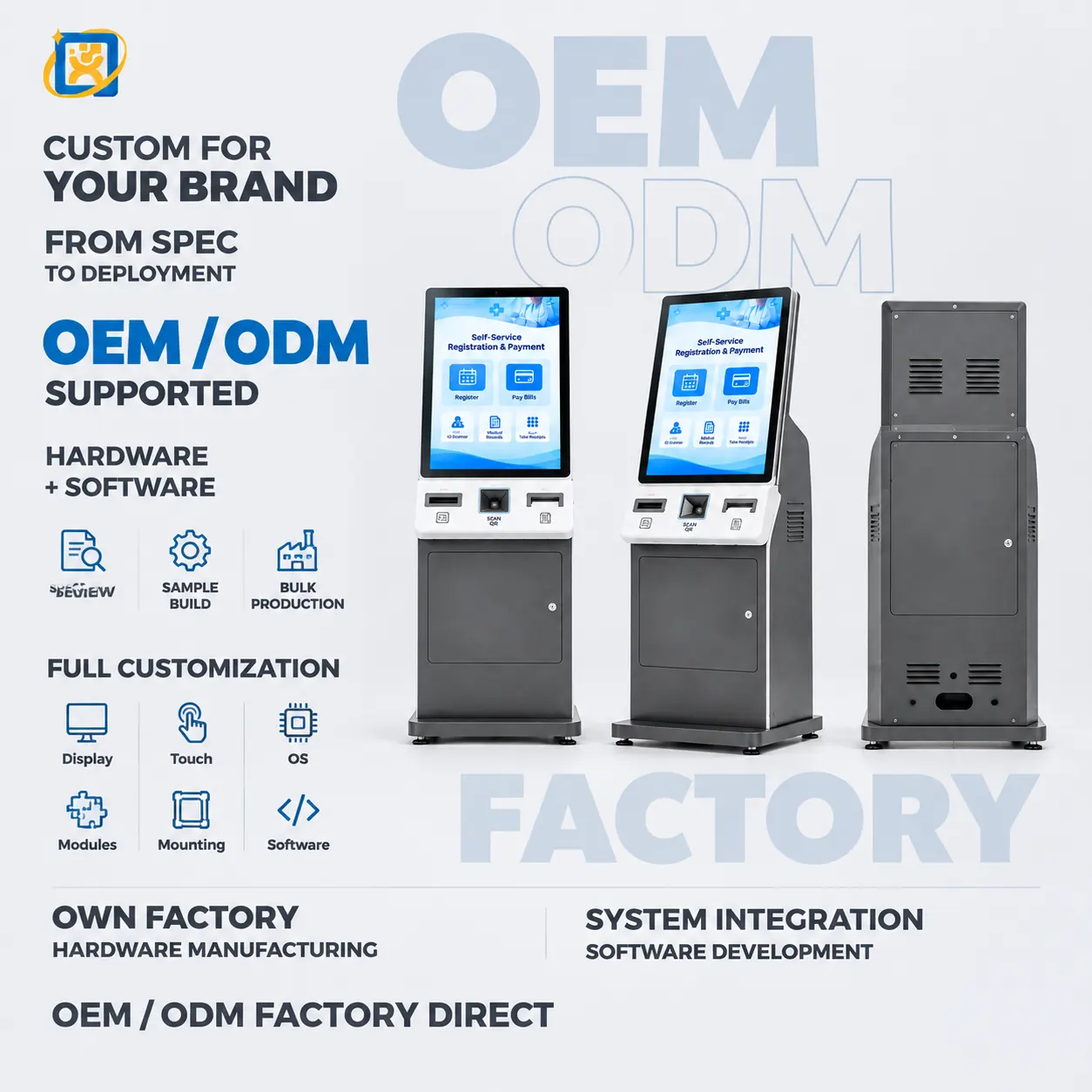
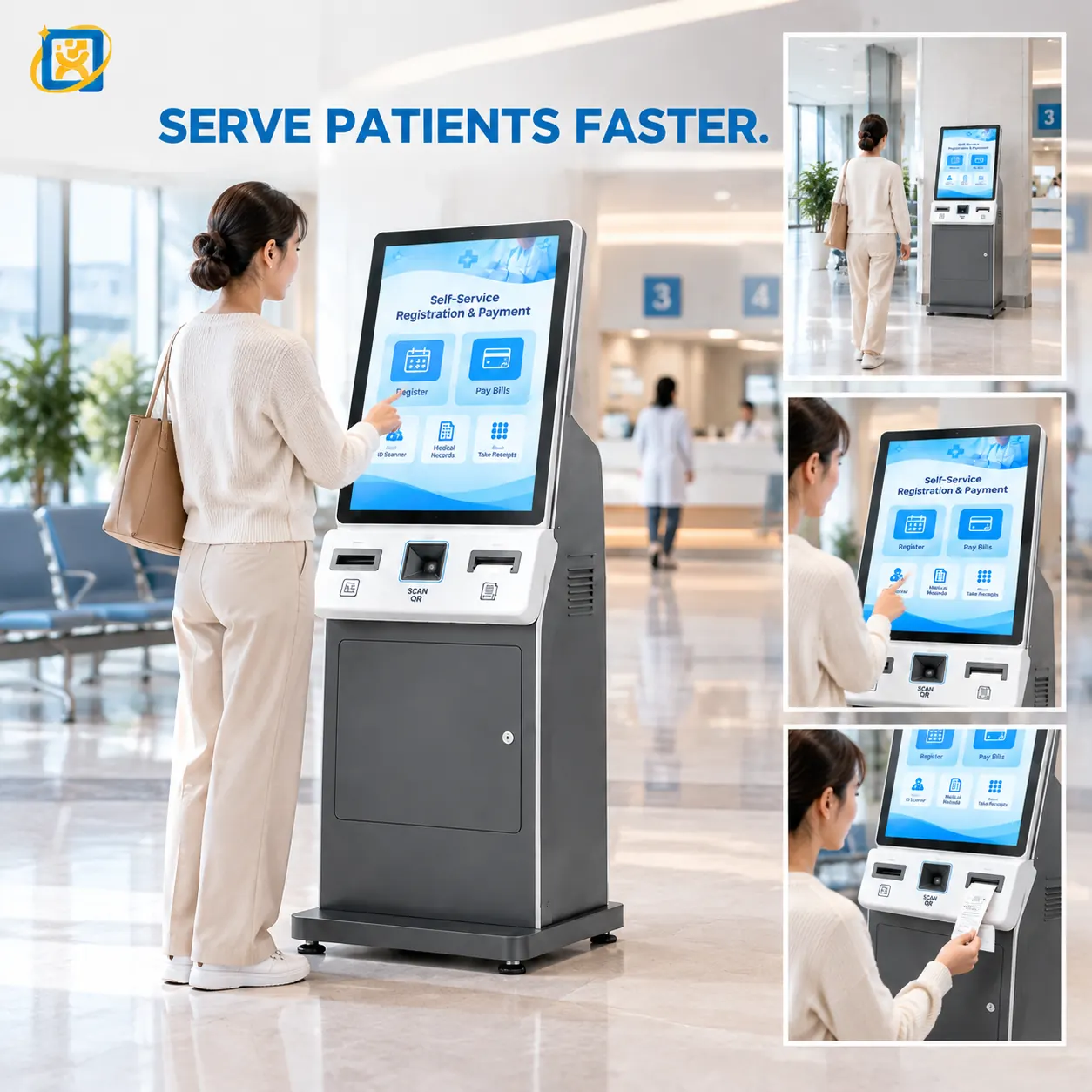
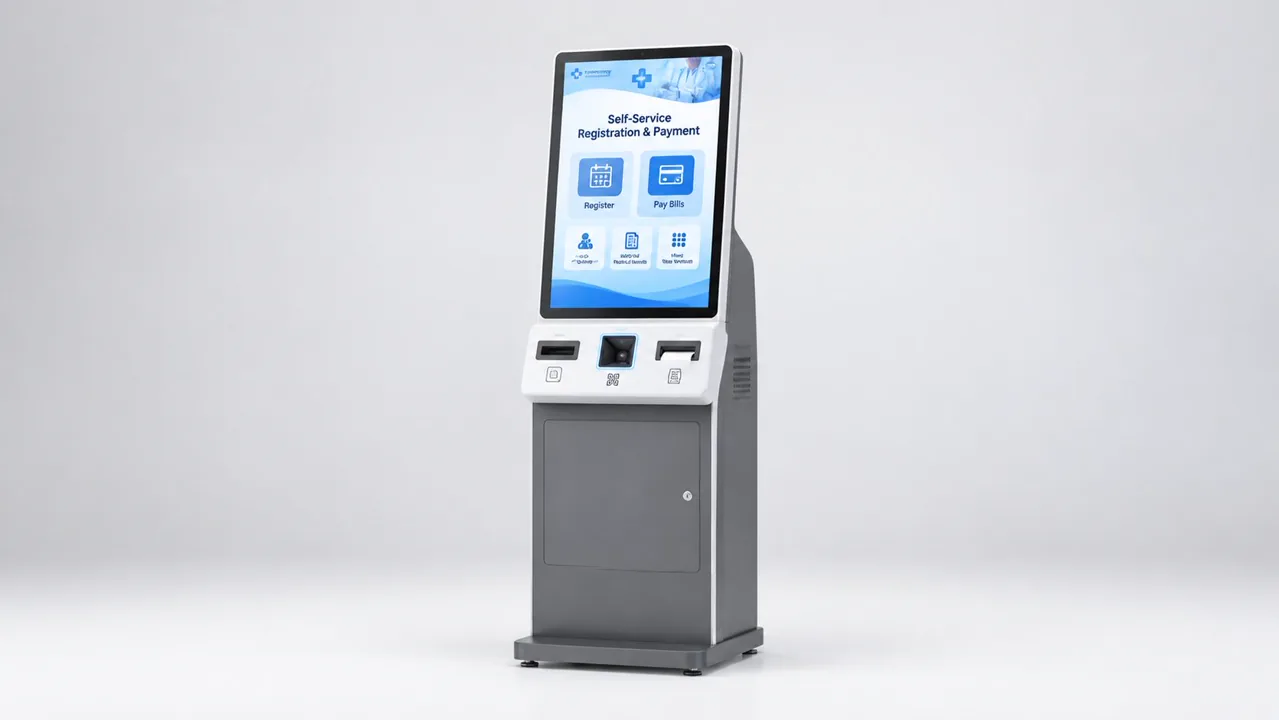
Floor-standing self-service registration and payment kiosk with card reader, document scanner and receipt printer

Capability

Key functions

Functions that can be built into this family of terminals. The final set depends on your software and the peripherals you select.

  • Identity document and card reading

    Available on this product family — specify it in your requirement and we will confirm the configuration.

  • Barcode and QR scanning

    Available on this product family — specify it in your requirement and we will confirm the configuration.

  • Thermal receipt and queue-ticket printing

    Available on this product family — specify it in your requirement and we will confirm the configuration.

  • A4 form printing

    Available on this product family — specify it in your requirement and we will confirm the configuration.

  • Card, QR and mobile payment integration

    Available on this product family — specify it in your requirement and we will confirm the configuration.

  • Biometric and camera modules

    Available on this product family — specify it in your requirement and we will confirm the configuration.

  • Voice prompt and audio guidance

    Available on this product family — specify it in your requirement and we will confirm the configuration.

  • Queue number and department routing output

    Available on this product family — specify it in your requirement and we will confirm the configuration.

Models

5 models in this family

Standard builds shown. Housing, interfaces, OS and branding are all configurable.

43-inch Self-service Registration Kiosk

Model: YQX 43-inch Self-service Kiosk

A 43-inch self-service registration kiosk for hospital lobbies and public-service halls. Large-format touch interface with document scanning, card reading and printing options for high-traffic registration points.

Display
43-inch panel, resolution and brightness confirmed against the selected panel datasheet
Touch
Projected capacitive multi-touch, 10-point
Speaker
Built-in stereo speakers for step-by-step voice prompts
32-inch Hospital Self-service Kiosk

Model: OTO-260921-0053-HOSPITAL

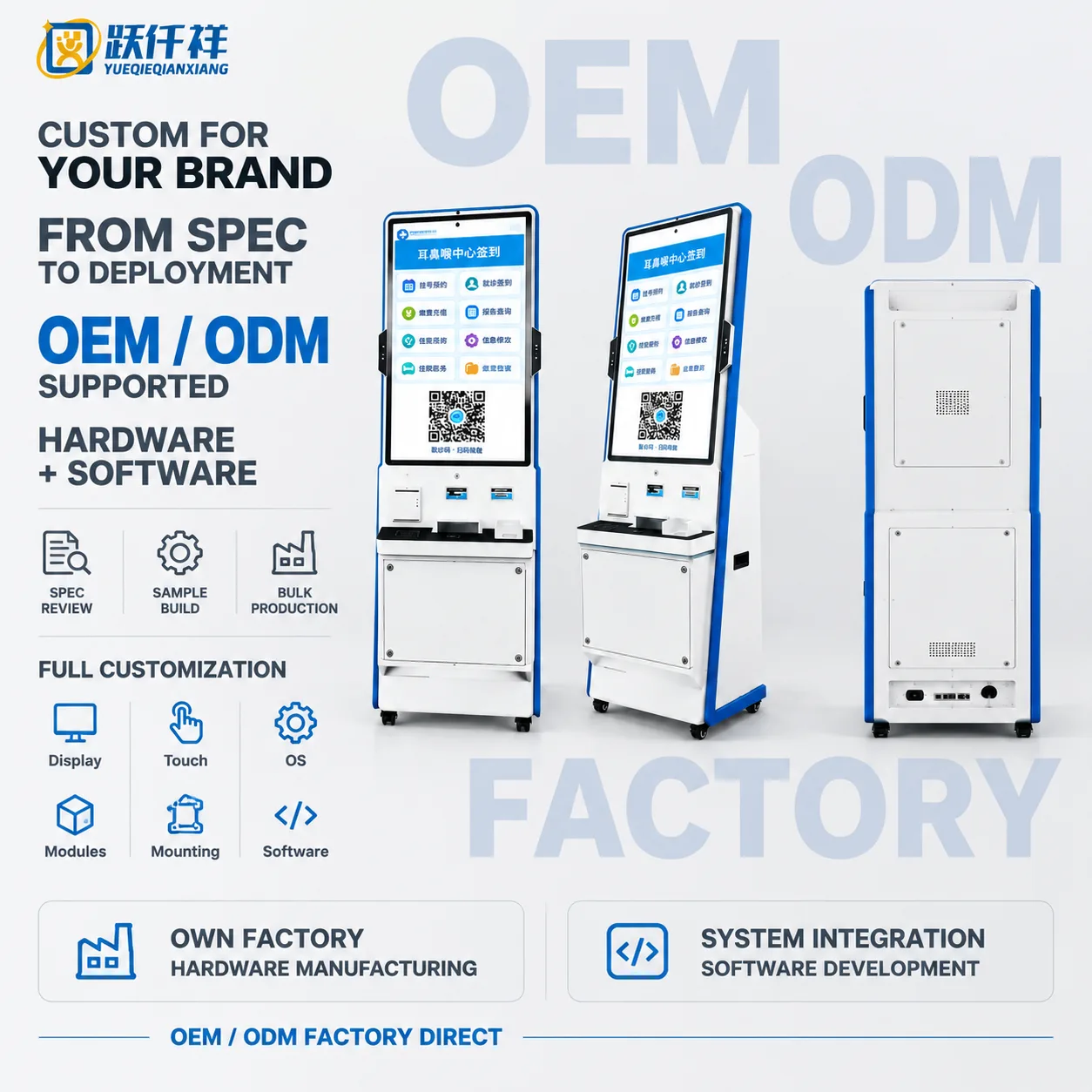
32-inch floor-standing hospital self-service kiosk combining touch check-in, payment, report inquiry and configurable printing modules.

Display
32-inch portrait panel with capacitive touch
Main colour
White and blue housing
Printing
Integrated thermal printer option

19-inch Self-service Registration Terminal

Model: YQX 19-inch Self-service Registration

A compact 19-inch self-service registration terminal for clinics, counters and reception desks. Small footprint, short interaction time, with card reader and printer options.

Display
19-inch panel, resolution and brightness confirmed against the selected panel datasheet
Touch
Projected capacitive multi-touch
Footprint
Compact — intended for counter-top and reception-desk installation

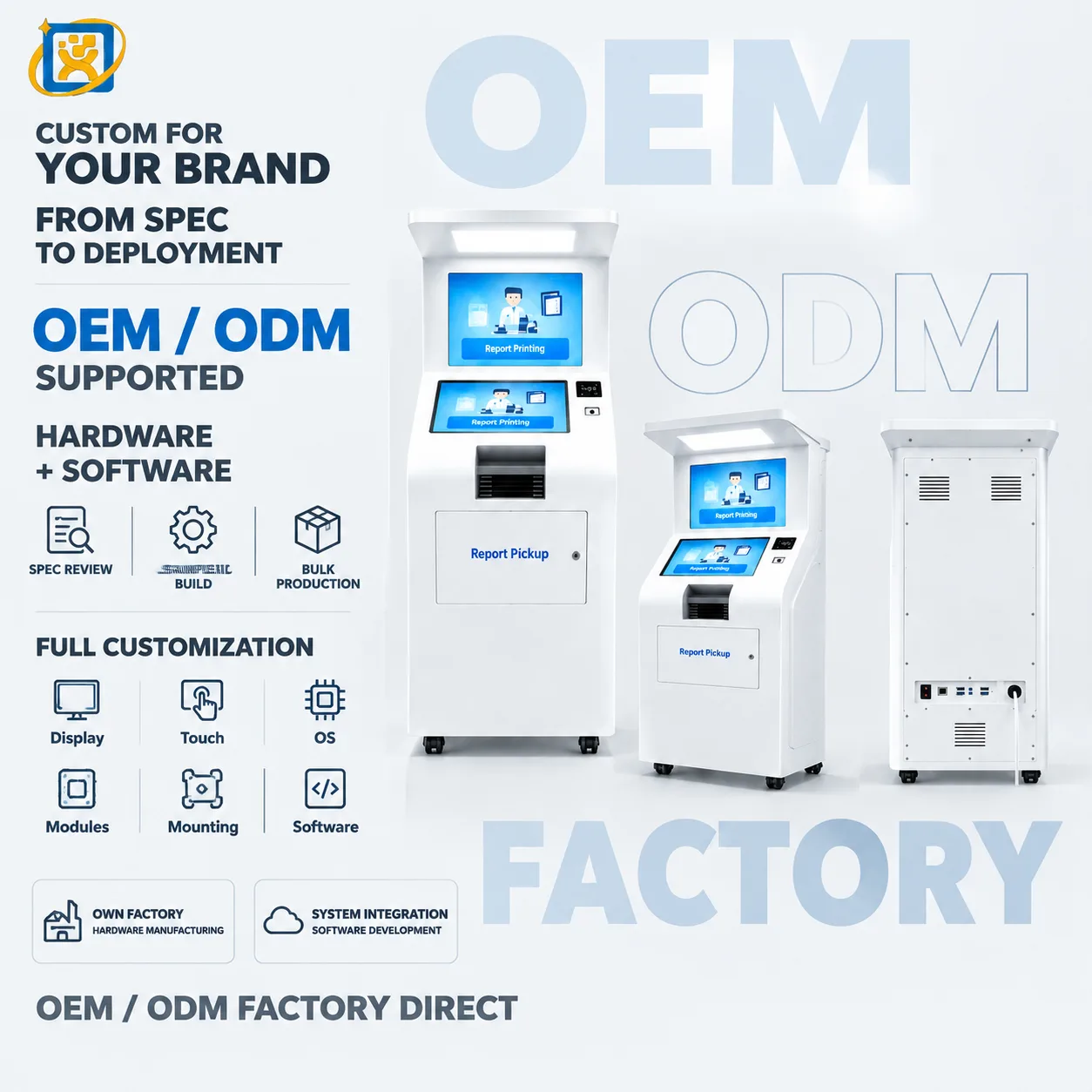
Hospital Report Printing & Pickup Kiosk

Model: OTO-260921-0053-REPORT

Dual-screen floor-standing hospital kiosk for self-service report printing and document pickup with configurable identification and printer modules.

Display
21.5-inch class dual-display platform, final panel specification confirmed per project
Main colour
White housing
Output
Integrated thermal report printer

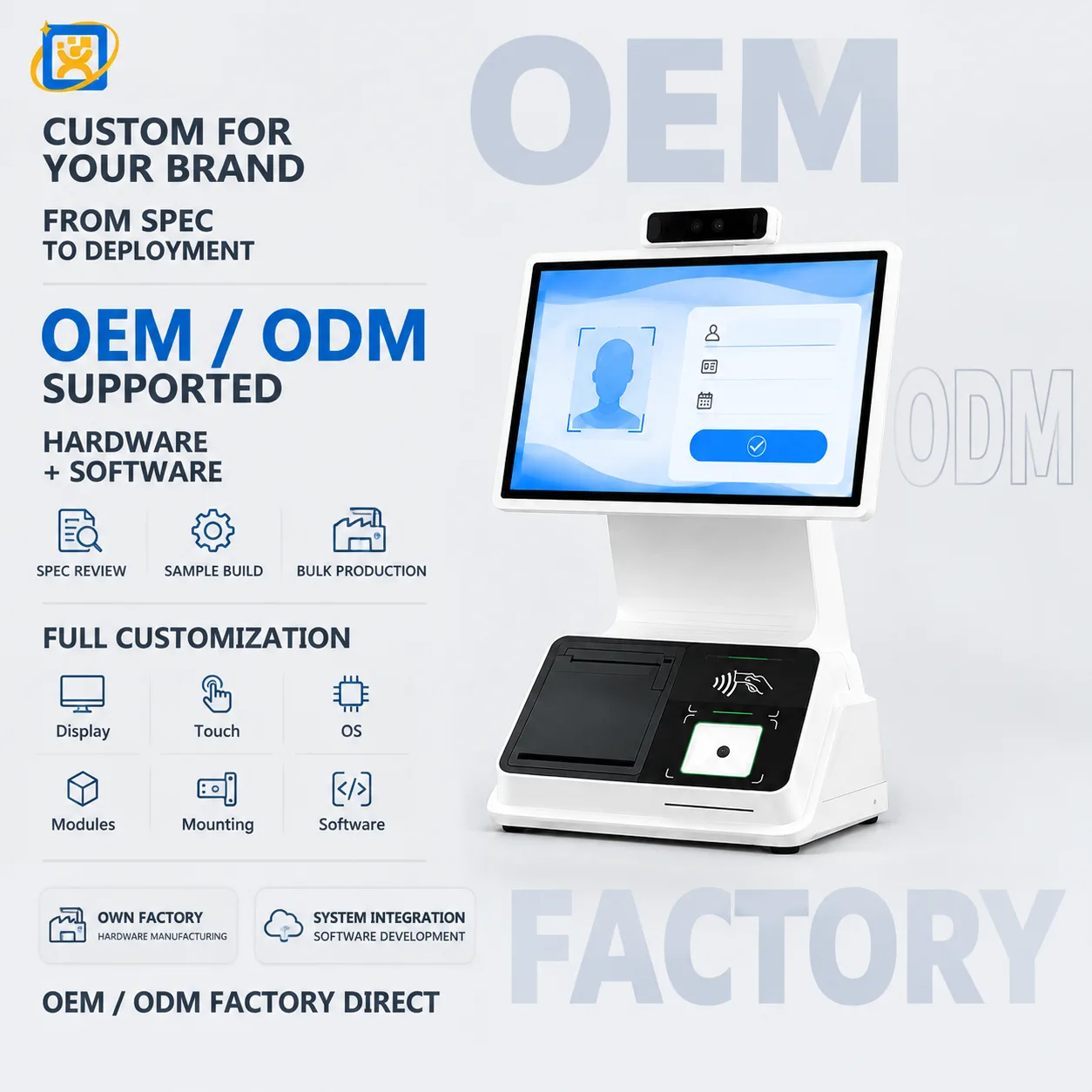
Desktop Face Recognition Verification Terminal

Model: YQX Desktop Identity Verification Terminal

Compact desktop touch terminal with dual cameras, thermal printer, card-reader area and fingerprint module options for identity verification and visitor-management workflows.

Display size
21.5-inch
Form factor
Desktop identity verification terminal
Main colour
White

Choosing between models

Selection guidance for Medical Self-Service Kiosks
19-inchShort interactions — check-in, confirmation, collection. Counter-top or compact pedestal.
21.5-inchQueue ticketing and department guidance. Portrait orientation suits ticket-shaped content.
32–43 inchMulti-step forms, document scanning and side-by-side content. Lobby registration points.
49–55 inchTerminals where the screen is also read from a distance, or that double as information display.

What can be customised

  • Housing dimensions, structure and colour
  • Logo, backlit signage and silk-screen branding
  • Peripheral selection and front-panel cut-outs
  • Interface layout and internal cable routing
  • Operating system image, drivers and autostart behaviour
  • Mounting method — counter-top, pedestal, wall or recessed
  • Export packaging and accessory kitting

Integration capability

  • HIS and registration platform integration

    Supported through documented interfaces, mounting points and configuration options.

  • LIS and test-result query integration

    Supported through documented interfaces, mounting points and configuration options.

  • Government service platform integration

    Supported through documented interfaces, mounting points and configuration options.

  • Queue-management and triage systems

    Supported through documented interfaces, mounting points and configuration options.

  • Payment terminals and QR payment

    Supported through documented interfaces, mounting points and configuration options.

  • Document and identity scanning services

    Supported through documented interfaces, mounting points and configuration options.

  • Report and receipt printing

    Supported through documented interfaces, mounting points and configuration options.

  • Remote monitoring and support tooling

    Supported through documented interfaces, mounting points and configuration options.

FAQ

Questions about this family

What is your minimum order quantity?
A single unit can be accepted on selected models for evaluation or sample purchase. Volume pricing applies from 10 units. For OEM and ODM projects the minimum depends on the tooling and configuration involved.
Can I order a sample before placing a production order?
Yes. Selected models can be ordered as a single evaluation unit, with a sample lead time of 7–14 days. Sample units are production units, not a simplified demonstrator.
What are your production and delivery lead times?
Samples ship in 7–14 days. Mass production runs at 20–35 days depending on configuration and quantity. Shipping time is additional and depends on the destination and the transport mode.
Do you support OEM and ODM projects?
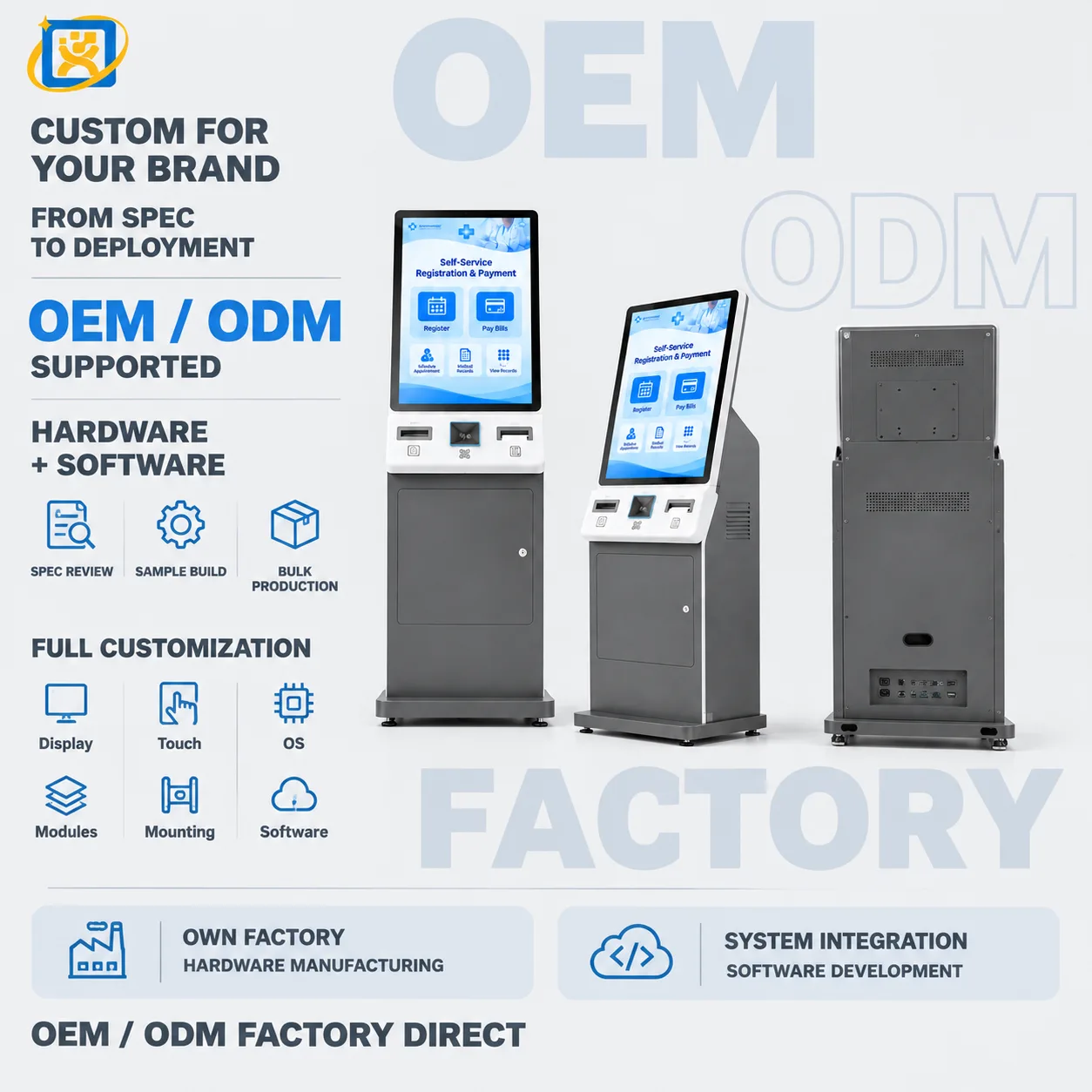
Yes. OEM means we build to your design; ODM means we adapt an existing platform to your requirement. Dimensions, structure, colour, logo, configuration, hardware, software integration, interface layout and packaging are all within scope.
What payment terms do you accept?
Payment terms are agreed per order and confirmed on the proforma invoice, because they depend on the order value, the configuration and the destination. Send your preferred arrangement with the enquiry and we will confirm what we can accept.
How do you control quality during production?
Each unit passes four inspection gates — incoming inspection, in-process inspection, complete-machine functional testing and final inspection. Records are kept against the unit and available to the buyer.

Further reading

Related guides

All resources

Buyer Guides

Hospital Self-Service Kiosk: A Complete Buyer’s Guide

What to specify before you approach a manufacturer — the workflow questions, the hardware decisions, the integration risks and the procurement documentation that determine whether a self-service deployment is still in service two years later.

· Updated 18 September 2026

Buyer Guides

How to Choose a Self-Service Registration Kiosk for Hospitals

Registration is the highest-volume interaction in an outpatient department. This guide works through throughput, screen size, identity reading, printer choice and the siting decisions that decide whether the terminal is used or ignored.

· Updated 18 September 2026

Product Comparison

21.5-inch vs 43-inch Self-Service Kiosks: Which Size for Which Job

A side-by-side comparison of the two most common self-service terminal sizes — throughput, interaction length, footprint, cost structure and the deployment scenarios where each one is the wrong choice.

· Updated 18 September 2026

Request a medical self-service kiosks quotation

Send the specification, quantity and integration requirements. We will reply with a configuration proposal and lead time.