YUEQIANXIANGIntelligent Equipment

Primary care

Clinics & Primary Care

Compact, quiet self-service terminals for clinic receptions, community health centres and primary-care practices, where floor space is limited and staffing is thin.

The operational problem

  • A clinic reception is often a single desk with one or two staff, so any interruption stops the whole queue.
  • There is rarely space for a lobby-scale kiosk, and there is rarely a dedicated IT resource to maintain one.
  • Patients arriving for a booked appointment still queue behind walk-ins to announce themselves.
  • Collection points for prescriptions and test results are staffed by clinical personnel who should be seeing patients.

How the terminal addresses it

  • A compact 19-inch terminal at reception handles appointment check-in and confirmation in under a minute.
  • Fanless construction keeps the terminal silent and free of the dust intake that a clinic environment makes worse.
  • The terminal reports arrival to the practice system so the clinician sees the patient is present.
  • A second terminal at the collection point handles prescription and result hand-off without staff involvement.
  • Where space is genuinely unavailable, a counter-top or wall-mounted unit takes no floor area at all.

Deployment detail

The constraint is space and staff, not throughput

A hospital can dedicate a lobby position and a maintenance contract to a self-service fleet. A clinic cannot. The terminal has to fit on a reception counter or on a wall, be quiet, and need almost nothing from the people running the practice.

That shapes the specification in three ways:

Size. A 19-inch counter-top or wall-mounted unit covers the whole arrival process — identify, confirm, print — without taking floor area the clinic does not have.

Thermal design. The standard build is fanless. In a clinical space that removes fan noise from the reception area and removes the intake that would otherwise pull dust into the enclosure.

Maintenance load. A terminal that needs a weekly intervention will be abandoned. Printer roll changes are the only routine task, and the service access is designed so that a receptionist can do it in under a minute.

What the terminal does

The workflow in a clinic is short, and the terminal should not make it longer:

  1. The patient identifies themselves — health card, ID document or a booking barcode on their phone.
  2. The terminal queries the practice system and shows the appointment.
  3. The patient confirms arrival.
  4. The terminal prints a confirmation slip and reports the arrival to the practice system.

Where the clinic also has a collection point for prescriptions or test results, a second terminal there handles the hand-off: scan or enter the reference, confirm identity, dispense the collection slip. This is often the change that frees the most clinical time, because collection is a task that does not require a clinician but is usually staffed by one.

Integration with practice systems

Primary-care software varies more than hospital systems, and small practices rarely have an in-house integrator. Two approaches work in practice:

  • Direct integration, where the practice system exposes an interface and the vendor is willing to work on the terminal configuration.
  • Middleware, where a lightweight service on the terminal or on the local network translates between the terminal and the practice system.

We work with your software vendor on either. Where validation on real hardware is needed, we can supply an evaluation unit.

Mounting options

Three arrangements are available from the same platform:

  • Weighted counter-top base — freestanding on a reception counter, no fixing required.
  • Clamped or bolted counter mount — fixed, with the cable exit routed behind the counter.
  • Wall mount — where counter space is already fully used.

The mounting choice affects the cable exit direction and the service access, so it is confirmed before production.

Pilot before rollout

Most clinic groups start with one or two sites. A single evaluation unit can be ordered with a 7–14 day lead time, run through a normal week at reception, and then the rollout configuration is fixed on the basis of what was learned. Mass production runs at 20–35 days.

Outcomes

What it changes in practice

  • Reception staff stop handling routine arrivals and can deal with clinical enquiries

    Reported by the operating teams who run these terminals day to day.

  • Check-in takes under a minute per patient with no staff involvement

    Reported by the operating teams who run these terminals day to day.

  • No floor space is consumed where the terminal is counter-mounted or wall-mounted

    Reported by the operating teams who run these terminals day to day.

  • Fanless build suits clinical environments that need quiet and low dust ingress

    Reported by the operating teams who run these terminals day to day.

  • A single small unit is enough to cover the whole arrival process

    Reported by the operating teams who run these terminals day to day.

Integration

Systems and interfaces

We work alongside your software vendor on drivers, protocols and enclosure fit.

  • Practice management and appointment system integration

    Supported through documented interfaces and configuration options.

  • Health-card and identity reading

    Supported through documented interfaces and configuration options.

  • Barcode and QR appointment scanning

    Supported through documented interfaces and configuration options.

  • Confirmation slip printing

    Supported through documented interfaces and configuration options.

  • Remote monitoring and update

    Supported through documented interfaces and configuration options.

  • Low-touch maintenance configuration

    Supported through documented interfaces and configuration options.

Hardware

Terminals used in this solution

Standard builds shown — every unit is configurable for the deployment.

19-inch Self-service Registration Terminal

Model: YQX 19-inch Self-service Registration

A compact 19-inch self-service registration terminal for clinics, counters and reception desks. Small footprint, short interaction time, with card reader and printer options.

Display
19-inch panel, resolution and brightness confirmed against the selected panel datasheet
Touch
Projected capacitive multi-touch
Footprint
Compact — intended for counter-top and reception-desk installation

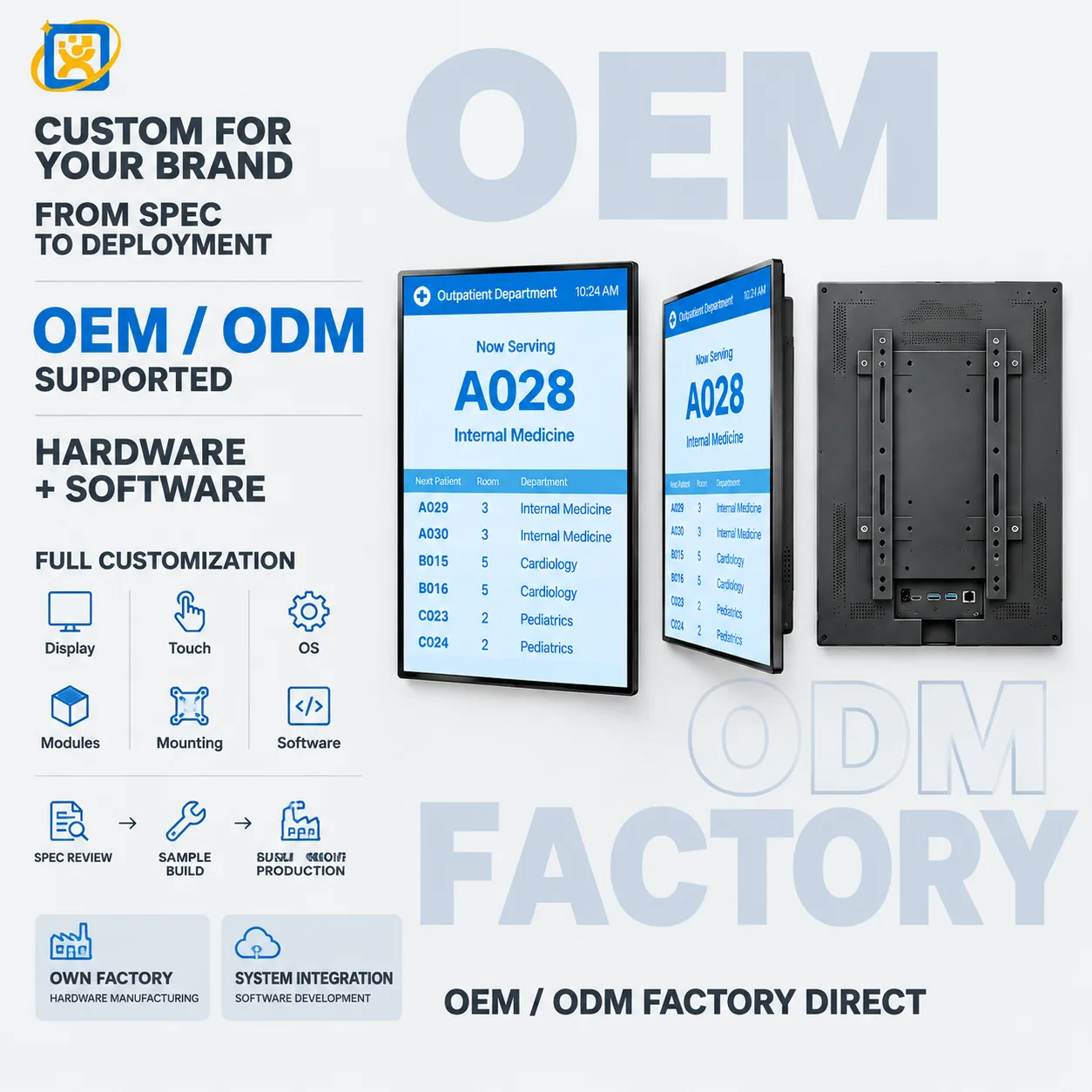
Hospital Queuing Kiosk

Model: YQX-21.5-inch Medical Guide Screen

A 21.5-inch portrait terminal for hospital queue ticketing, department guidance and patient calling. Wall-mounted or floor-standing, with printer, scanner and card-reader options for outpatient areas.

Display
21.5-inch panel, resolution and brightness confirmed against the selected panel datasheet
Touch
Projected capacitive multi-touch, 10-point
Speaker
Built-in stereo speakers for voice calling prompts

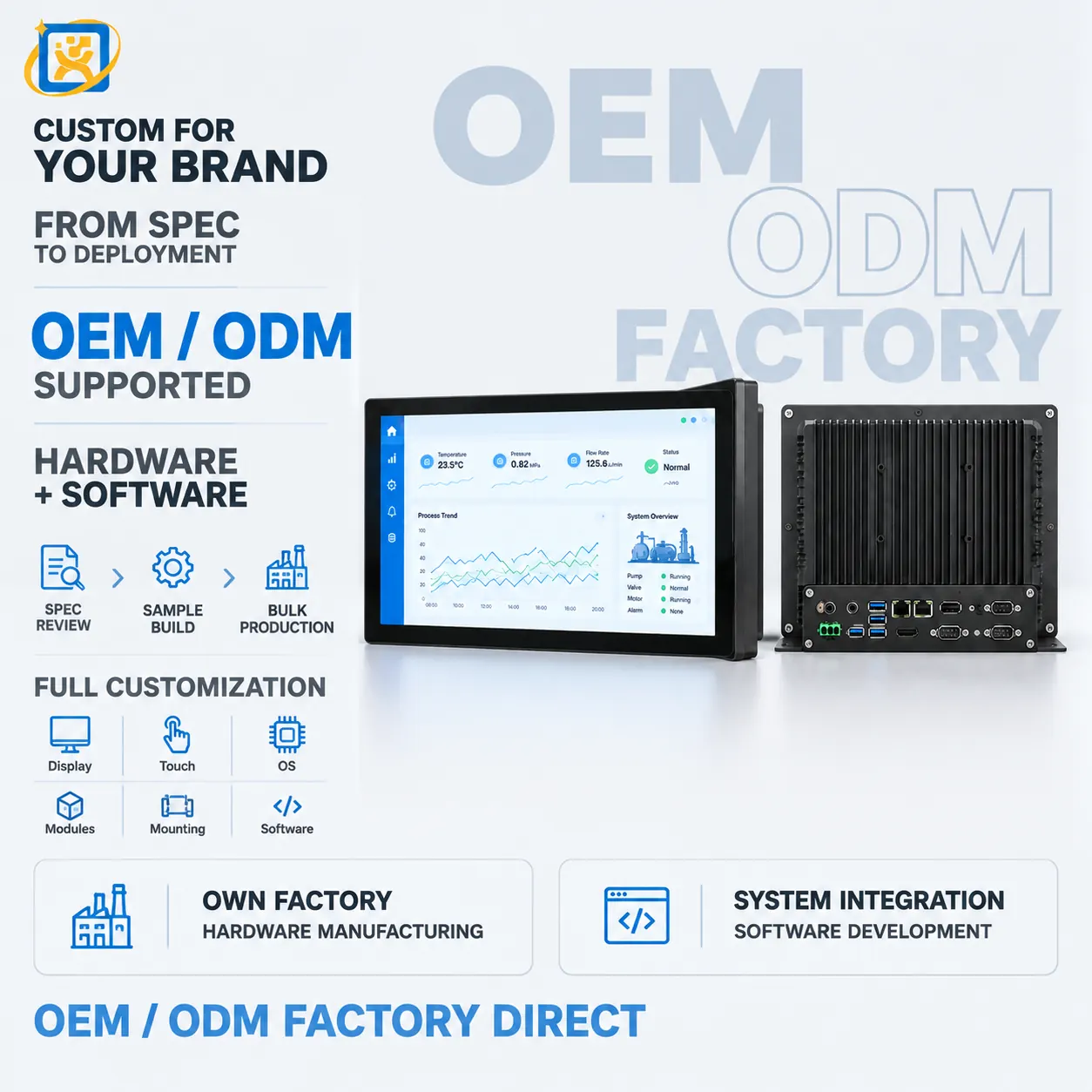
Industrial PC for Terminal & Equipment Control

Model: YQX Industrial IPC

An industrial PC platform for self-service terminals, display systems and equipment control. Fanless or active-cooled, with extended I/O and long-lifecycle component sourcing.

Form factor
Compact industrial chassis, or open-frame board for embedding
Storage
SSD, industrial-grade options available
Thermal design
Fanless heat-spreading chassis standard on embedded configurations

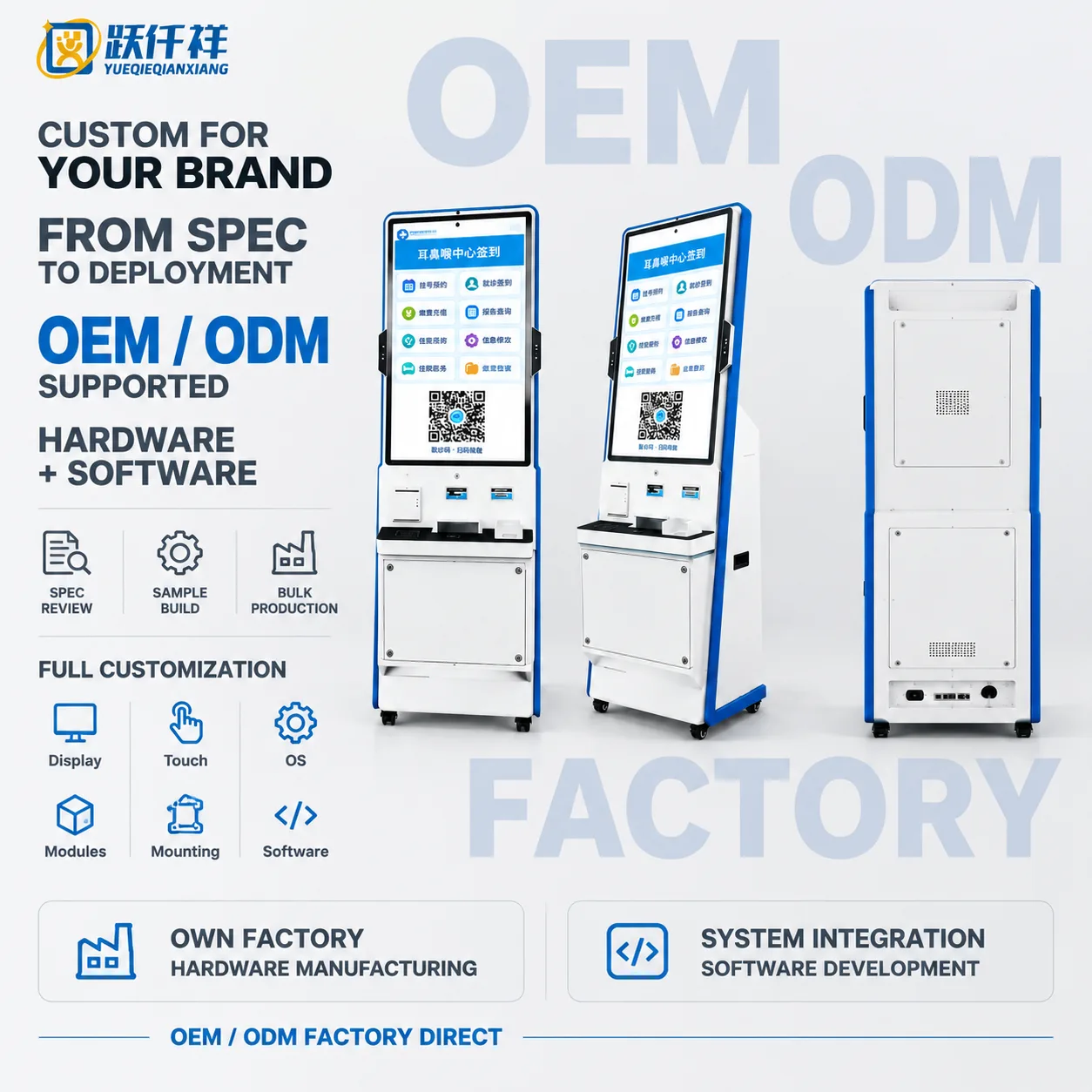
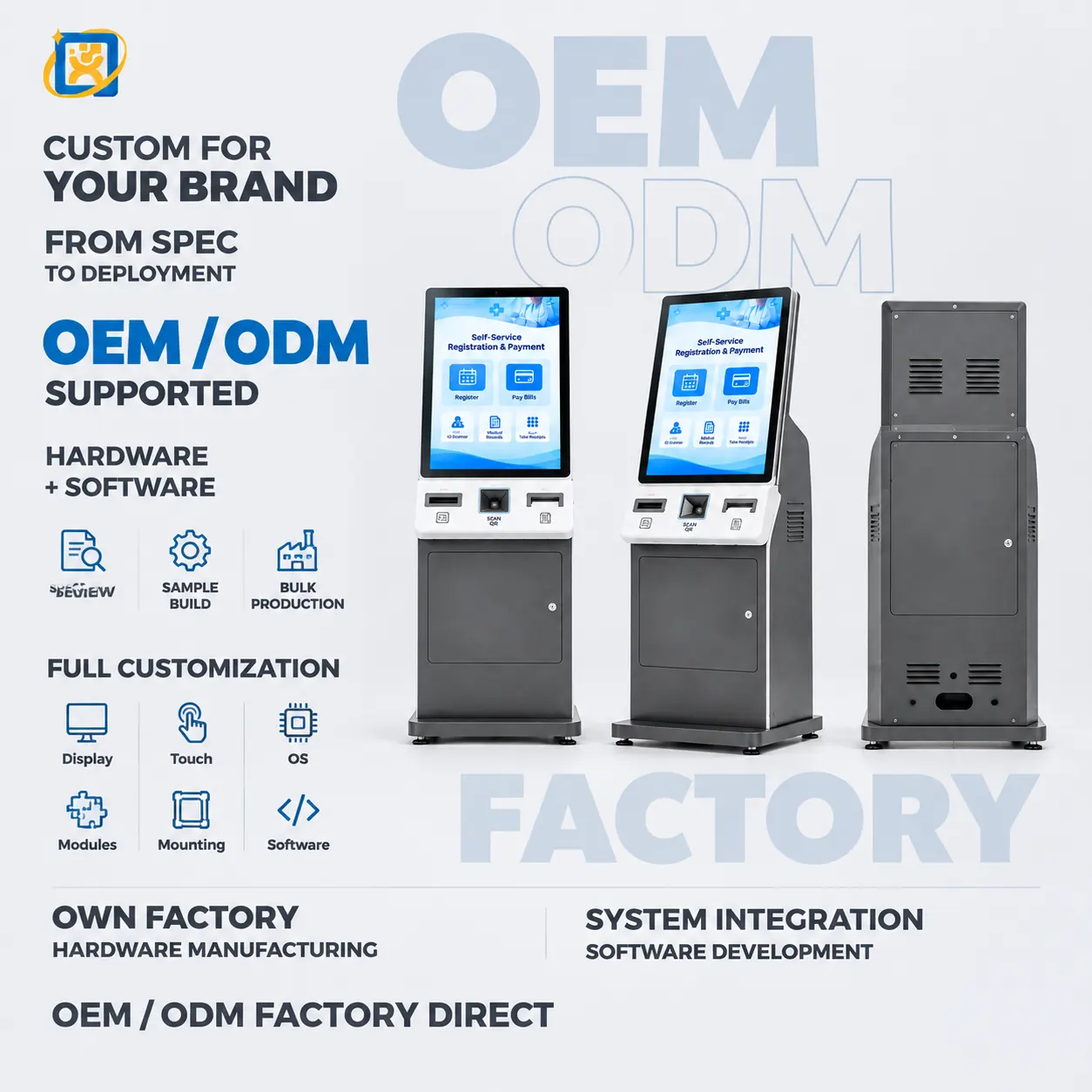
32-inch Hospital Self-service Kiosk

Model: OTO-260921-0053-HOSPITAL

32-inch floor-standing hospital self-service kiosk combining touch check-in, payment, report inquiry and configurable printing modules.

Display
32-inch portrait panel with capacitive touch
Main colour
White and blue housing
Printing
Integrated thermal printer option

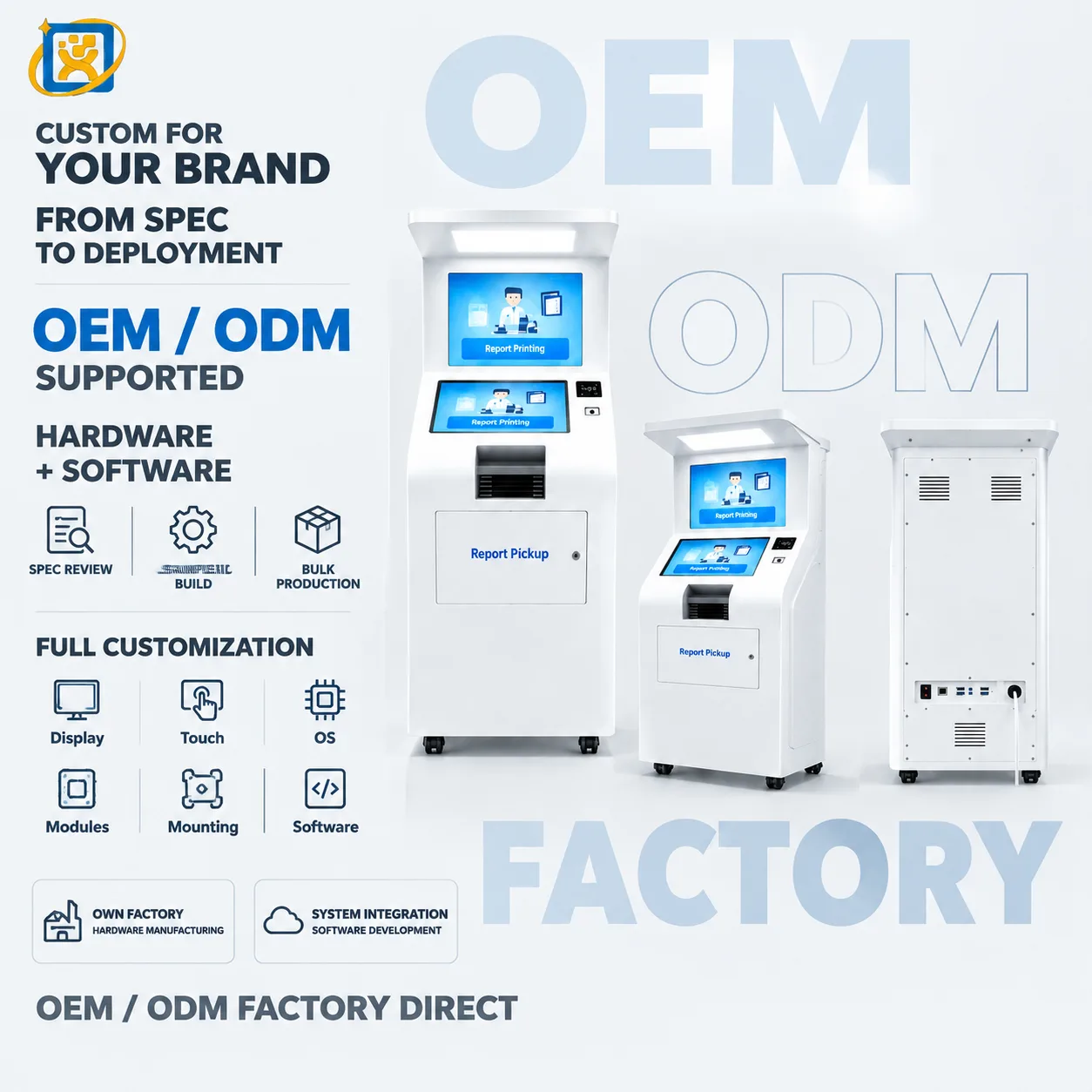
Hospital Report Printing & Pickup Kiosk

Model: OTO-260921-0053-REPORT

Dual-screen floor-standing hospital kiosk for self-service report printing and document pickup with configurable identification and printer modules.

Display
21.5-inch class dual-display platform, final panel specification confirmed per project
Main colour
White housing
Output
Integrated thermal report printer

Floor-standing Psychological Assessment System

Model: OTO-260921-0038-PSY

Floor-standing psychological assessment and stress-relief terminal with an interactive display, touch console and configurable guided-session workflow.

Display
32-inch class display, final panel specification confirmed per project
Main colour
Silver cabinet with black base
Key input
Numeric keypad and touch interface

Floor-standing Psychological Guidance Terminal

Model: OTO-260921-0049-PSY

Dual-screen floor-standing psychological assessment and guidance terminal with touch control, keypad input and optional thermal printing.

Display
Dual-display platform, exact panel sizes confirmed against the final drawing
Main colour
Silver metal body with black base
Output
Thermal printer option for guided session or assessment output

FAQ

Common questions

What is your minimum order quantity?
A single unit can be accepted on selected models for evaluation or sample purchase. Volume pricing applies from 10 units. For OEM and ODM projects the minimum depends on the tooling and configuration involved.
Can I order a sample before placing a production order?
Yes. Selected models can be ordered as a single evaluation unit, with a sample lead time of 7–14 days. Sample units are production units, not a simplified demonstrator.
What are your production and delivery lead times?
Samples ship in 7–14 days. Mass production runs at 20–35 days depending on configuration and quantity. Shipping time is additional and depends on the destination and the transport mode.
How are the terminals packaged for export?
Standard export packaging is a reinforced carton with EPE foam protection and edge support, palletised for multi-unit shipments. Custom packaging is available for retail or project delivery.
What warranty and after-sales support do you provide?
A 3-year warranty with remote technical diagnosis and repair guidance. Where remote support cannot resolve a fault, the unit is returned to the factory for repair. Spare parts are supplied for the warranty period and beyond.

Scope a project with our engineering team

Send the workflow, the systems involved and the expected volume. We will come back with a hardware specification and lead time.