Buyer Guides
How to Choose a Self-Service Registration Kiosk for Hospitals
Registration is the highest-volume interaction in an outpatient department. This guide works through throughput, screen size, identity reading, printer choice and the siting decisions that decide whether the terminal is used or ignored.
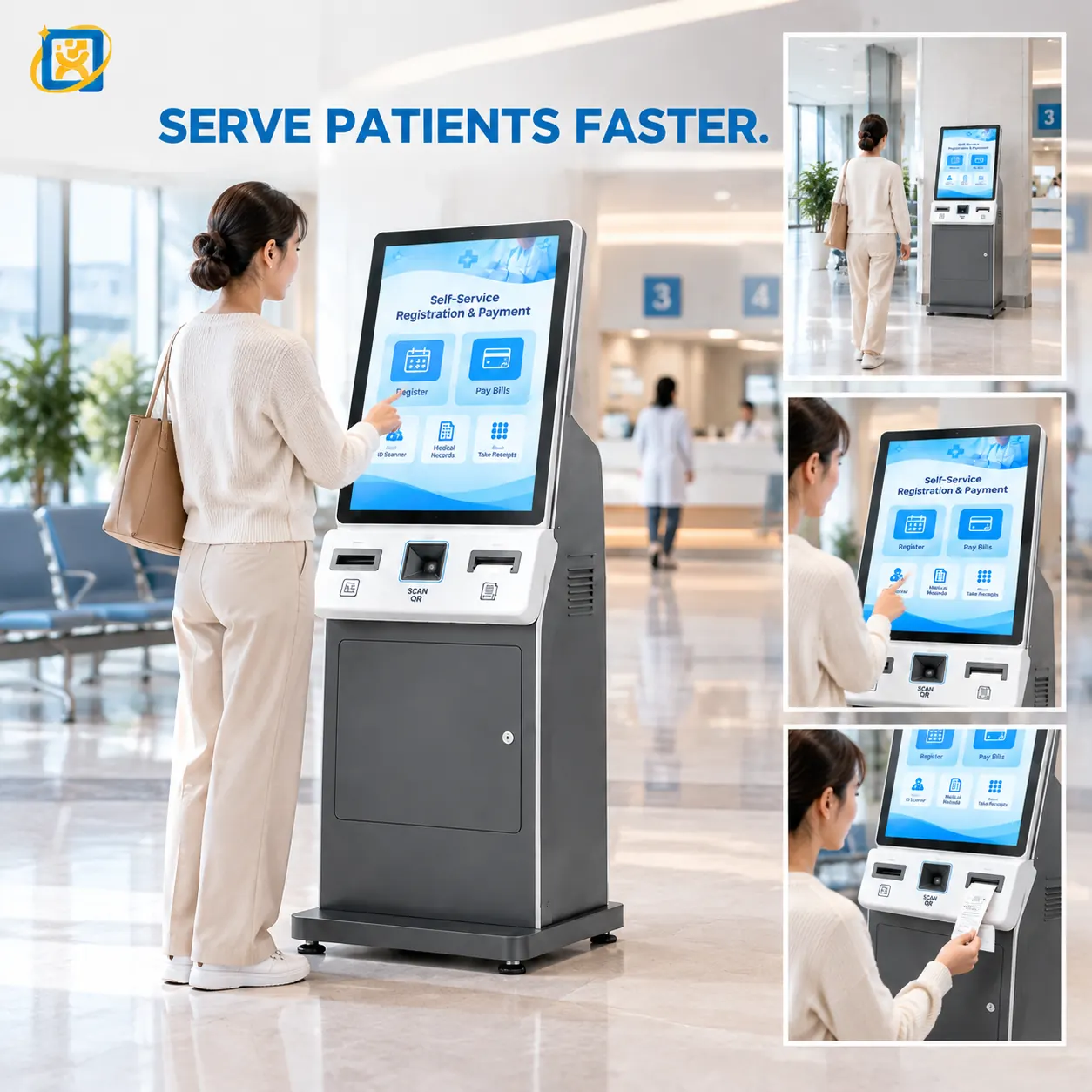
Registration is the interaction with the highest volume and the lowest tolerance for delay. A patient who waits two minutes at a terminal has lost nothing; a queue of thirty patients waiting two minutes each has lost an hour of departmental capacity. That asymmetry is what should drive the specification.
Start with throughput, not with the terminal
Estimate the number of arrivals in the busiest hour, and the average time each takes at the terminal. The arithmetic is simple and it changes the specification immediately.
A check-in interaction — scan the booking, confirm, print — takes roughly 40–60 seconds for a prepared user. A full registration with identity document capture and demographic confirmation takes two to four minutes, because the user is entering information rather than confirming it.
If the busiest hour brings 120 arrivals and each takes a minute, you need a terminal throughput of 120 minutes of interaction per hour. One terminal cannot deliver that. The options are more terminals, a shorter interaction, or a split between pre-booked check-in and walk-in registration.
Deciding this before ordering prevents the most common post-installation complaint: a terminal that is technically working and functionally overwhelmed.
Screen size follows the length of the form
| Interaction | Recommended size | Why |
|---|---|---|
| Booking check-in, confirmation, collection | 19 inch | Short flow, fits without scrolling, minimal space |
| Queue ticketing, department selection | 21.5 inch portrait | Ticket-shaped content, portrait layout suits the flow |
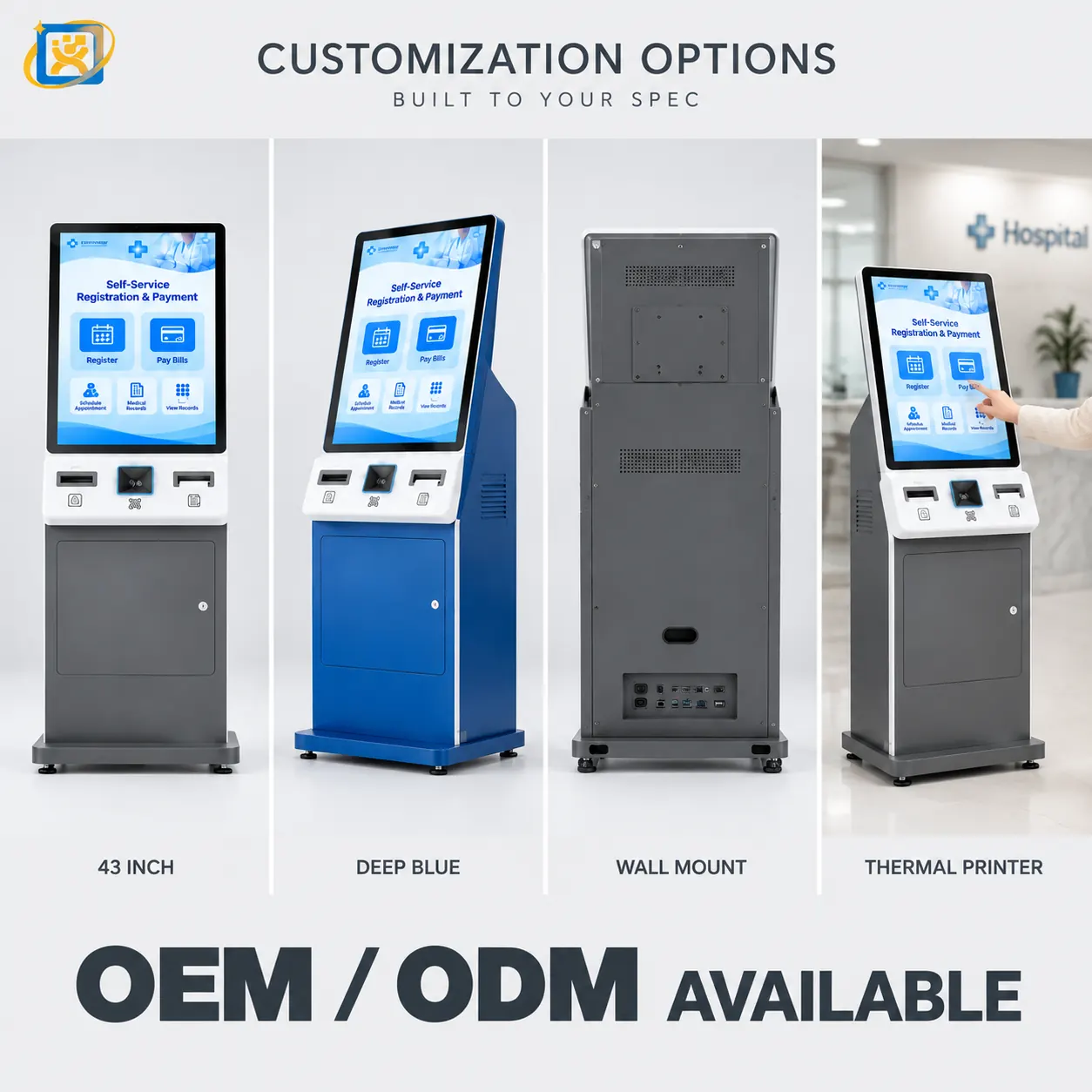
| Full registration with document capture | 43 inch | Form, document preview and confirmation on one screen |
| Registration plus information display | 55 inch | Serves both a near interaction and a distant read |
The cost difference between a 19-inch and a 43-inch terminal is real but small relative to the cost of a registration flow that takes twice as long as it should. Screen size is a throughput decision, not a cosmetic one.
Identity reading is the component to get right first
Everything downstream depends on the terminal being able to read the identity document reliably. In practice this is where projects encounter the most friction, so settle it before anything else.
Answer these questions:
Which document types must be read? National ID card, residence permit, passport, driving licence, health insurance card. Each requires a different reader module and, often, a different mounting position.
Must a photograph or signature be captured? This adds a camera or a signature pad and changes the front panel.
Does the legal framework require identity verification at a staffed counter? In some jurisdictions the identity check for certain services must involve a human. If so, the terminal’s job changes — it captures and queues, and the counter verifies.
What is the fallback when a document cannot be read? A worn card, a foreign document or a damaged chip. The terminal must route the user to a staff member rather than leaving them stuck.
Printer choice is an enclosure decision
Three options, with different consequences:
58 mm thermal printer. Compact, cheap, prints a small ticket. Adequate for a queue number or a short confirmation. Limited space for anything else.
80 mm thermal printer. The common choice for queue tickets and receipts. Larger paper roll means fewer changes, which matters in a busy lobby.
A4 laser printer. Required where the process produces a form or a full-page document. This is a substantial addition: it changes the enclosure size, the power requirement, the heat load and the maintenance schedule. It also introduces a consumable that staff must manage.
Decide the print requirement before the enclosure is specified. Adding an A4 printer to a design that was drawn for a thermal printer means a new housing.
Siting: the decision most often got wrong
A well-specified terminal in the wrong position will not be used. Four siting questions:
Is it visible from the entrance? A patient who does not see the terminal walks to the desk. Siting it behind a column or in an alcove defeats the purpose.
Is there power and network where you want it? This sounds trivial and derails projects regularly. A terminal needs a power point and a network drop, and both need to be reachable without a visible cable run.
Is the screen readable in that lighting? A terminal facing glazing or under a skylight needs a high-brightness panel and anti-glare treatment. Standard indoor brightness will wash out.
Can it be serviced where it stands? A terminal against a wall with rear service access cannot be serviced. Confirm the service access direction against the actual position before production, not after installation.
Accessibility is a specification, not an afterthought
A registration terminal in a hospital serves people who are unwell, elderly, visually impaired or unfamiliar with the language. Practical measures that make a measurable difference:
- Character height and contrast sufficient for a standing user at arm’s length.
- Touch targets large enough for users with reduced dexterity.
- A defined session timeout that returns the screen to the start without losing the queue position.
- An audio prompt option where the workflow allows it.
- A visible, physical route to a staff member.
None of these are expensive. All of them affect whether the terminal is used by the patients who most need it.
Integration: what to confirm with the software vendor
Before ordering, get three answers from whoever owns the hospital software:
- Which operating system does the client require, and which version?
- Which peripherals does the application drive directly, and does it use the manufacturer’s driver or its own?
- Does the vendor need hardware in their test environment before sign-off?
The third question is the one most often skipped, and the one that most often delays a rollout. A sample unit shipped to the vendor’s lab at the start of the project costs a fraction of a stalled commissioning schedule.
A specification checklist
Before you approach a manufacturer, have these ready:
- Arrivals in the busiest hour, and the target interaction time.
- Screen size, or the interaction type and viewing distance.
- Identity document types to be read.
- Print requirement — queue ticket, receipt, or A4 form.
- Payment requirement and the provider involved.
- Operating system and the software that will run.
- Siting position, mounting method and the ambient light condition.
- Quantity for pilot and rollout, and the destination country.
Send that list and any competent manufacturer can quote accurately on the first attempt, rather than sending a series of questions that delay the project.
Written by the YUEQIANXIANG Engineering Team. This article describes general practice in self-service terminal specification and integration. Specific requirements vary by market, system and site — confirm the details against your project before committing to a configuration.
Send us your specification
Tell us the application, the quantity and the systems involved. If your question is about a configuration described in this article, mention it — it speeds up the reply.