YUEQIANXIANGIntelligent Equipment

Healthcare IT

Medical Information Systems

Hardware platforms for medical software companies and healthcare IT integrators — terminals, display systems and controllers built to run your application on your terms.

The operational problem

  • A software vendor's product is judged by the hardware it runs on, but the vendor does not manufacture hardware.
  • Standard commercial PCs are not designed for continuous operation inside a kiosk enclosure.
  • Each deployment site asks for a slightly different enclosure, screen size or peripheral set.
  • Supporting a mixed fleet of third-party hardware makes remote diagnosis difficult.
  • Certifications and documentation are requested per site, per market, per tender.

How the terminal addresses it

  • A standard hardware platform, specified once by the software vendor and deployed consistently across sites.
  • Operating system image, drivers, autostart behaviour and peripheral initialisation configured at the factory.
  • Enclosure, screen size and peripheral set varied per project without changing the computing platform.
  • A consistent controller across the fleet simplifies remote support and spares.
  • Documentation and configuration records supplied per build for the site's tender file.

Deployment detail

The software vendor’s problem is hardware variance

A medical software product behaves consistently in a test lab and inconsistently in the field, and the usual cause is hardware variance. Different PCs, different drivers, different peripheral firmware, different power behaviour. Every variation becomes a support case that the software vendor cannot reproduce.

The way out is to fix the hardware platform once and vary only what the project genuinely requires. That is the arrangement we build with medical software companies and healthcare IT integrators.

How the arrangement usually works

1. Platform selection. Together we choose the computing platform, the screen size range and the peripheral set that covers the majority of your deployments.

2. Factory configuration. The operating system image, the driver set, the autostart behaviour, the peripheral initialisation sequence and the network defaults are configured at the factory. Units arrive ready to run your application.

3. Project variation. Individual sites then vary only the enclosure, the screen size, the branding and the specific peripherals — without touching the software environment. Your application does not need to know.

4. Documentation per build. Each build gets a configuration record: platform, storage, interfaces, peripheral models and firmware. That record is what goes into a site acceptance file or a tender response.

Where the integration work actually happens

In our experience the time goes into four places, and it is worth planning for them:

Peripheral drivers and SDKs. Card readers, scanners, printers and biometric modules each have their own driver or SDK. Getting these pre-installed and pre-configured at the factory is the single biggest reduction in commissioning time.

Serial and GPIO devices. Equipment integration frequently depends on serial communication or digital I/O. Confirming the port count, the connector type and the protocol before production avoids an adapter on site.

Identity and document services. Where a national identity service or a document-scanning service is involved, the provider’s requirements determine the reader module. Settling this early prevents a housing change later.

Power behaviour. Kiosks in public spaces lose power. The platform is configured for power-on auto-restart and a defined boot state so that a unit returns to the right screen without a site visit.

Why lifecycle matters to a software vendor

Your product may have a ten-year support horizon. If the hardware platform inside it is obsolete in year three, you face a redesign or an unsupported fleet. We select mainboard platforms on long-term availability, and we hold configuration records so that a replacement unit matches the original build.

What we need from you

  • The application, the operating system it requires and the peripherals it drives.
  • The screen size range and enclosure requirements across your deployments.
  • Any identity, payment or document-scanning services involved.
  • Expected annual volume and the geographic spread of sites.
  • Certification requirements per market.

Send the above and we will come back with a platform proposal, a factory configuration plan and lead times.

Outcomes

What it changes in practice

  • The software vendor specifies hardware once and deploys it consistently

    Reported by the operating teams who run these terminals day to day.

  • Factory-configured images remove commissioning work at each site

    Reported by the operating teams who run these terminals day to day.

  • Remote support is simpler because the fleet is one platform rather than a mix

    Reported by the operating teams who run these terminals day to day.

  • Enclosure and peripheral variation per project does not change the software environment

    Reported by the operating teams who run these terminals day to day.

  • Documentation is available per build for tenders and site acceptance

    Reported by the operating teams who run these terminals day to day.

Integration

Systems and interfaces

We work alongside your software vendor on drivers, protocols and enclosure fit.

  • HIS and LIS interface integration

    Supported through documented interfaces and configuration options.

  • Operating system image and driver pre-configuration

    Supported through documented interfaces and configuration options.

  • Peripheral driver and SDK integration

    Supported through documented interfaces and configuration options.

  • Serial, USB and GPIO device interfaces

    Supported through documented interfaces and configuration options.

  • Remote monitoring and update agents

    Supported through documented interfaces and configuration options.

  • Configuration record and documentation per build

    Supported through documented interfaces and configuration options.

Hardware

Terminals used in this solution

Standard builds shown — every unit is configurable for the deployment.

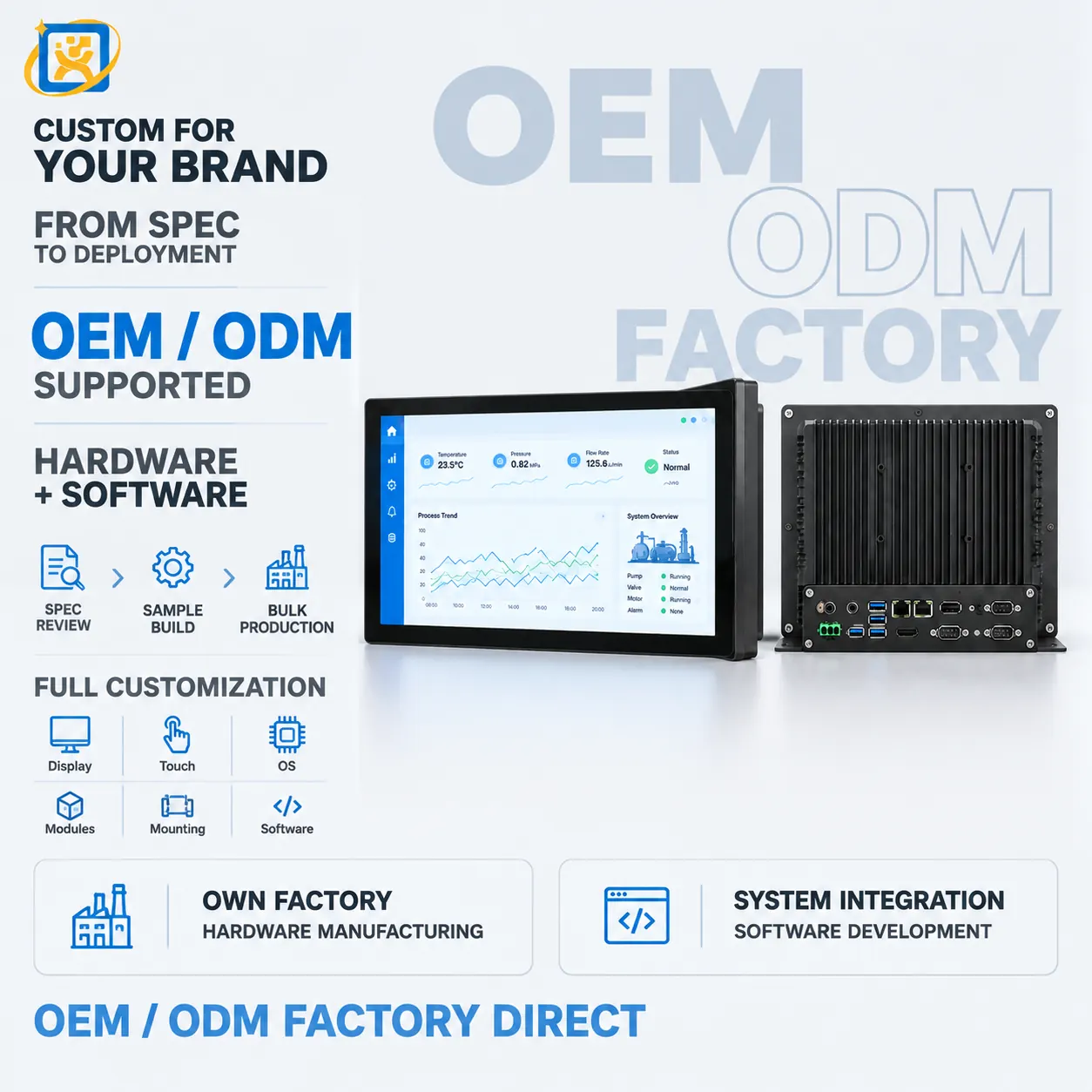
Industrial PC for Terminal & Equipment Control

Model: YQX Industrial IPC

An industrial PC platform for self-service terminals, display systems and equipment control. Fanless or active-cooled, with extended I/O and long-lifecycle component sourcing.

Form factor
Compact industrial chassis, or open-frame board for embedding
Storage
SSD, industrial-grade options available
Thermal design
Fanless heat-spreading chassis standard on embedded configurations

43-inch Self-service Registration Kiosk

Model: YQX 43-inch Self-service Kiosk

A 43-inch self-service registration kiosk for hospital lobbies and public-service halls. Large-format touch interface with document scanning, card reading and printing options for high-traffic registration points.

Display
43-inch panel, resolution and brightness confirmed against the selected panel datasheet
Touch
Projected capacitive multi-touch, 10-point
Speaker
Built-in stereo speakers for step-by-step voice prompts

19-inch Self-service Registration Terminal

Model: YQX 19-inch Self-service Registration

A compact 19-inch self-service registration terminal for clinics, counters and reception desks. Small footprint, short interaction time, with card reader and printer options.

Display
19-inch panel, resolution and brightness confirmed against the selected panel datasheet
Touch
Projected capacitive multi-touch
Footprint
Compact — intended for counter-top and reception-desk installation

55-inch All-in-one Touch Display

Model: YQX 55-inch Integrated Self-service Kiosk

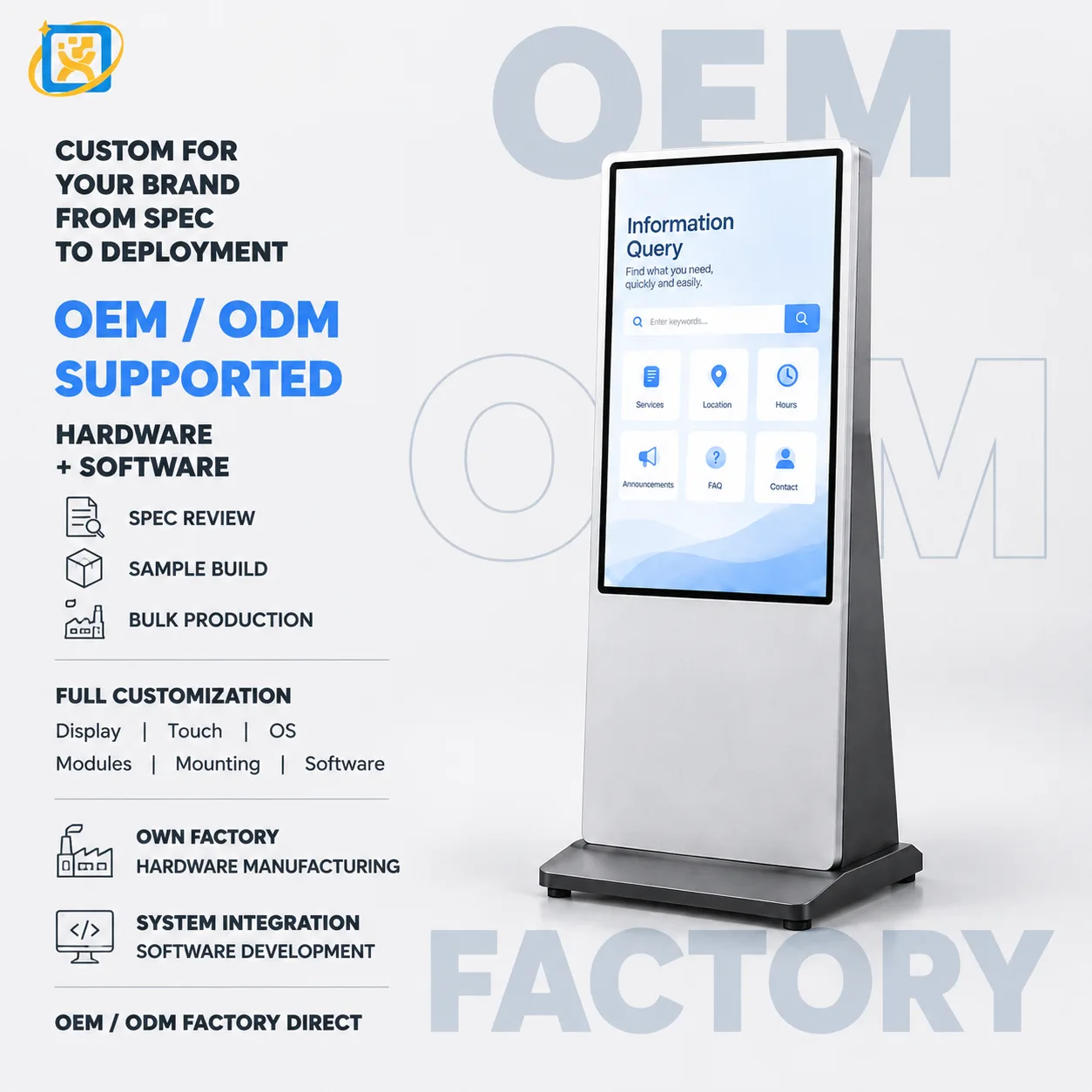
A 55-inch all-in-one touch terminal combining a large-format display with an integrated computing platform. Used for wayfinding, information display and self-service functions read from a distance.

Display
55-inch panel, resolution and brightness confirmed against the selected panel datasheet
Touch
Projected capacitive multi-touch, 10-point (touch variant)
Viewing distance
Suitable for both close interaction and mid-distance reading

Hospital Queuing Kiosk

Model: YQX-21.5-inch Medical Guide Screen

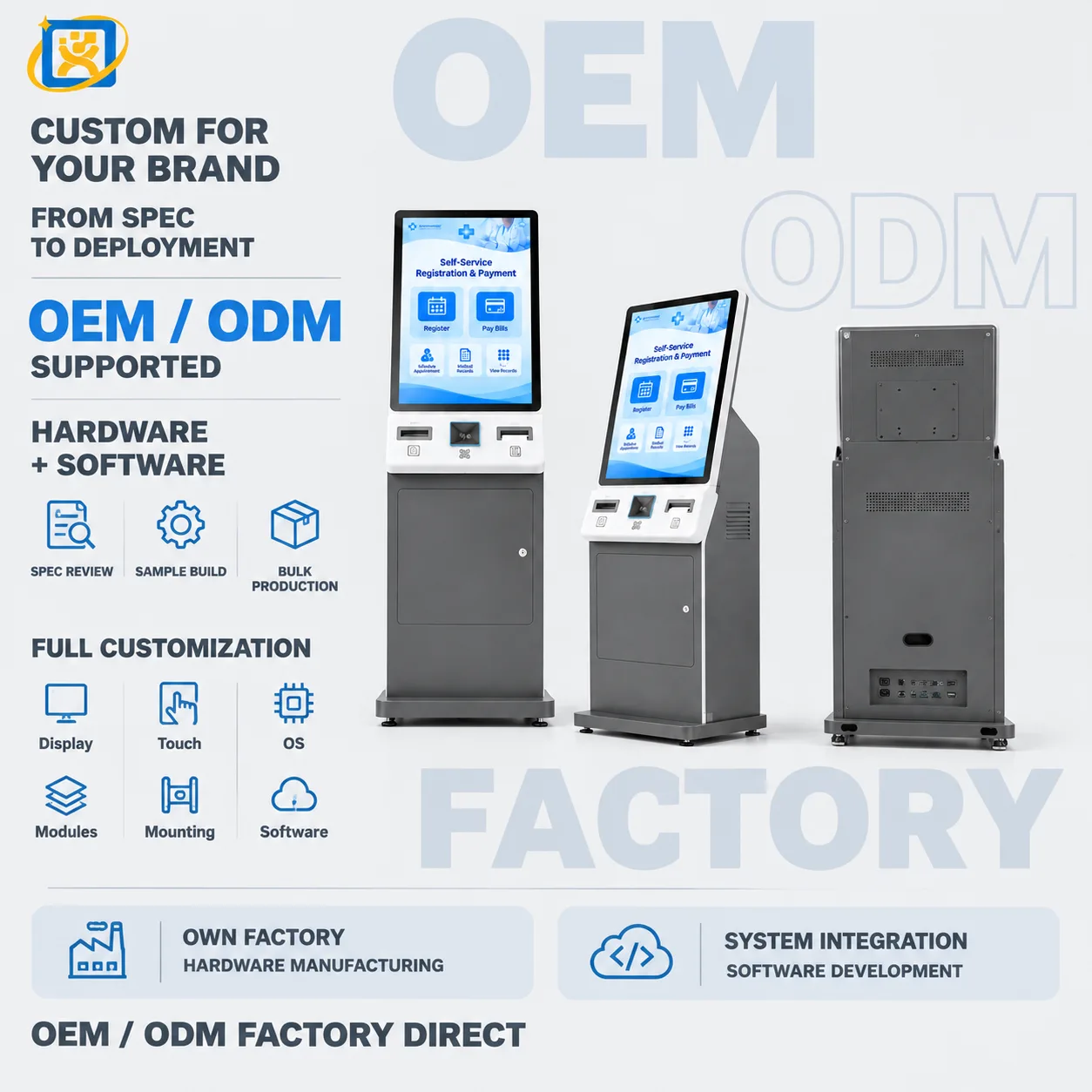
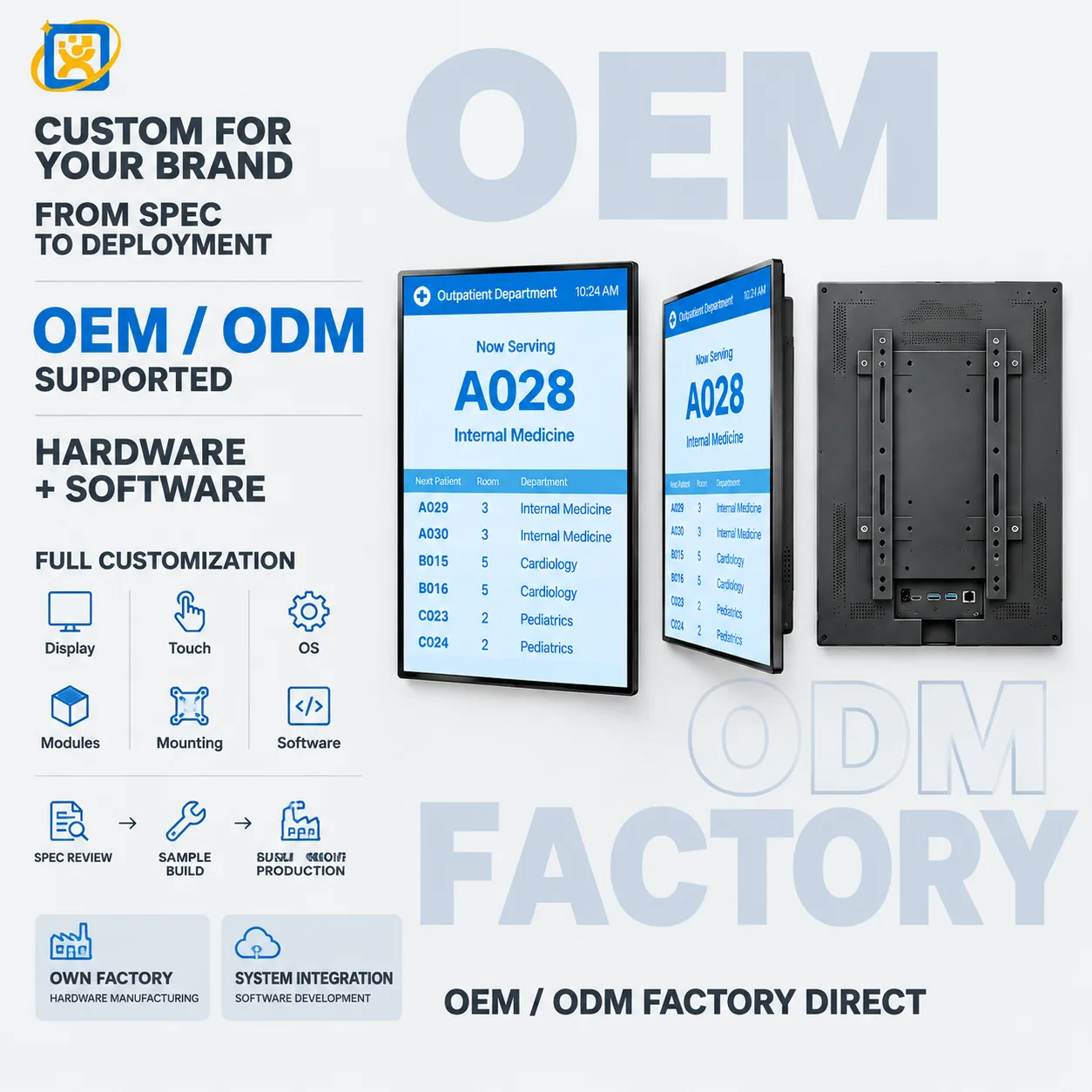
A 21.5-inch portrait terminal for hospital queue ticketing, department guidance and patient calling. Wall-mounted or floor-standing, with printer, scanner and card-reader options for outpatient areas.

Display
21.5-inch panel, resolution and brightness confirmed against the selected panel datasheet
Touch
Projected capacitive multi-touch, 10-point
Speaker
Built-in stereo speakers for voice calling prompts

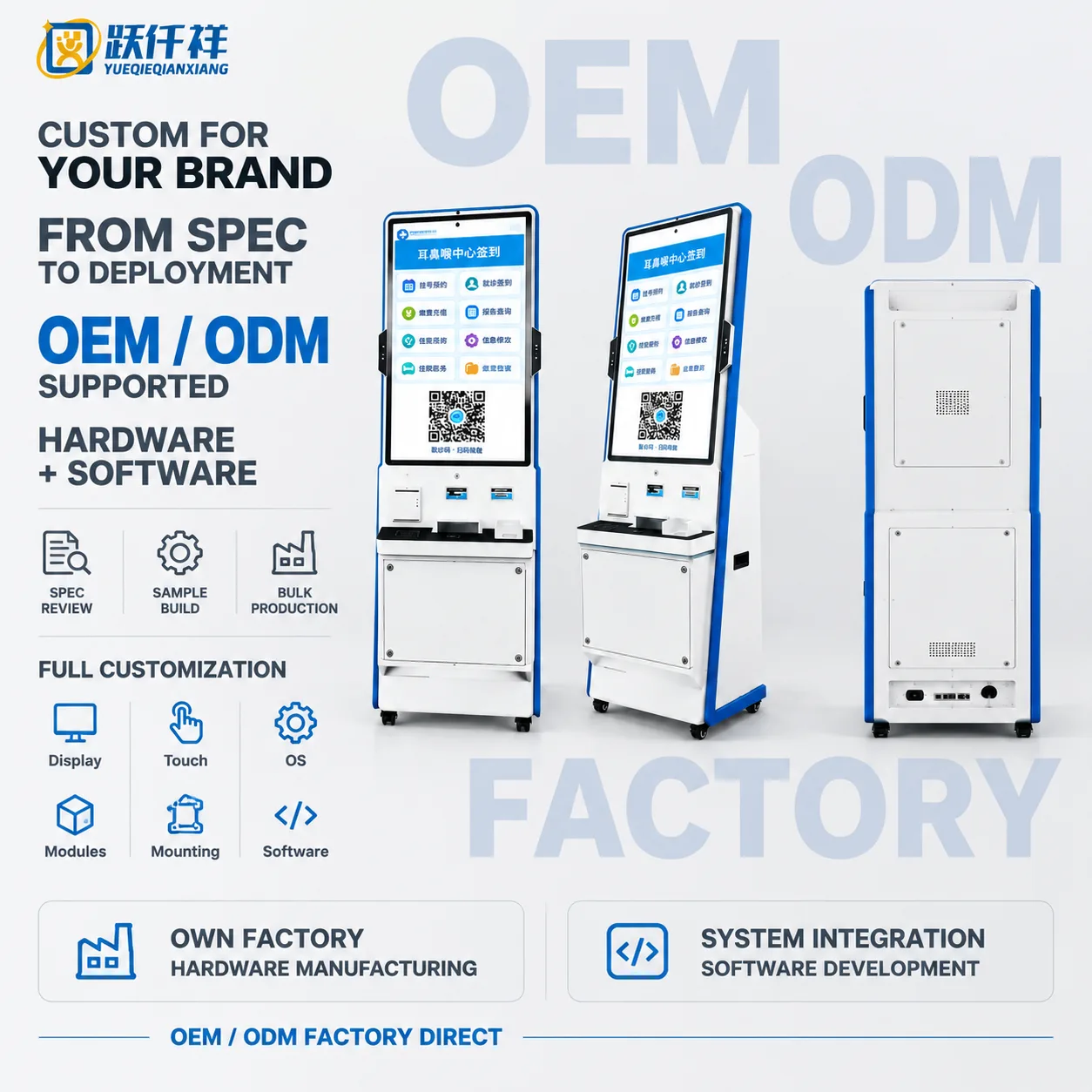
32-inch Hospital Self-service Kiosk

Model: OTO-260921-0053-HOSPITAL

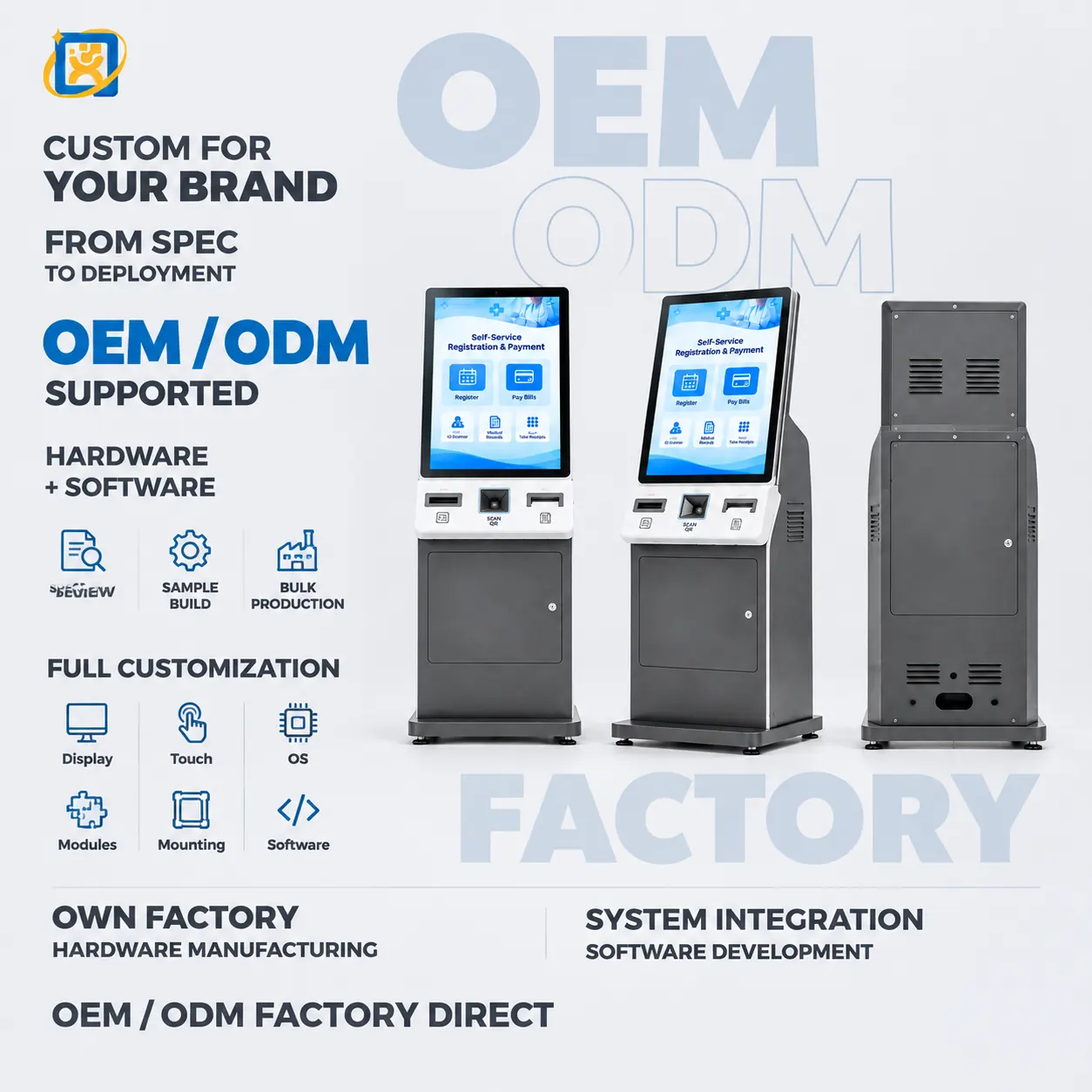
32-inch floor-standing hospital self-service kiosk combining touch check-in, payment, report inquiry and configurable printing modules.

Display
32-inch portrait panel with capacitive touch
Main colour
White and blue housing
Printing
Integrated thermal printer option

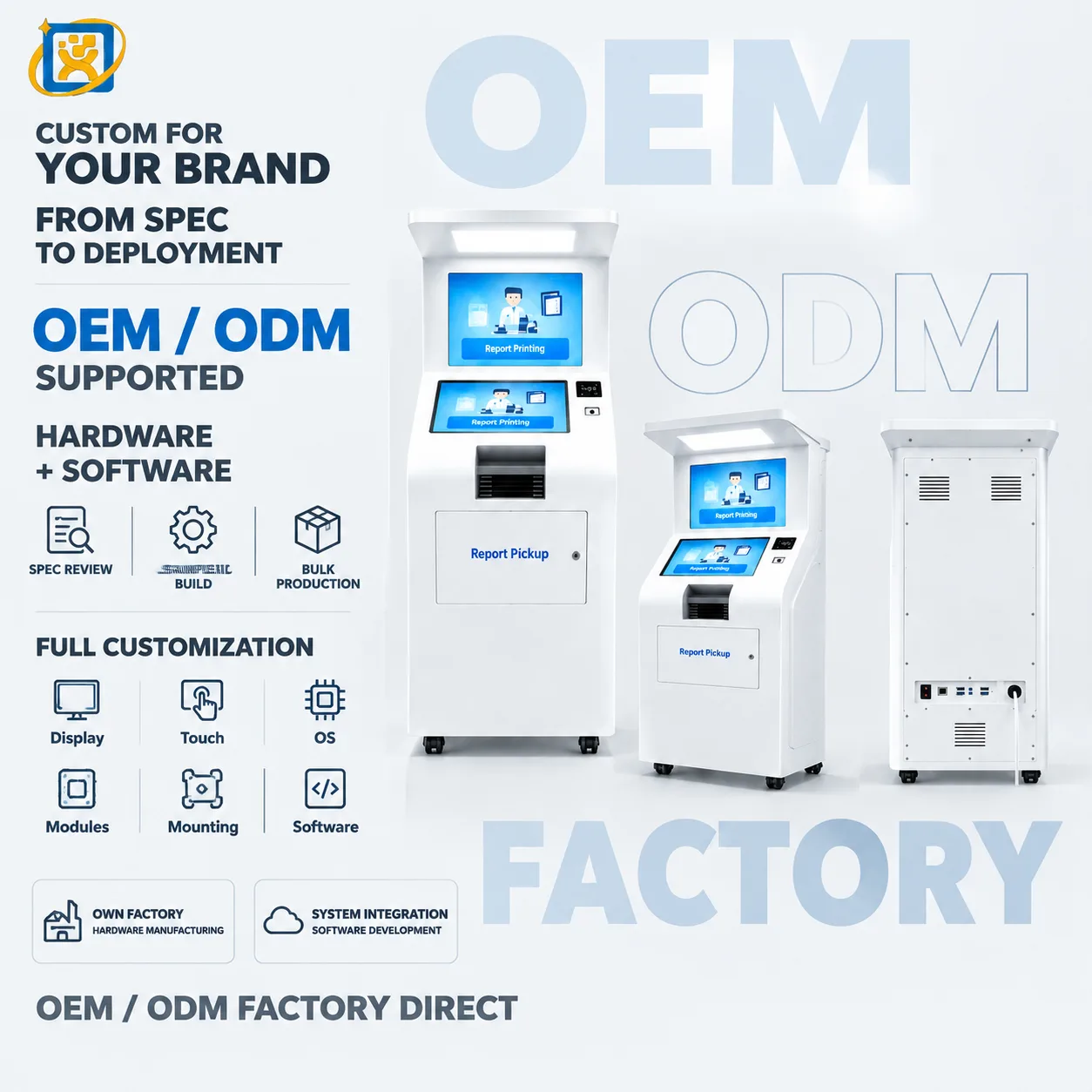
Hospital Report Printing & Pickup Kiosk

Model: OTO-260921-0053-REPORT

Dual-screen floor-standing hospital kiosk for self-service report printing and document pickup with configurable identification and printer modules.

Display
21.5-inch class dual-display platform, final panel specification confirmed per project
Main colour
White housing
Output
Integrated thermal report printer

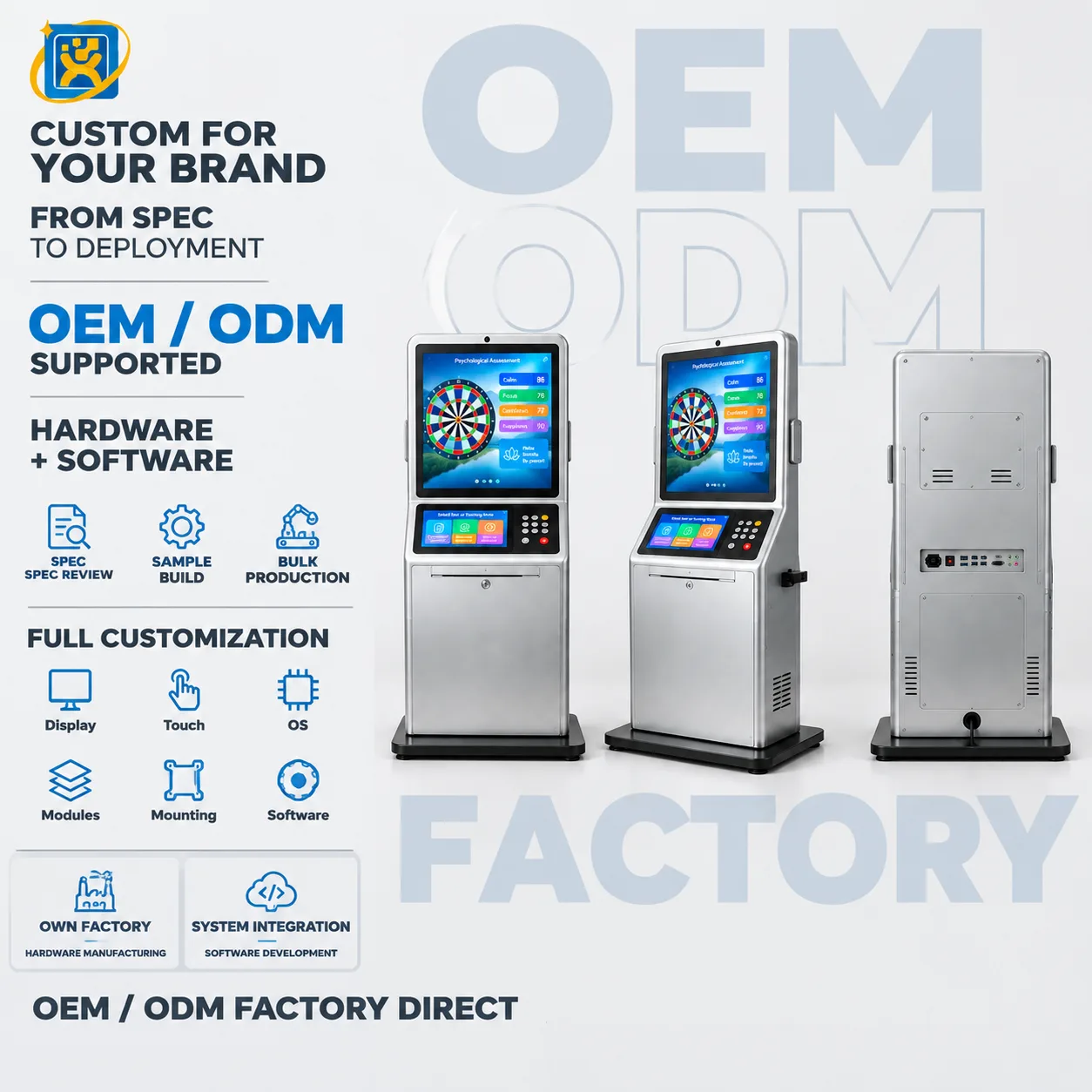
Floor-standing Psychological Assessment System

Model: OTO-260921-0038-PSY

Floor-standing psychological assessment and stress-relief terminal with an interactive display, touch console and configurable guided-session workflow.

Display
32-inch class display, final panel specification confirmed per project
Main colour
Silver cabinet with black base
Key input
Numeric keypad and touch interface

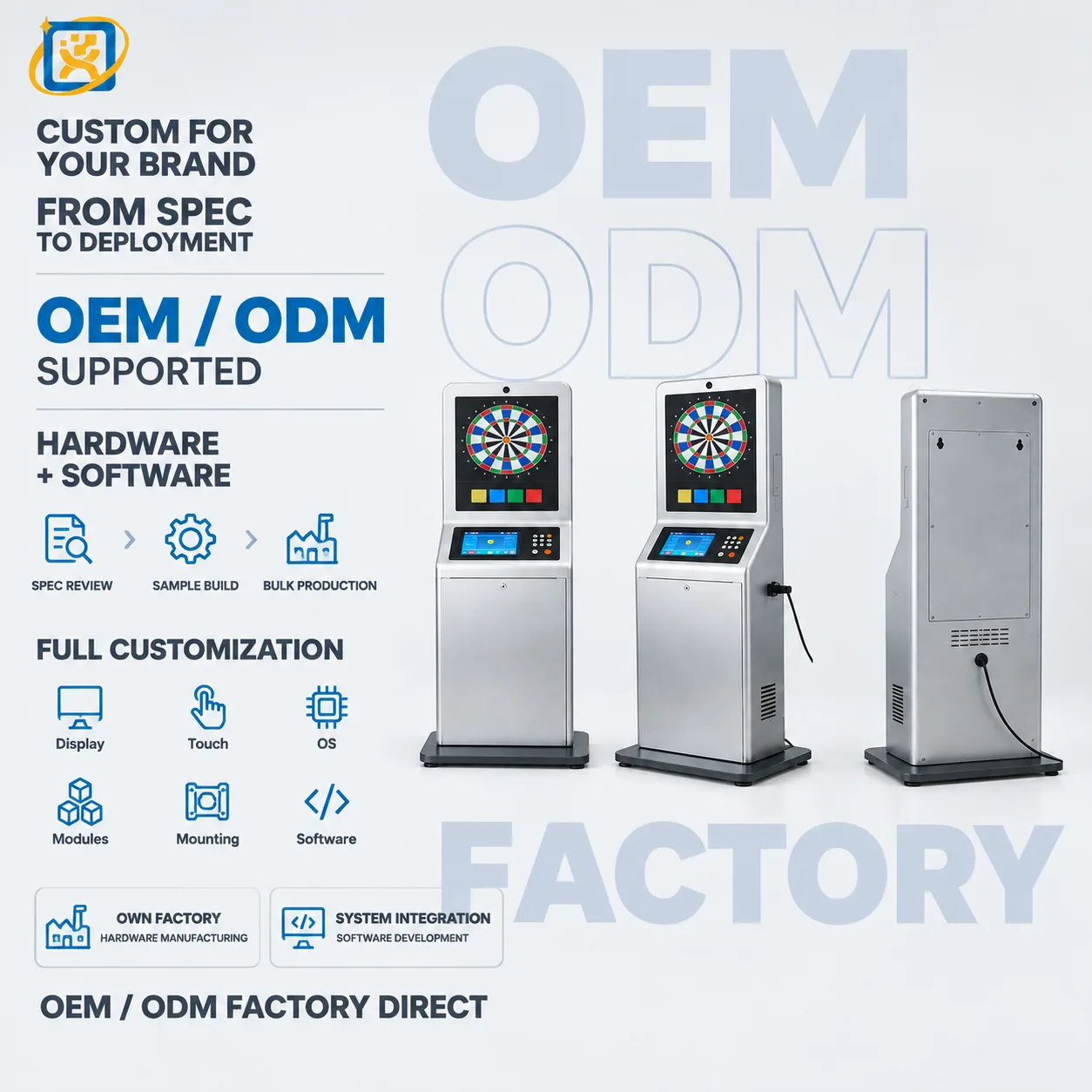
Floor-standing Psychological Guidance Terminal

Model: OTO-260921-0049-PSY

Dual-screen floor-standing psychological assessment and guidance terminal with touch control, keypad input and optional thermal printing.

Display
Dual-display platform, exact panel sizes confirmed against the final drawing
Main colour
Silver metal body with black base
Output
Thermal printer option for guided session or assessment output

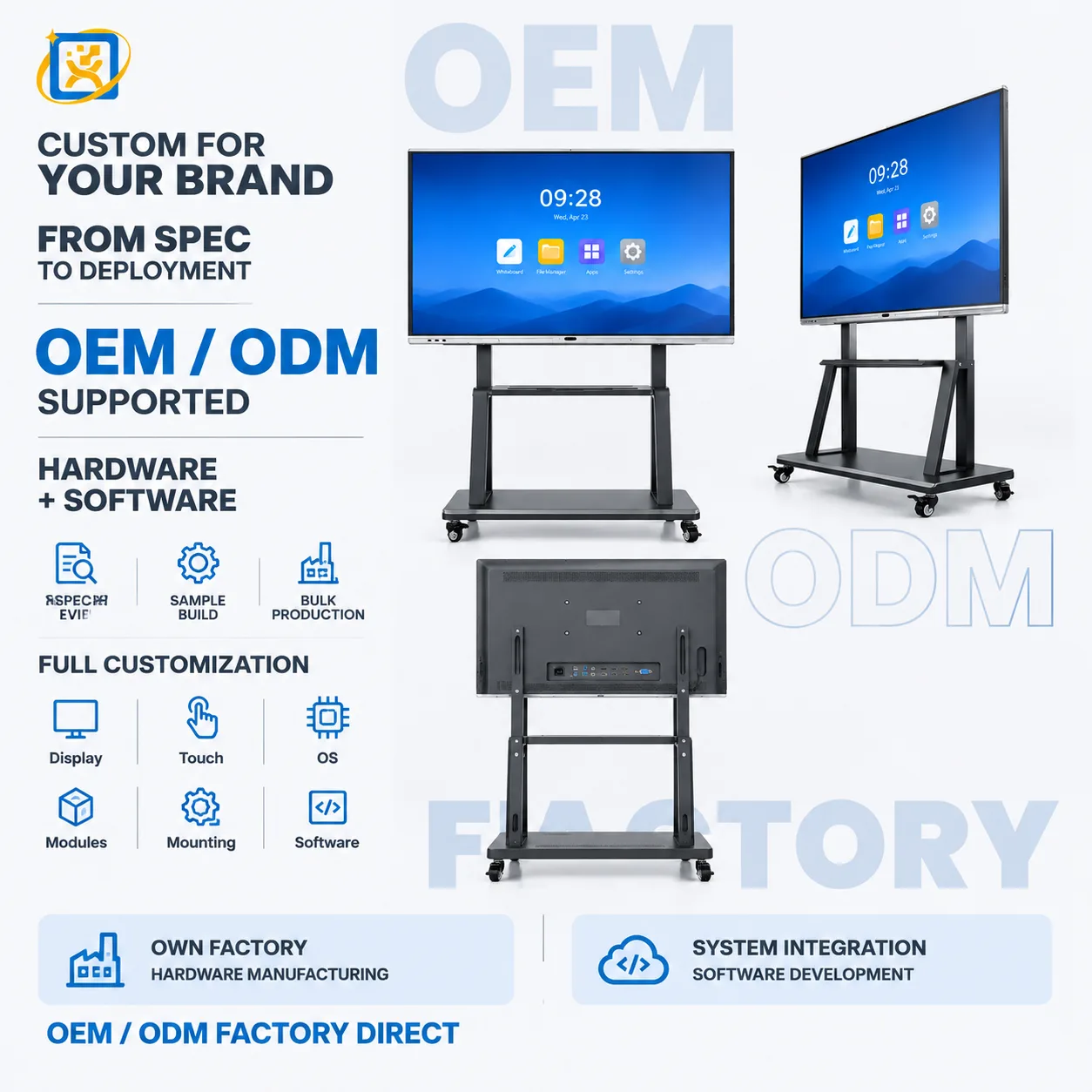
Interactive Whiteboard Mobile Display

Model: OTO-260921-0053-INTERACTIVE

Large-format interactive whiteboard on a mobile floor stand with multi-touch display, camera option and AV connectivity for classrooms and conference rooms.

Display
Large-format touch panel, final size and brightness confirmed per project
Main colour
Black display with powder-coated steel frame
Camera
Integrated front camera option

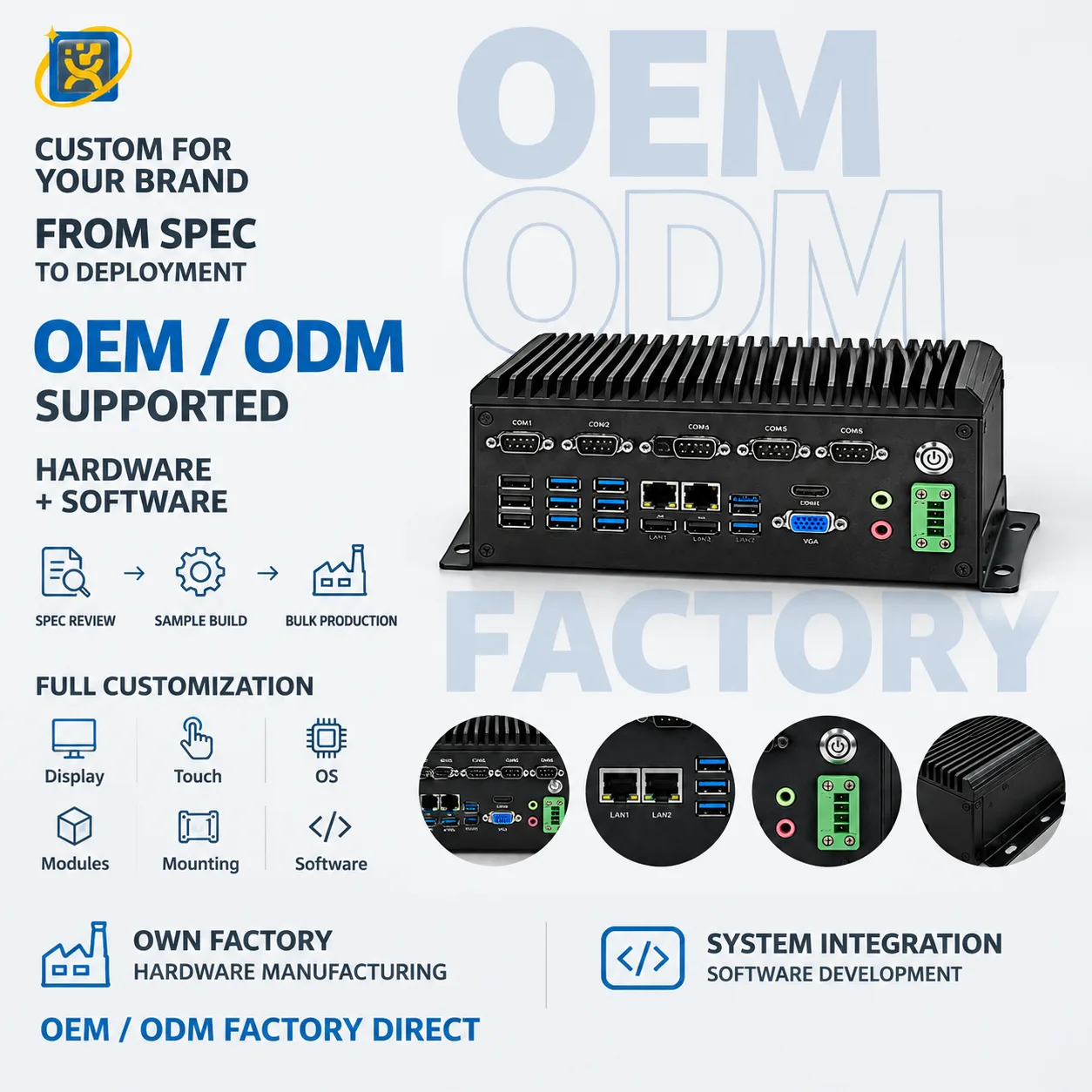
Fanless Industrial Embedded Computer

Model: YQX Fanless Embedded IPC

Fanless embedded industrial computer with multiple COM and USB ports, dual LAN, HDMI and VGA for factory automation, machine control and equipment monitoring.

Form factor
Embedded industrial box computer
Touch
Non-touch computing platform
Main colour
Black

FAQ

Common questions

Do you support OEM and ODM projects?
Yes. OEM means we build to your design; ODM means we adapt an existing platform to your requirement. Dimensions, structure, colour, logo, configuration, hardware, software integration, interface layout and packaging are all within scope.
What is your minimum order quantity?
A single unit can be accepted on selected models for evaluation or sample purchase. Volume pricing applies from 10 units. For OEM and ODM projects the minimum depends on the tooling and configuration involved.
What are your production and delivery lead times?
Samples ship in 7–14 days. Mass production runs at 20–35 days depending on configuration and quantity. Shipping time is additional and depends on the destination and the transport mode.
How do you control quality during production?
Each unit passes four inspection gates — incoming inspection, in-process inspection, complete-machine functional testing and final inspection. Records are kept against the unit and available to the buyer.
What warranty and after-sales support do you provide?
A 3-year warranty with remote technical diagnosis and repair guidance. Where remote support cannot resolve a fault, the unit is returned to the factory for repair. Spare parts are supplied for the warranty period and beyond.

Scope a project with our engineering team

Send the workflow, the systems involved and the expected volume. We will come back with a hardware specification and lead time.