Start from the patient journey, not from the terminal
Most hospital self-service projects that disappoint do so for the same reason: the terminal was specified before the journey was mapped. The hardware is fine; it just sits at the wrong point in the process.
The mapping we do with buyers before quoting covers four questions:
- Where does the patient first need to identify themselves? At the entrance, at the department, or at a desk?
- What information does the patient need at that moment? A queue number, a route, a confirmation, a document?
- What does the hospital’s system need back? An arrival event, a demographic confirmation, a payment, a signature?
- What happens when the terminal cannot resolve the case? There must be a defined route to a human, and it must be visible from the terminal.
The answer to the fourth question usually determines whether the deployment succeeds. A self-service terminal that leaves a patient stuck with no route to a staff member will be bypassed within a week.
A typical outpatient configuration
A mid-sized outpatient department usually ends up with three terminal types and one display group:
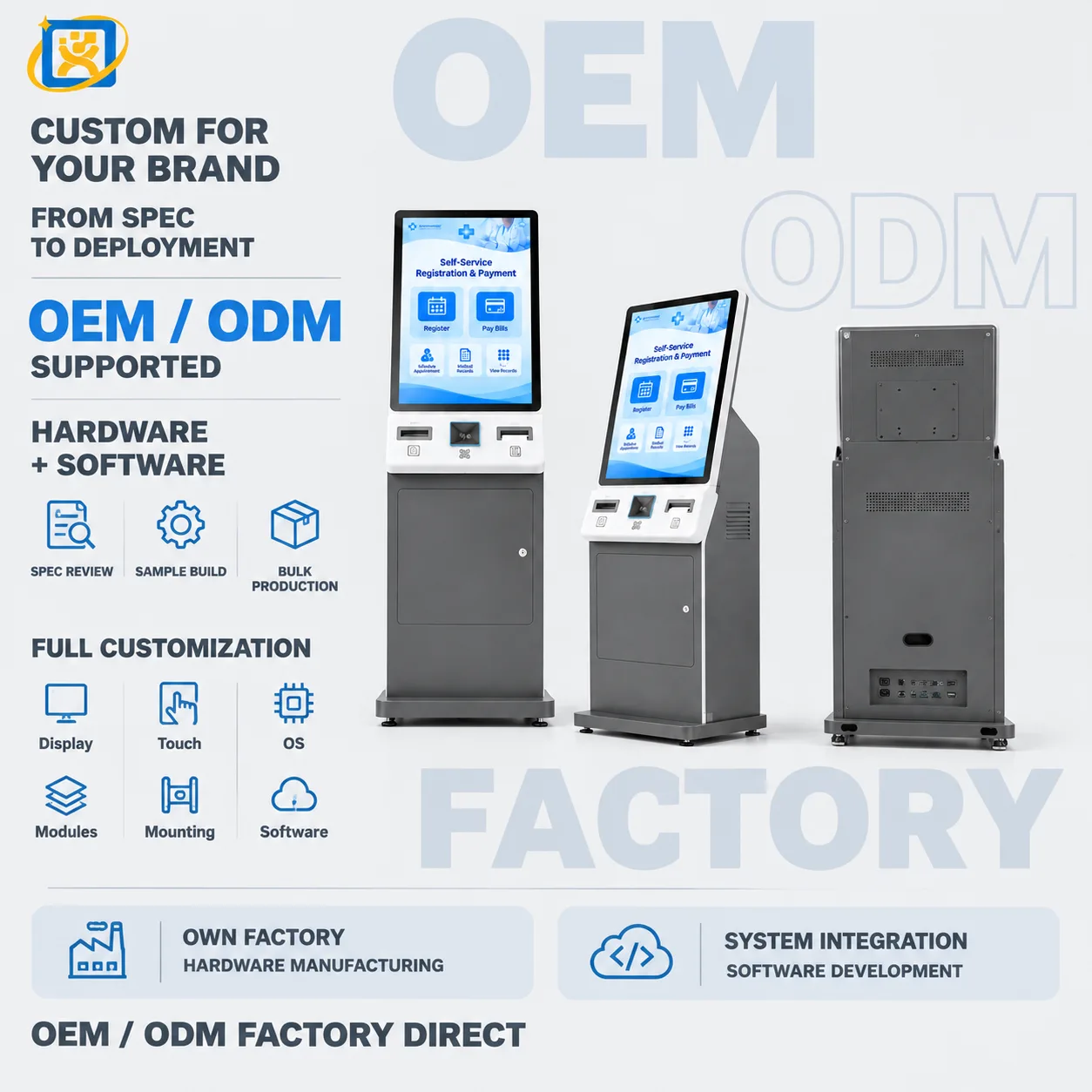
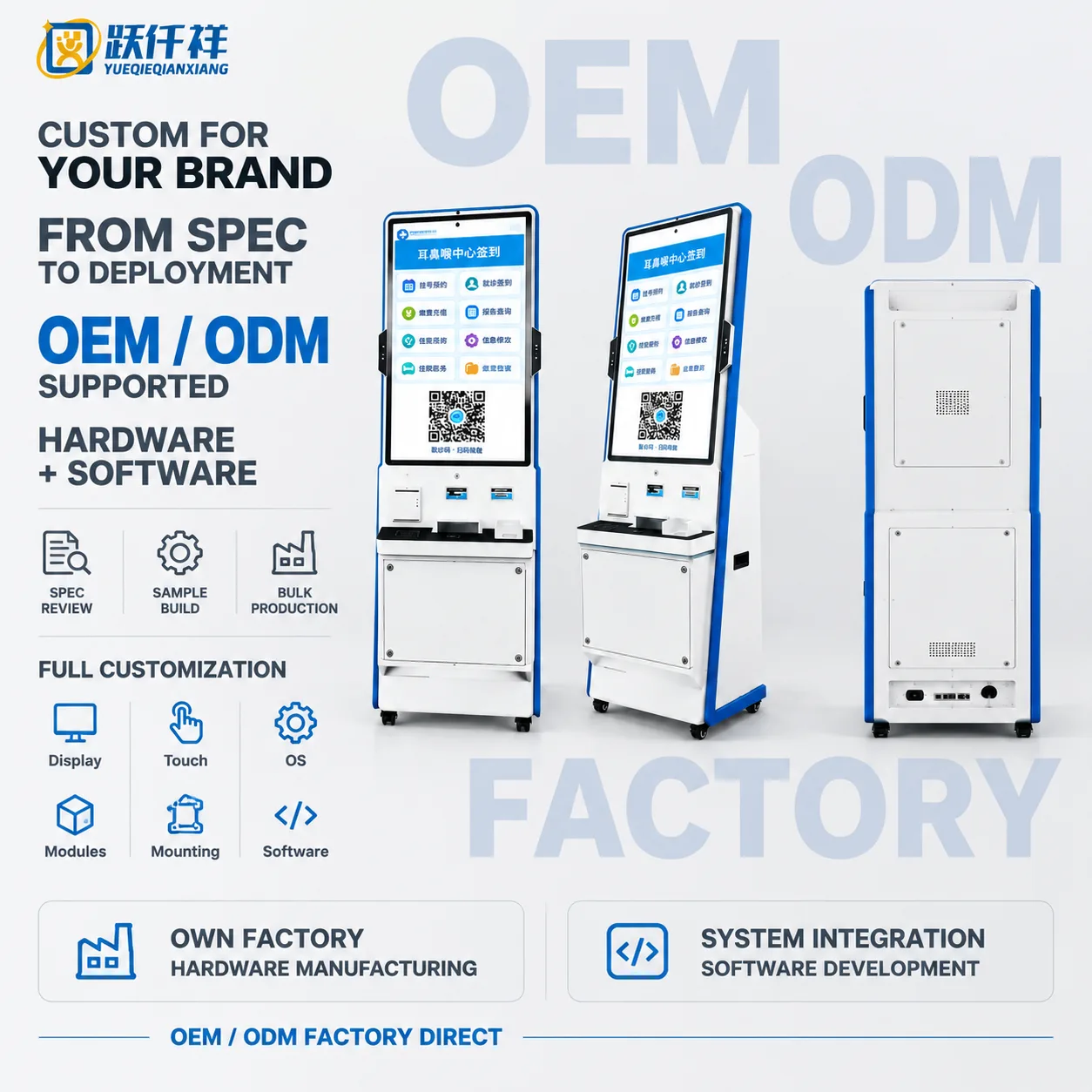
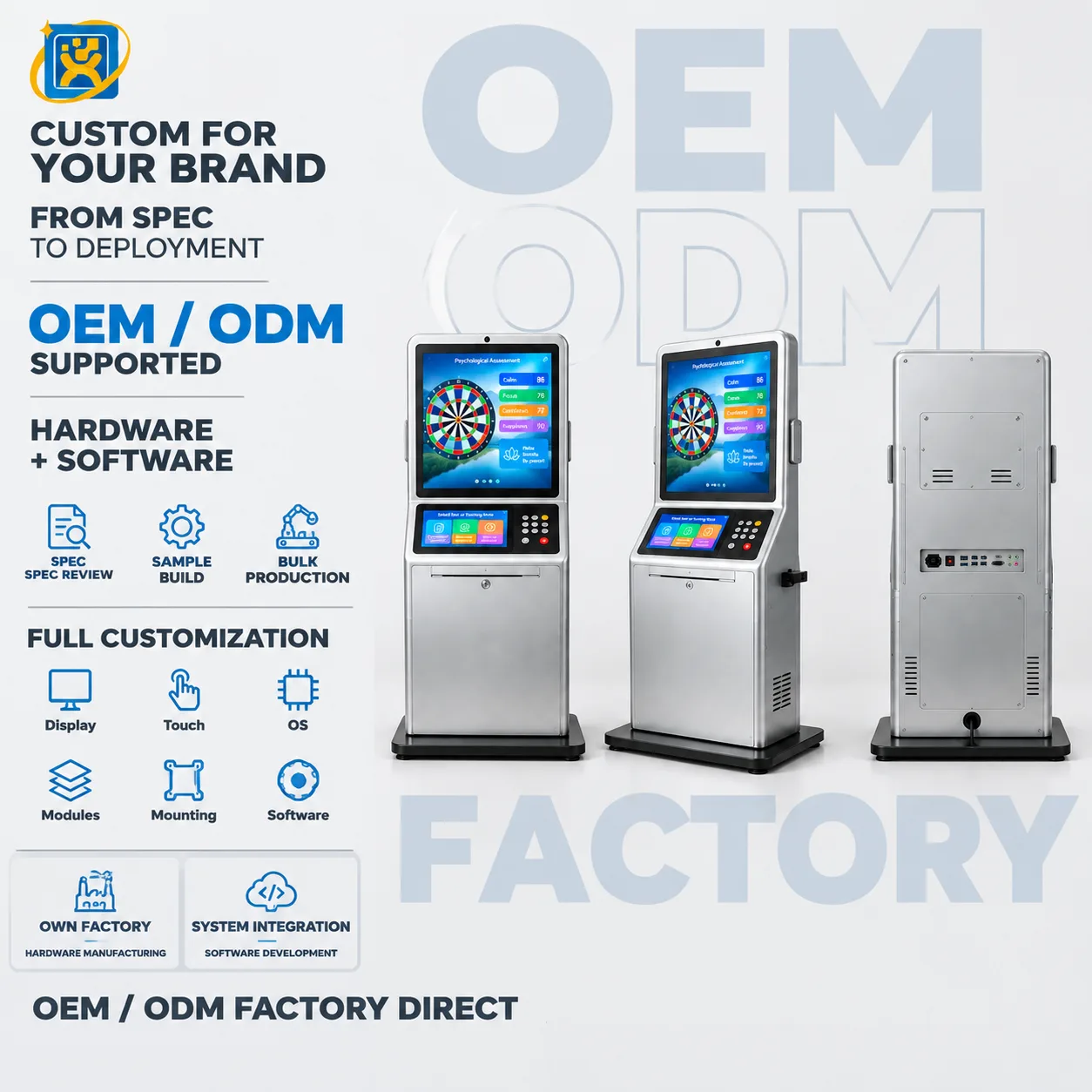
- Check-in terminals at the entrance. 19-inch or 43-inch units handling appointment confirmation, identity reading and queue ticket issue. Quantity follows the number of entrances, not the number of patients — one terminal per entrance is the usual starting point.
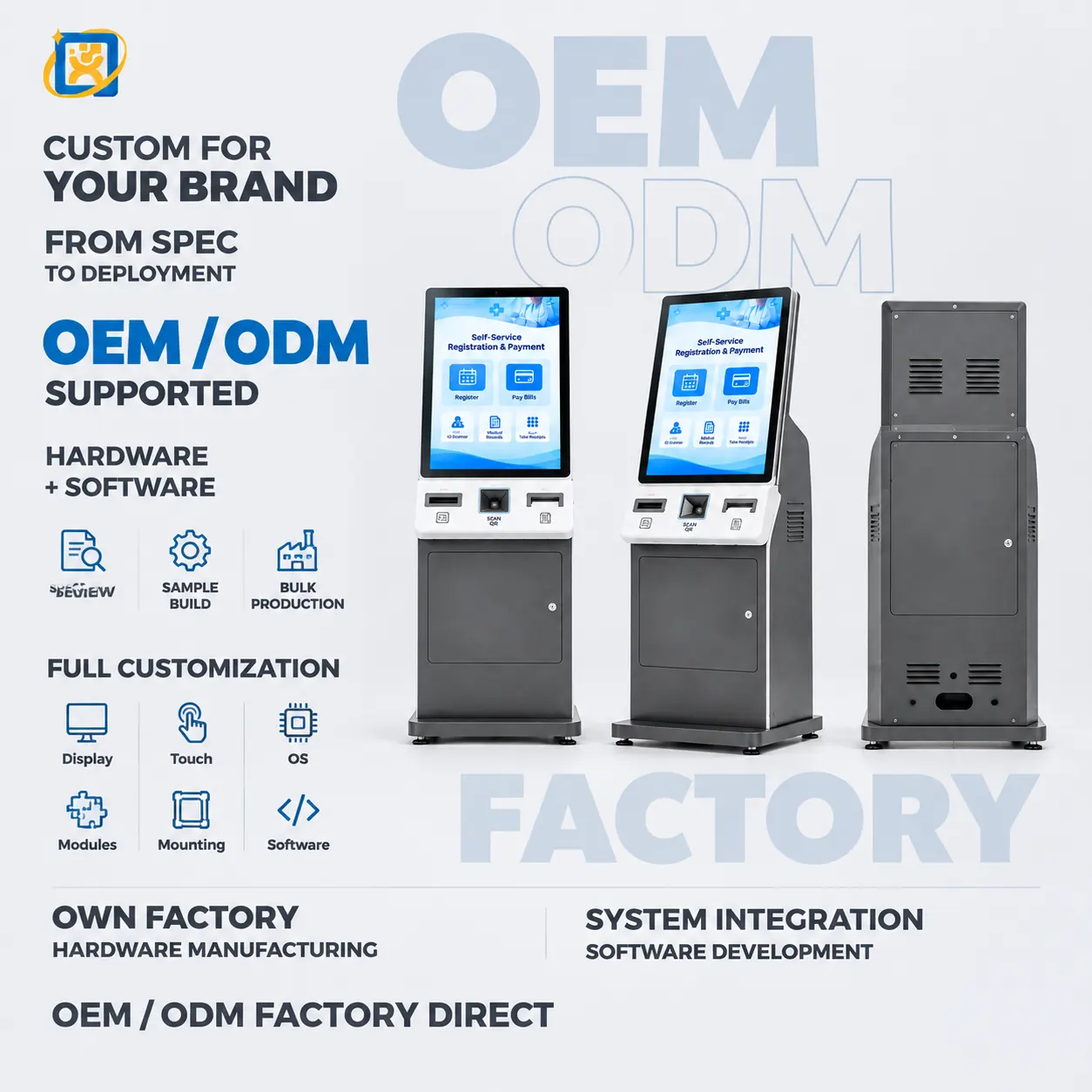
- Queue ticketing at department level. 21.5-inch portrait terminals where patients arrive without a booking and need a department number.
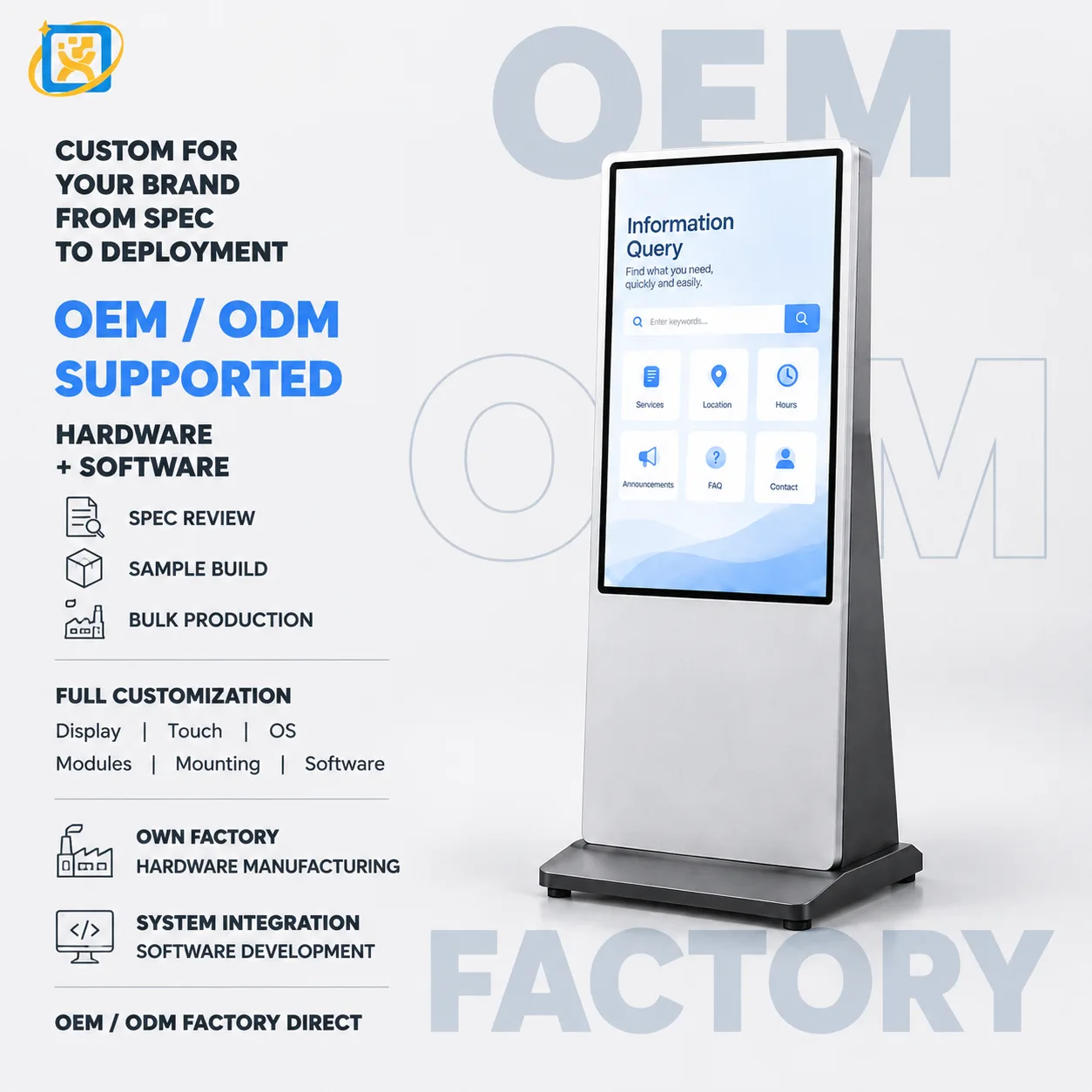
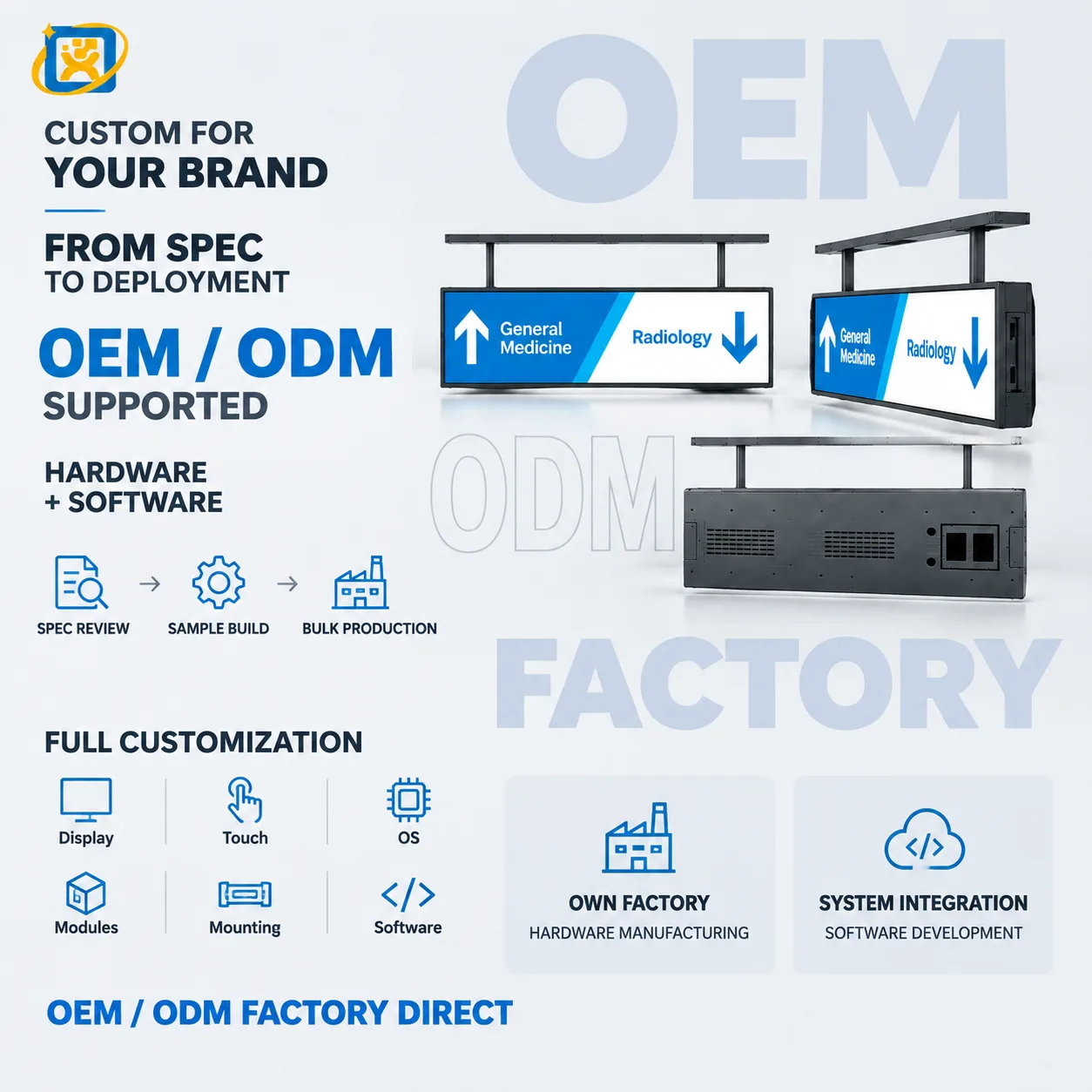
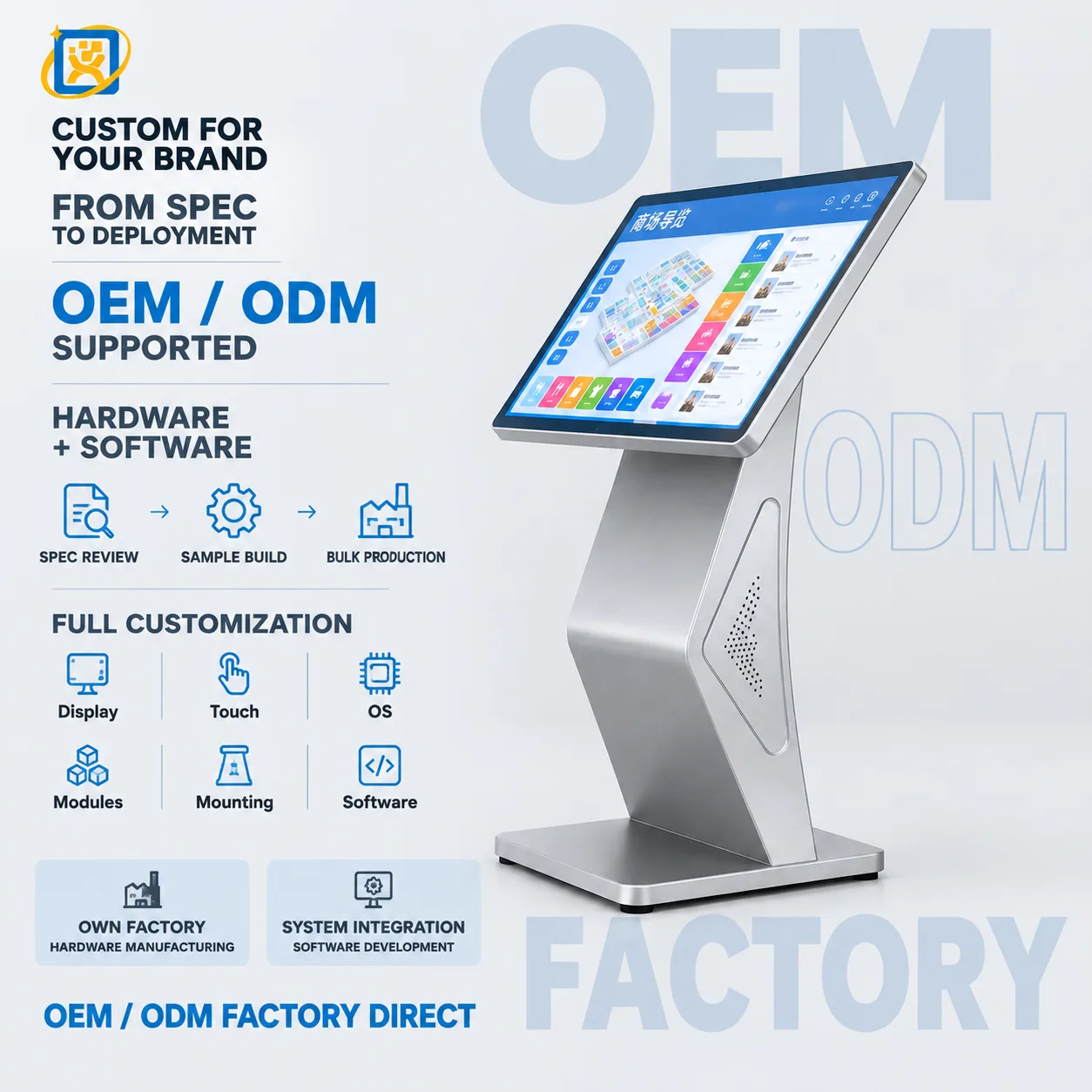
- Wayfinding. A 55-inch terminal or display group at the main junction, showing routes and department status.
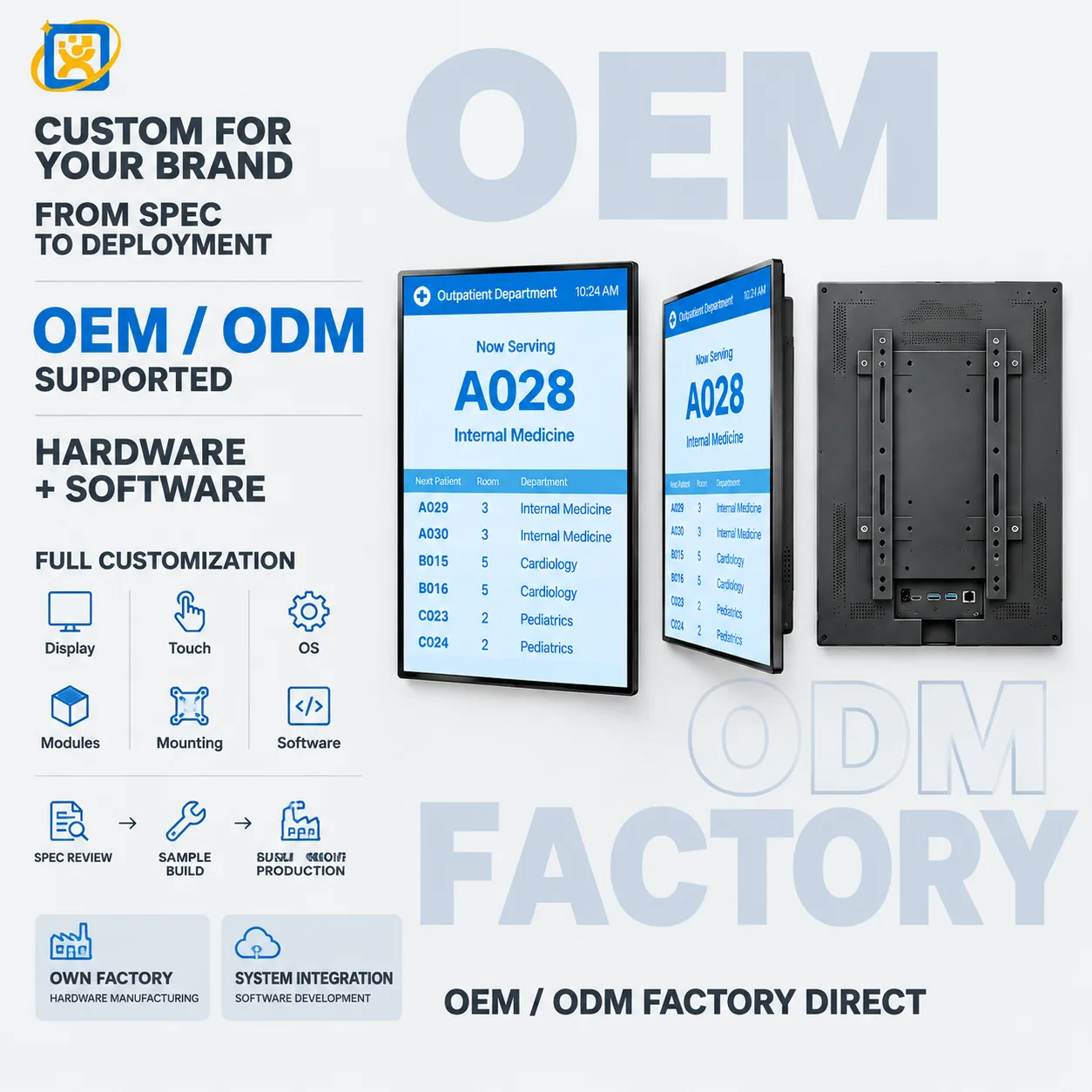
- Calling displays in waiting areas. Sized to the room: 43-inch for a mid-sized waiting area, 55-inch and above for a large hall.
The terminal is the front-end device; the workflow lives in the HIS or in the queue-management platform. In practice the integration work falls into three areas:
Identity and lookup. Reading a health card, an ID document or a booking barcode, then querying the hospital system for the appointment and the patient record. The terminal needs the reader, and the software needs the interface to it.
Event reporting. Confirming arrival, issuing a queue number and, where the process requires it, writing back to the HIS that the patient has checked in.
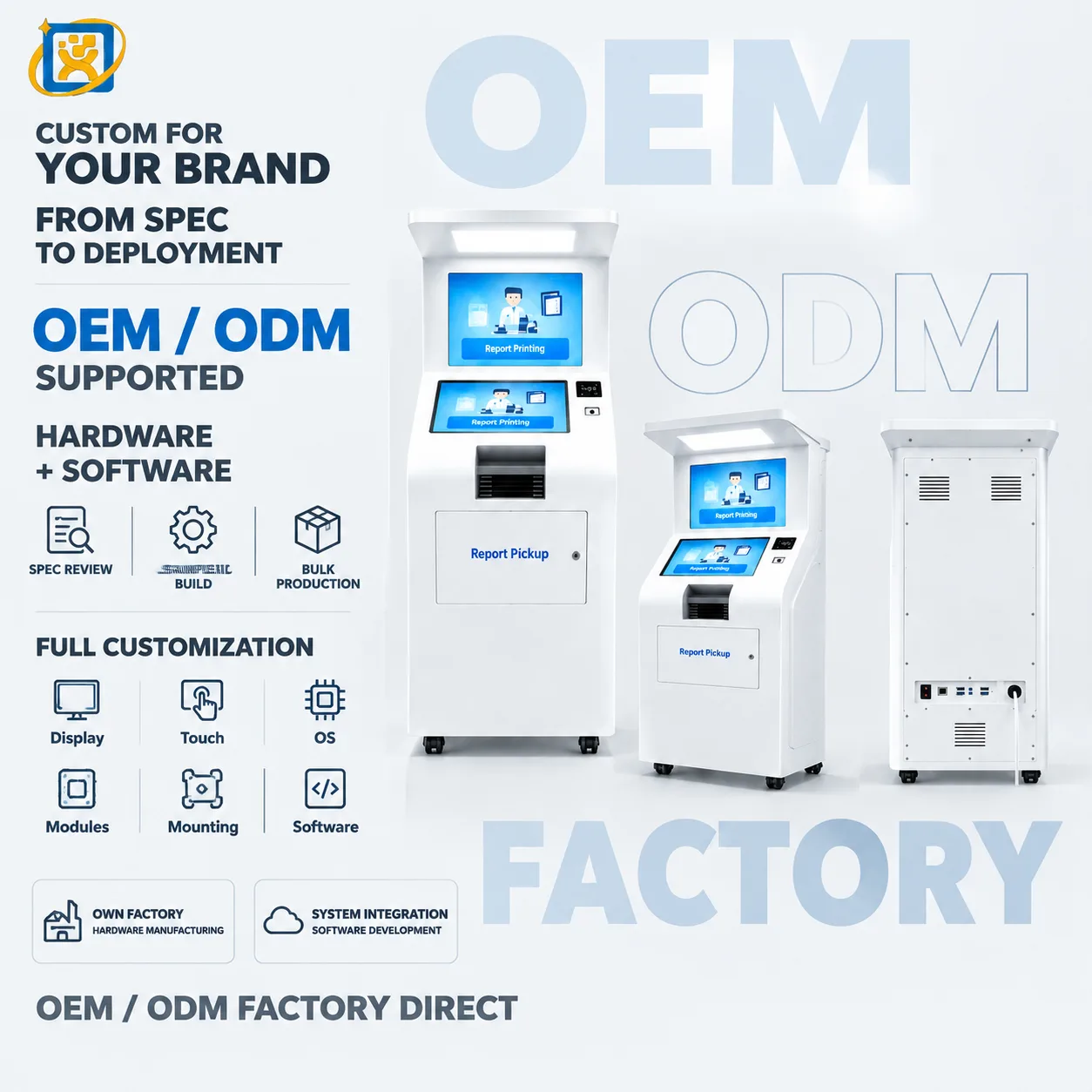
Output. Printing a queue slip, a form or a receipt; driving a calling display; triggering a voice announcement.
We work directly with the hospital’s software vendor or systems integrator on driver, protocol and enclosure-fit questions. Where the vendor needs to validate the hardware before sign-off, we can supply an evaluation unit for their test environment.
Procurement and compliance
Hospital procurement usually runs through a tender, which means documentation matters as much as the hardware. Certificates and test reports are configuration-specific, so we confirm what applies to the build you are ordering rather than publishing a generic list. Our Certifications page explains how we handle this.
For tenders that require a factory audit or a sample evaluation before award, we can host a visit in Foshan, run a video walkthrough of the production line, or ship a sample unit with a 7–14 day lead time.
Deployment and support
Terminals are delivered export-packed with the mounting drawing, the interface list and the configuration record. For fleets in the field we provide remote technical diagnosis and repair guidance for the 3-year warranty period, with spare-part supply and return-to-factory service where remote support is not sufficient.
What we need from you to quote
- The workflow the terminal sits in, and where it sits in it.
- The hospital system and queue platform involved, and whether the vendor is already engaged.
- Screen size preference, or the viewing distance if you are unsure.
- The peripherals required — card reader, scanner, printer, camera, payment.
- Quantity for the pilot and for the rollout.
- Destination country, for shipping and any certification requirement.