YUEQIANXIANGIntelligent Equipment

Public services

Government Service Halls

Self-service terminals for identity reading, form submission, receipt printing and number queuing in citizen service centres, municipal halls and administrative offices.

The operational problem

  • Citizens queue for services that require no judgement — printing a certificate, submitting a form, paying a fee.
  • Counter staff spend most of the day on routine transactions rather than on cases that need discretion.
  • Paper forms are completed at the counter, which is slow and produces transcription errors.
  • Peak periods — month-end, deadline days — overload a counter capacity sized for an average day.
  • Multilingual or low-literacy applicants need guidance that a counter cannot give consistently.

How the terminal addresses it

  • Self-service terminals handle identity reading, form capture and receipt printing without a counter position.
  • Forms are completed on screen with field-level validation, which removes transcription errors.
  • Fee payment is integrated into the terminal through the payment provider's certified module.
  • Number queuing is issued by the terminal, and calling displays route citizens to the right counter.
  • Counter staff handle exceptions, complex cases and the identity verification that requires a human.

Deployment detail

Separate the transactions that need a person from those that do not

Most counter time in a service hall goes to transactions that follow a fixed rule: print a certificate, submit a form, pay a fee, collect a document. None of these require judgement, and all of them can be completed by the applicant directly, provided the terminal can read identity and print an official receipt.

The counter then does what it is actually for: verifying identity where the law requires a human, handling exceptions, and advising on cases that do not fit a rule.

A configuration that covers a typical hall

  • Entry terminals. 43-inch or 19-inch units reading identity documents, capturing the service required and issuing a queue number.
  • Form terminals. Larger-format units where the applicant completes a form on screen with field-level validation before submission.
  • Payment. A terminal with the payment provider’s certified module, positioned so the applicant can reach the card or QR reader comfortably.
  • Document collection. A terminal that reads a reference number, confirms identity and dispenses the printed document or a collection slip.
  • Calling displays. Sized to the hall — 43-inch for a mid-size area, 55-inch and above for a large concourse.
  • Information display. Opening hours, service catalogues, required documents and process explanations.

Identity reading is the critical component

Everything else in the hall depends on the terminal being able to read the identity document reliably. In practice this is where projects succeed or fail, so it is settled first:

  • Which document types must be read — national ID card, residence permit, passport, driving licence.
  • Whether the reader must also capture a photograph or a signature.
  • Whether the legal framework requires the identity check to happen at a staffed counter rather than at a terminal.
  • What the fallback is when a document cannot be read.

We integrate the reader module specified by the project, and work with the identity-service provider on driver and protocol questions.

Payment integration

Where the hall collects fees, the payment module must be the one certified for the market — which in most cases means integrating the payment provider’s own device rather than building a payment function into the kiosk. That device is mounted in the enclosure in a position the applicant can reach, and its status is visible from the terminal application.

We work with the payment provider or the acquirer to confirm the mounting and the interface before production, because changing the payment device afterwards means changing the housing.

Forms, validation and multilingual prompts

On-screen forms with field-level validation are the single biggest quality gain over paper. An applicant who enters a number in the wrong format is told immediately rather than after the form has reached a counter. Multilingual prompts, larger type and a defined timeout for abandoned sessions all make the terminal usable across a wider population.

Procurement and documentation

Government projects usually run through a tender. Certification and test documentation is configuration-specific, so we confirm what applies to your build during quotation rather than publishing a generic list — see our Certifications page. For tenders requiring a factory audit or sample evaluation, we can host a visit, run a video walkthrough of the line, or supply an evaluation unit with a 7–14 day lead time.

What we need from you to quote

  • The services the terminals must handle, and the identity document types involved.
  • The service platform and whether its vendor is already engaged.
  • Payment requirement, and which provider or acquirer is specified.
  • Screen size preference or viewing distance.
  • Number of positions, and the rollout schedule.
  • Destination country and any certification requirement in the tender.

Outcomes

What it changes in practice

  • Routine transactions move off the counter without reducing service coverage

    Reported by the operating teams who run these terminals day to day.

  • On-screen validation removes the transcription errors that paper forms produce

    Reported by the operating teams who run these terminals day to day.

  • Peak capacity increases without adding counter positions

    Reported by the operating teams who run these terminals day to day.

  • Counter staff time shifts to cases that genuinely need a person

    Reported by the operating teams who run these terminals day to day.

  • Multilingual prompts are presented consistently on every terminal

    Reported by the operating teams who run these terminals day to day.

Integration

Systems and interfaces

We work alongside your software vendor on drivers, protocols and enclosure fit.

  • Government service platform integration

    Supported through documented interfaces and configuration options.

  • National identity card and document reading

    Supported through documented interfaces and configuration options.

  • Form capture with validation and submission

    Supported through documented interfaces and configuration options.

  • Payment module integration

    Supported through documented interfaces and configuration options.

  • Receipt, certificate and form printing

    Supported through documented interfaces and configuration options.

  • Queue number issuing and calling display output

    Supported through documented interfaces and configuration options.

Hardware

Terminals used in this solution

Standard builds shown — every unit is configurable for the deployment.

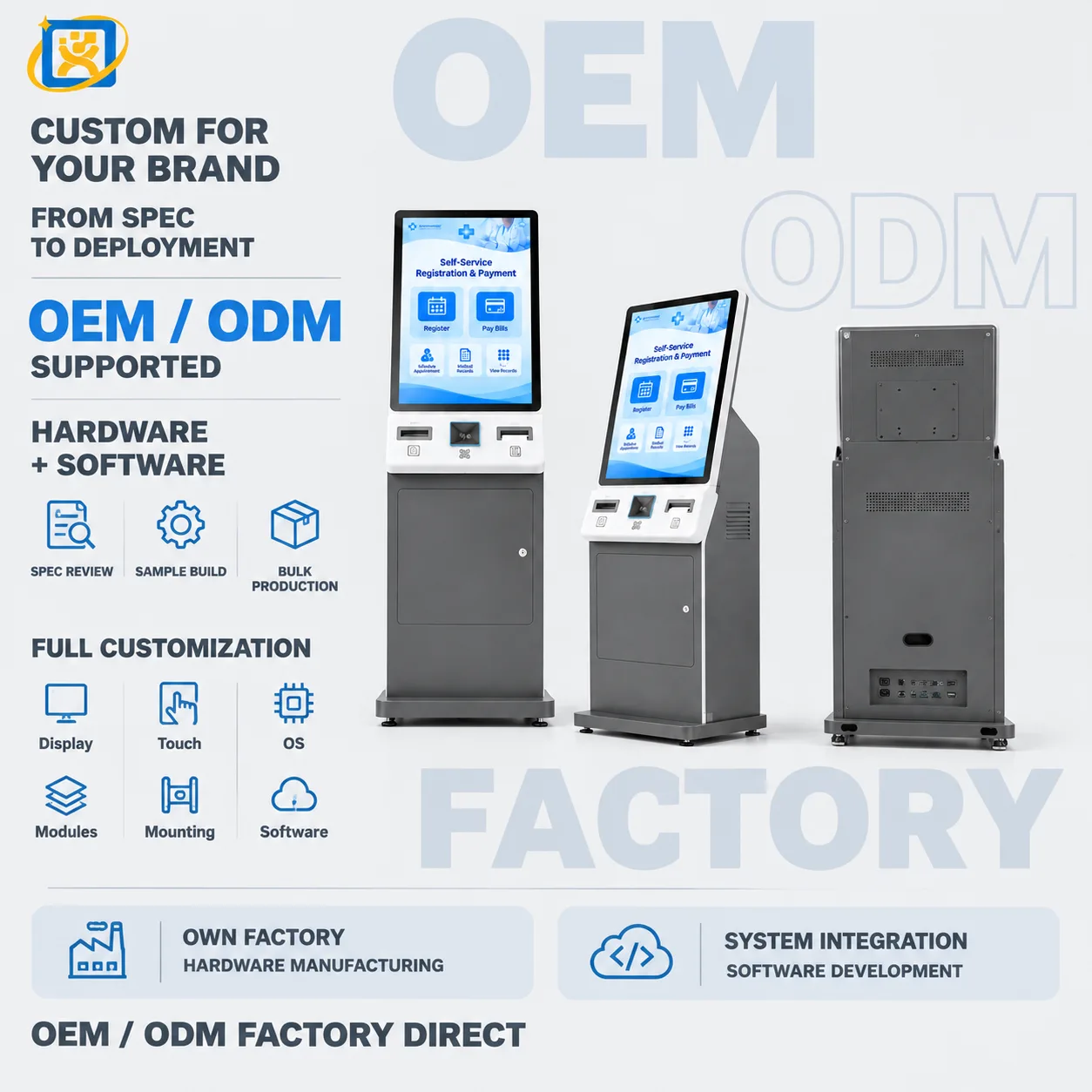
43-inch Self-service Registration Kiosk

Model: YQX 43-inch Self-service Kiosk

A 43-inch self-service registration kiosk for hospital lobbies and public-service halls. Large-format touch interface with document scanning, card reading and printing options for high-traffic registration points.

Display
43-inch panel, resolution and brightness confirmed against the selected panel datasheet
Touch
Projected capacitive multi-touch, 10-point
Speaker
Built-in stereo speakers for step-by-step voice prompts

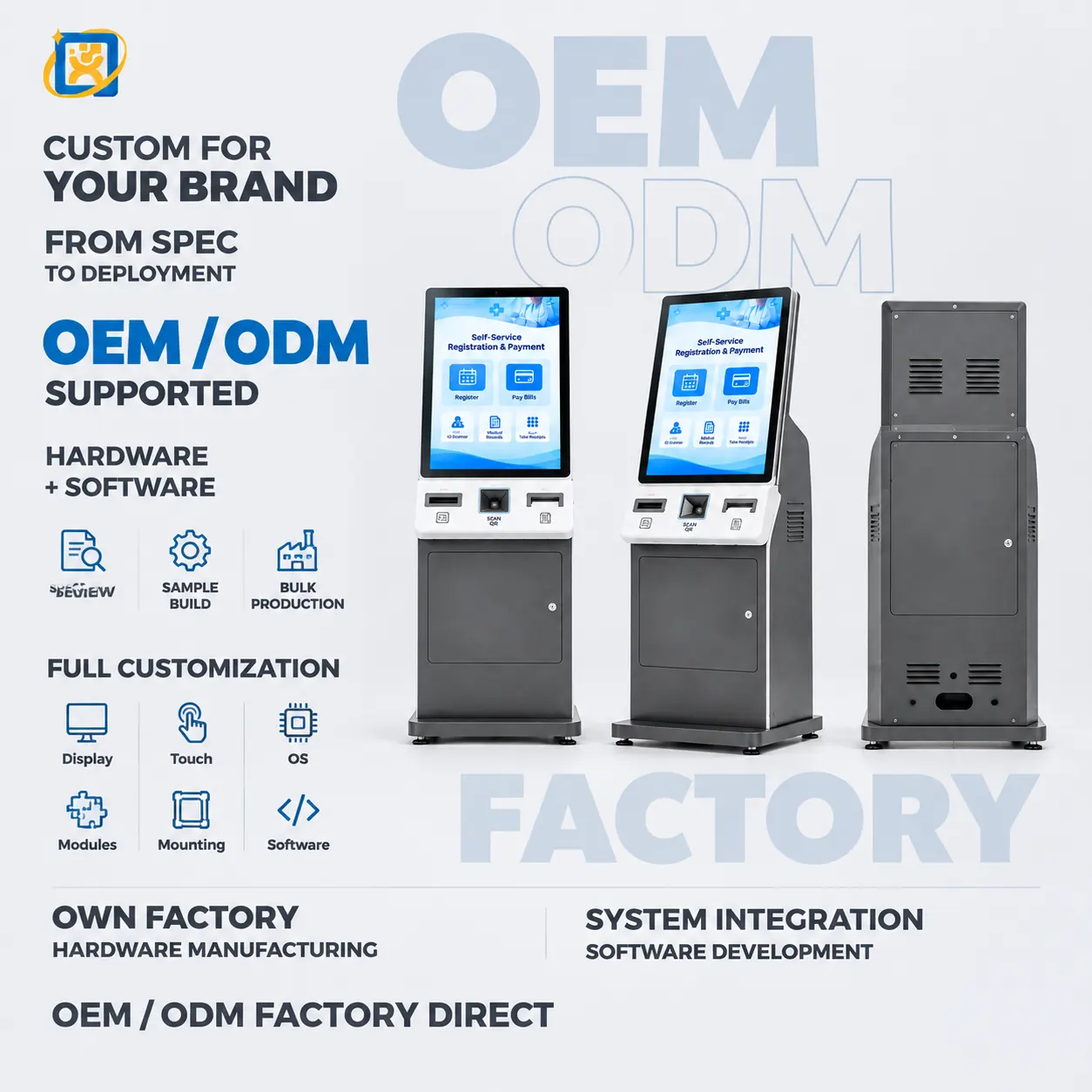
19-inch Self-service Registration Terminal

Model: YQX 19-inch Self-service Registration

A compact 19-inch self-service registration terminal for clinics, counters and reception desks. Small footprint, short interaction time, with card reader and printer options.

Display
19-inch panel, resolution and brightness confirmed against the selected panel datasheet
Touch
Projected capacitive multi-touch
Footprint
Compact — intended for counter-top and reception-desk installation

55-inch All-in-one Touch Display

Model: YQX 55-inch Integrated Self-service Kiosk

A 55-inch all-in-one touch terminal combining a large-format display with an integrated computing platform. Used for wayfinding, information display and self-service functions read from a distance.

Display
55-inch panel, resolution and brightness confirmed against the selected panel datasheet
Touch
Projected capacitive multi-touch, 10-point (touch variant)
Viewing distance
Suitable for both close interaction and mid-distance reading

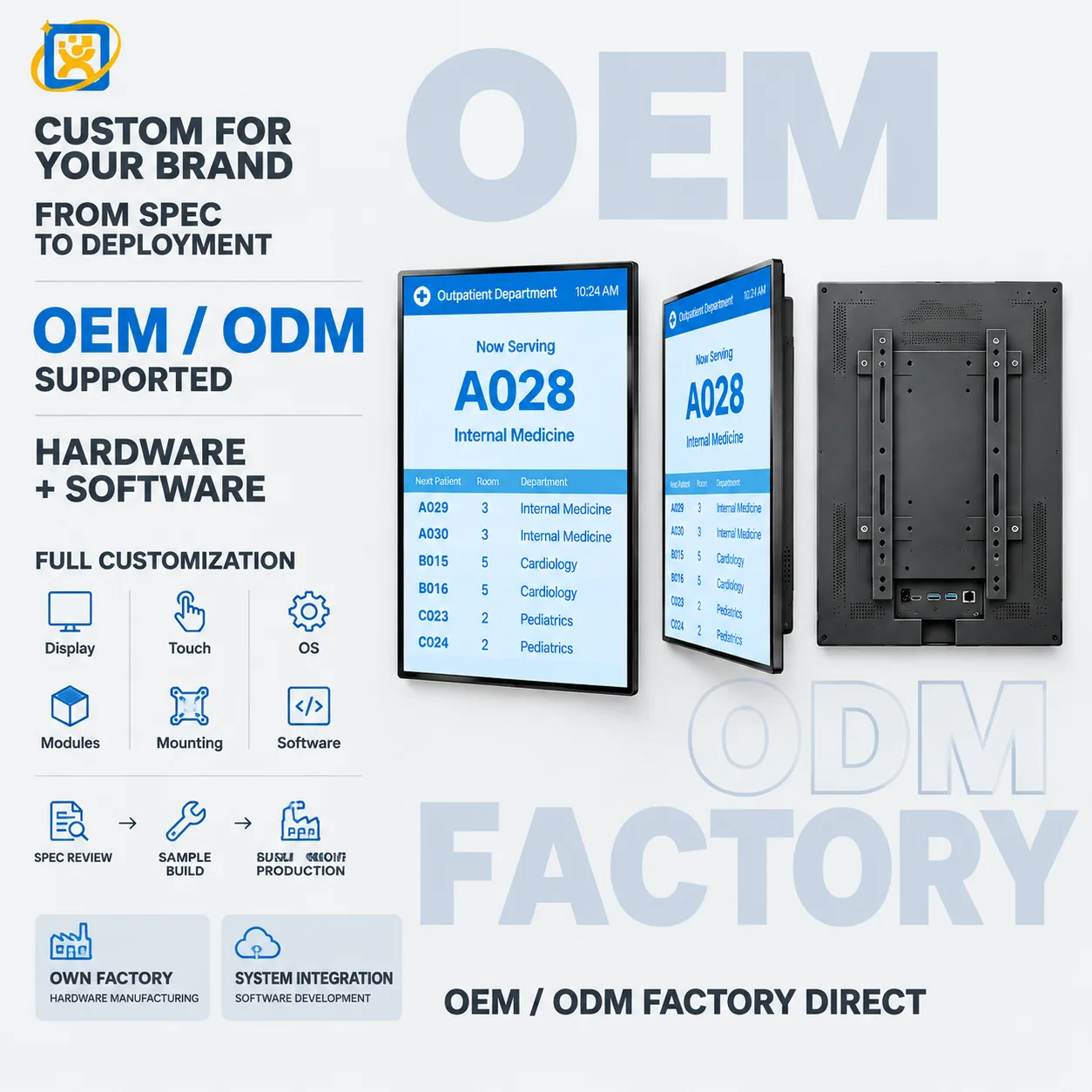
Hospital Queuing Kiosk

Model: YQX-21.5-inch Medical Guide Screen

A 21.5-inch portrait terminal for hospital queue ticketing, department guidance and patient calling. Wall-mounted or floor-standing, with printer, scanner and card-reader options for outpatient areas.

Display
21.5-inch panel, resolution and brightness confirmed against the selected panel datasheet
Touch
Projected capacitive multi-touch, 10-point
Speaker
Built-in stereo speakers for voice calling prompts

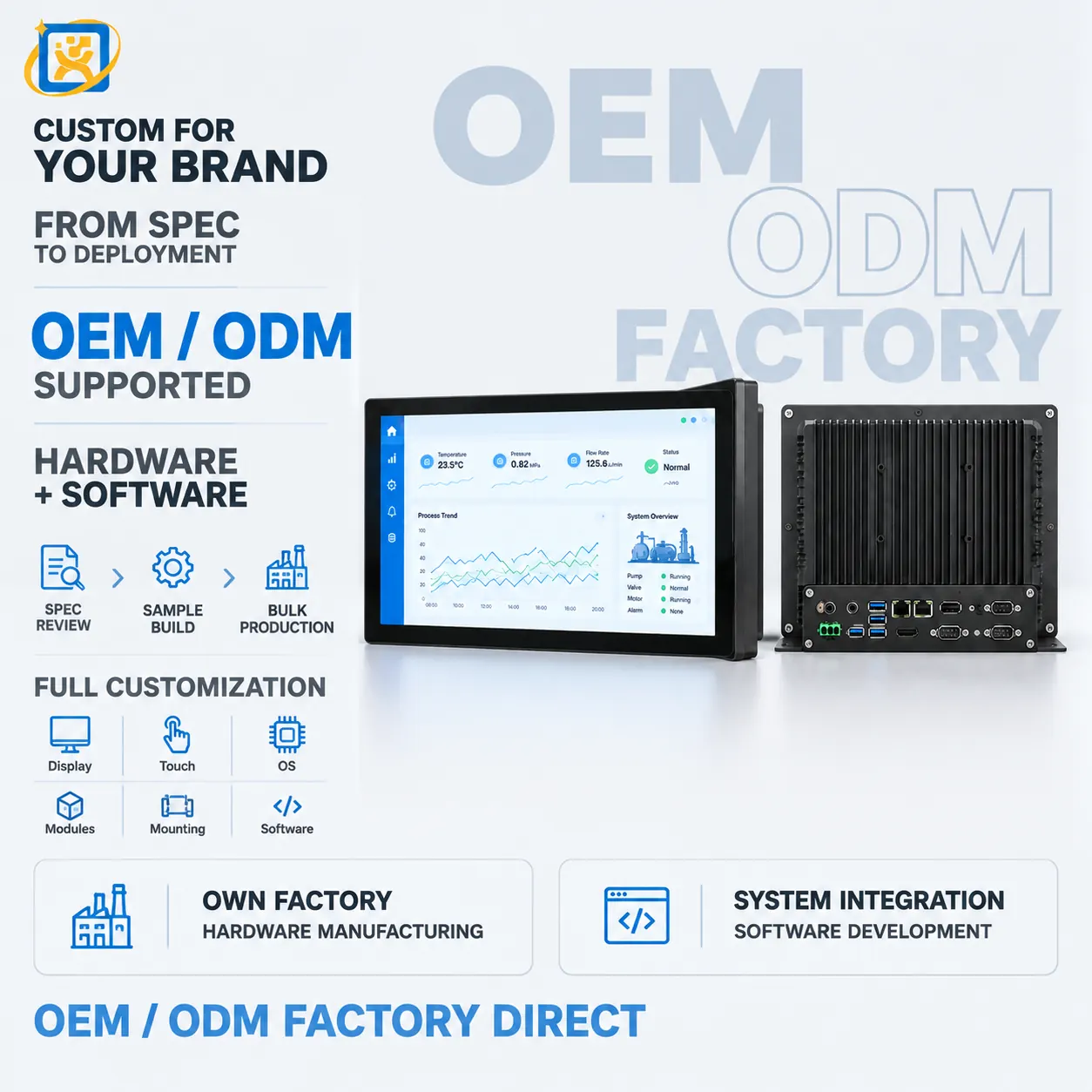
Industrial PC for Terminal & Equipment Control

Model: YQX Industrial IPC

An industrial PC platform for self-service terminals, display systems and equipment control. Fanless or active-cooled, with extended I/O and long-lifecycle component sourcing.

Form factor
Compact industrial chassis, or open-frame board for embedding
Storage
SSD, industrial-grade options available
Thermal design
Fanless heat-spreading chassis standard on embedded configurations

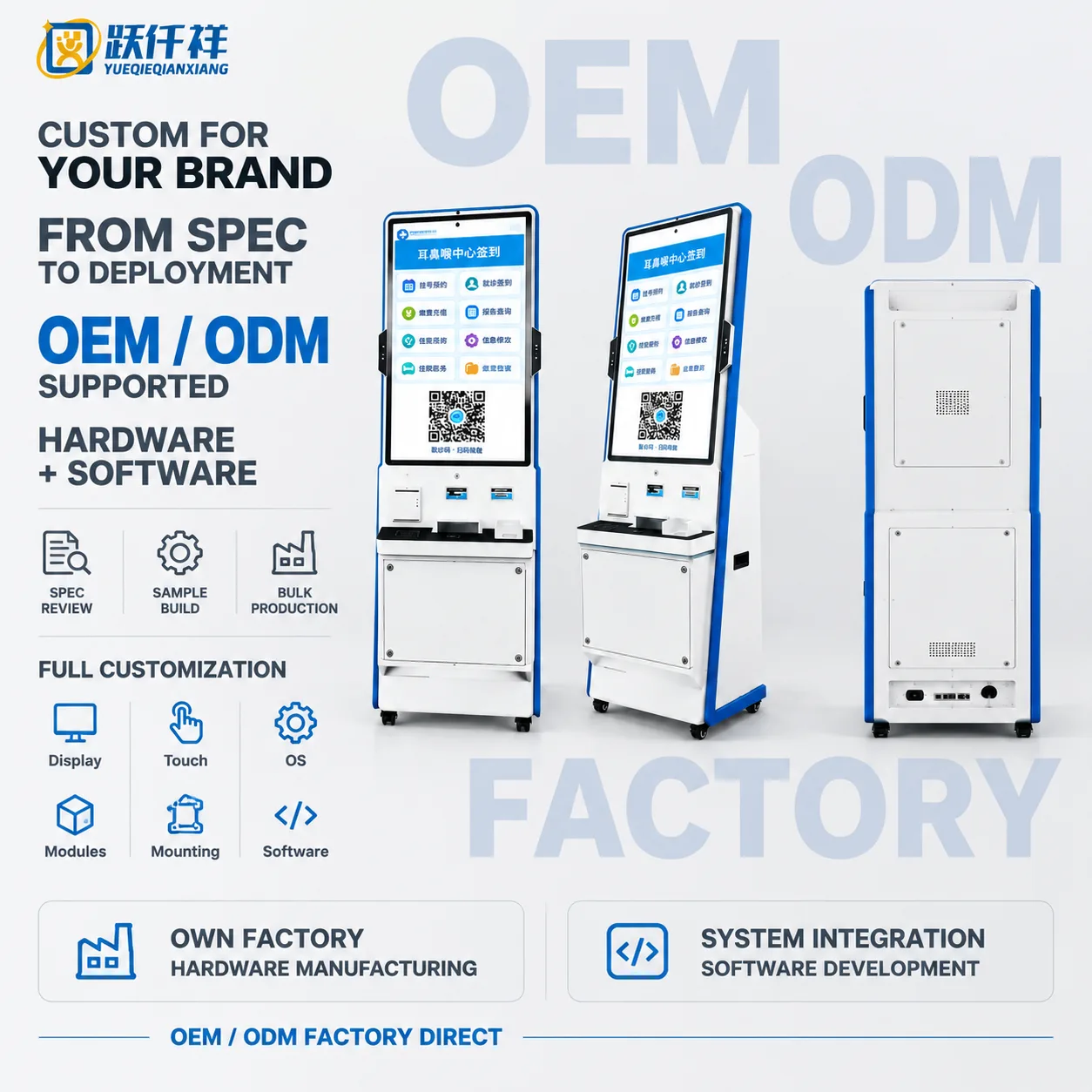
32-inch Hospital Self-service Kiosk

Model: OTO-260921-0053-HOSPITAL

32-inch floor-standing hospital self-service kiosk combining touch check-in, payment, report inquiry and configurable printing modules.

Display
32-inch portrait panel with capacitive touch
Main colour
White and blue housing
Printing
Integrated thermal printer option

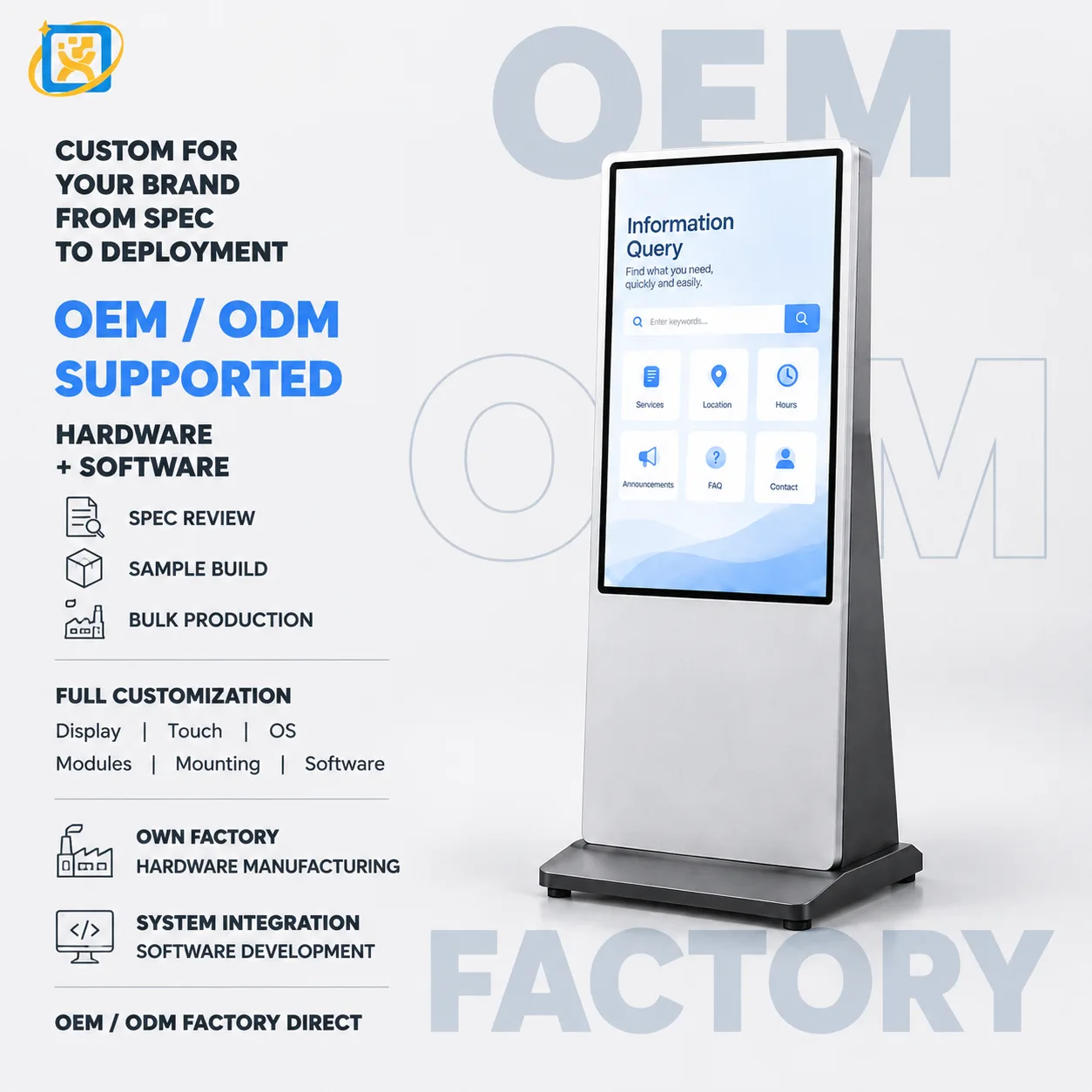
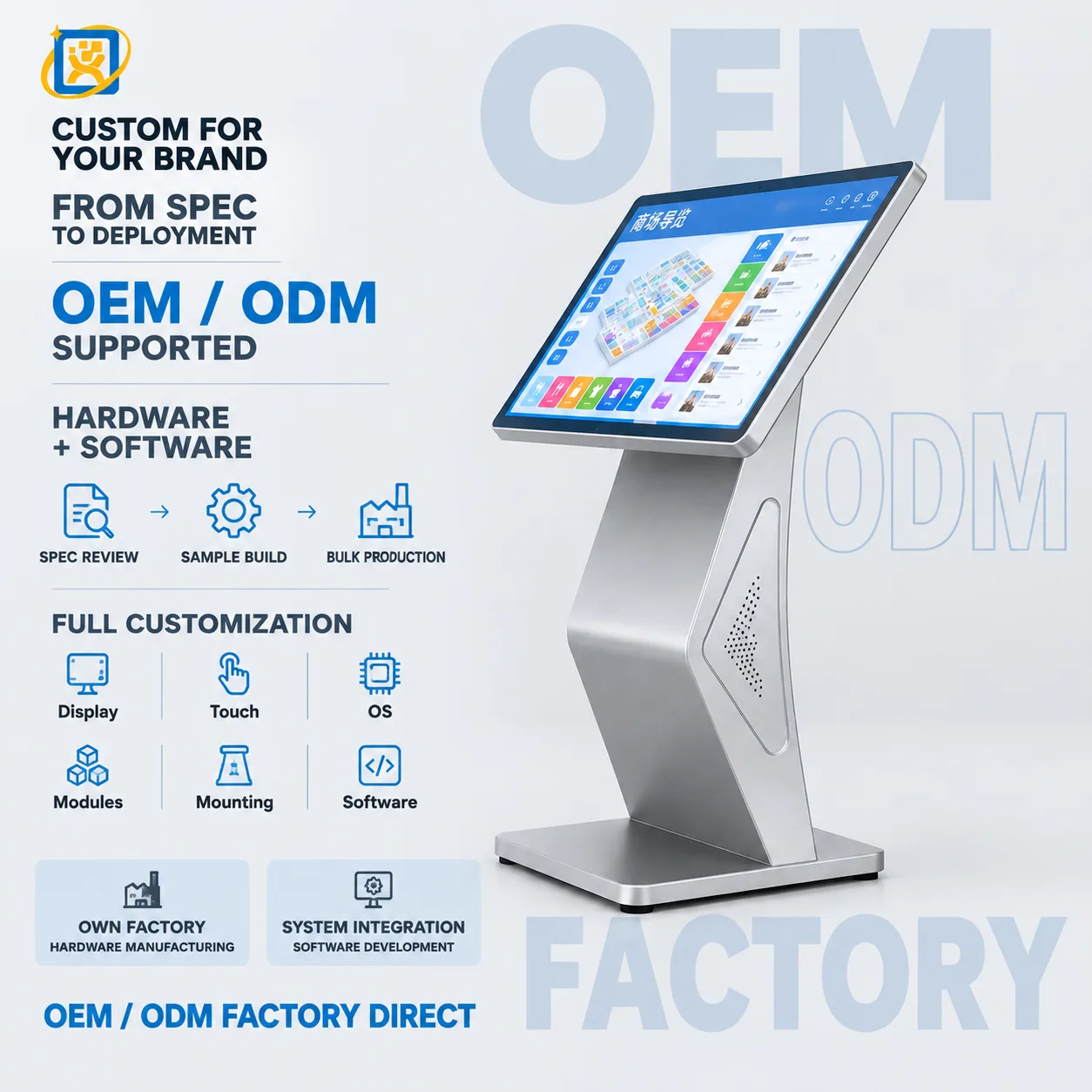
43-inch Floor-standing Digital Signage Wayfinding Kiosk

Model: OTO-260921-0053-SIGNAGE-FLOOR

43-inch floor-standing interactive digital signage kiosk with tilted capacitive touch screen, speakers and configurable wayfinding software.

Display
43-inch touch panel, final resolution and brightness confirmed per project
Main colour
Silver metal body
Connectivity
USB and LAN access through rear service panel

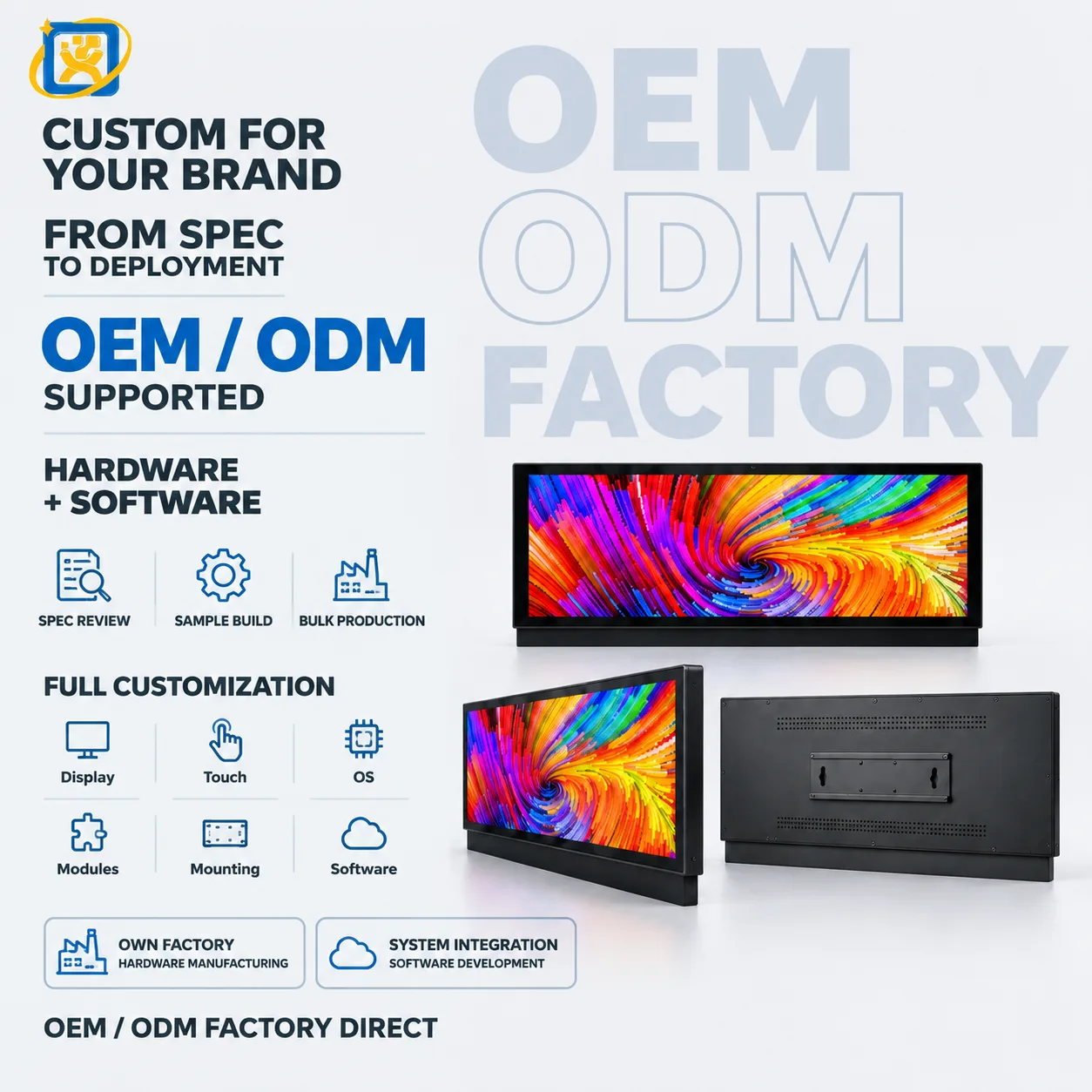
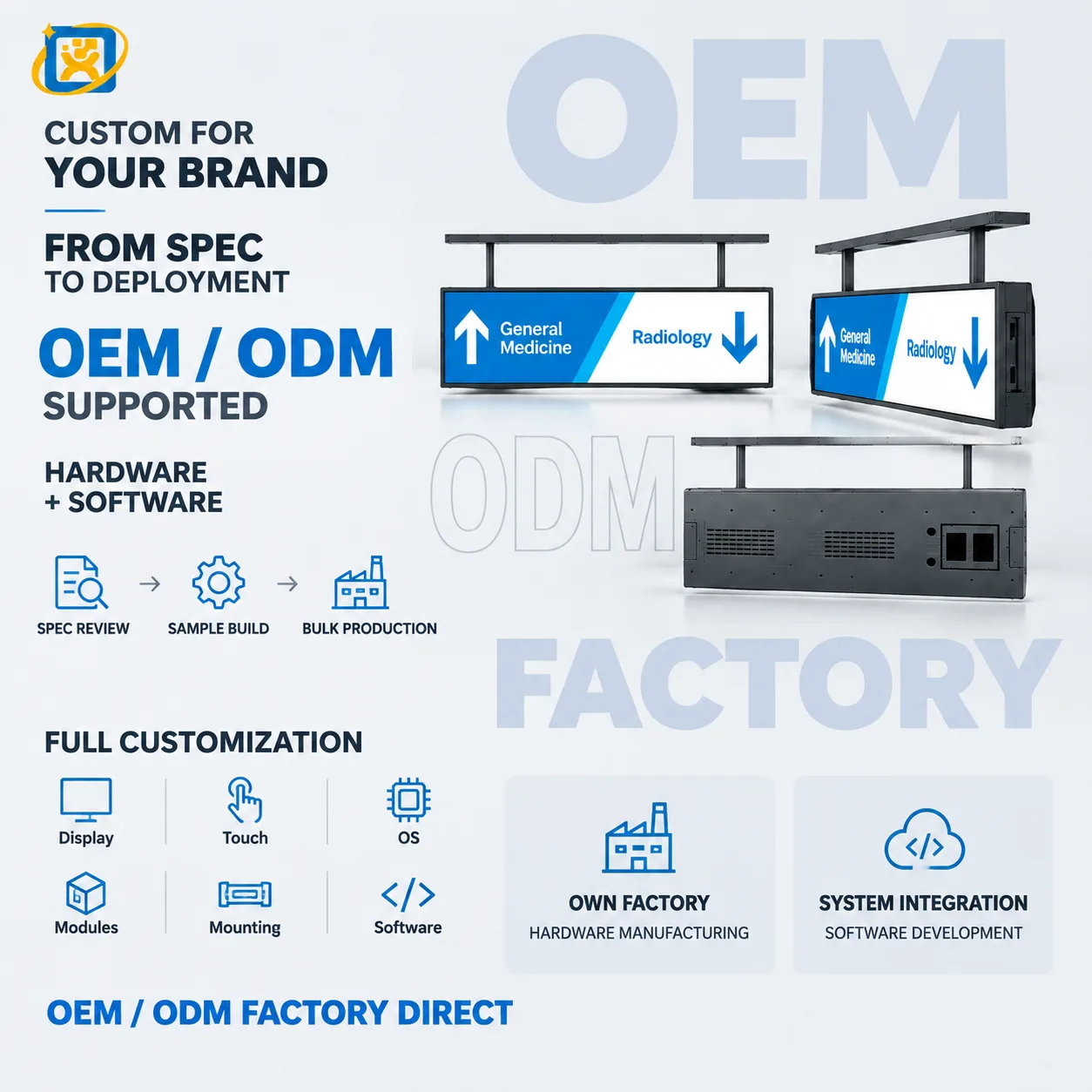
Wall-mounted Stretched Bar Display

Model: OTO-260921-0053-BAR-WALL

Ultra-wide non-touch stretched bar display with VESA-compatible wall mounting for retail advertising, shelf-edge messaging and wayfinding.

Display
Bar-type LCD panel, exact size and aspect ratio confirmed per project
Main colour
Matte black
Mounting
Wall or shelf installation

Ceiling-mounted Stretched Bar Display

Model: OTO-260921-0053-BAR-CEILING

Ultra-wide ceiling-mounted stretched bar display for high-visibility wayfinding, retail messaging and overhead information networks.

Display
Bar-type LCD panel, exact size and aspect ratio confirmed per project
Main colour
Black
Mounting
Ceiling suspension with dual rods

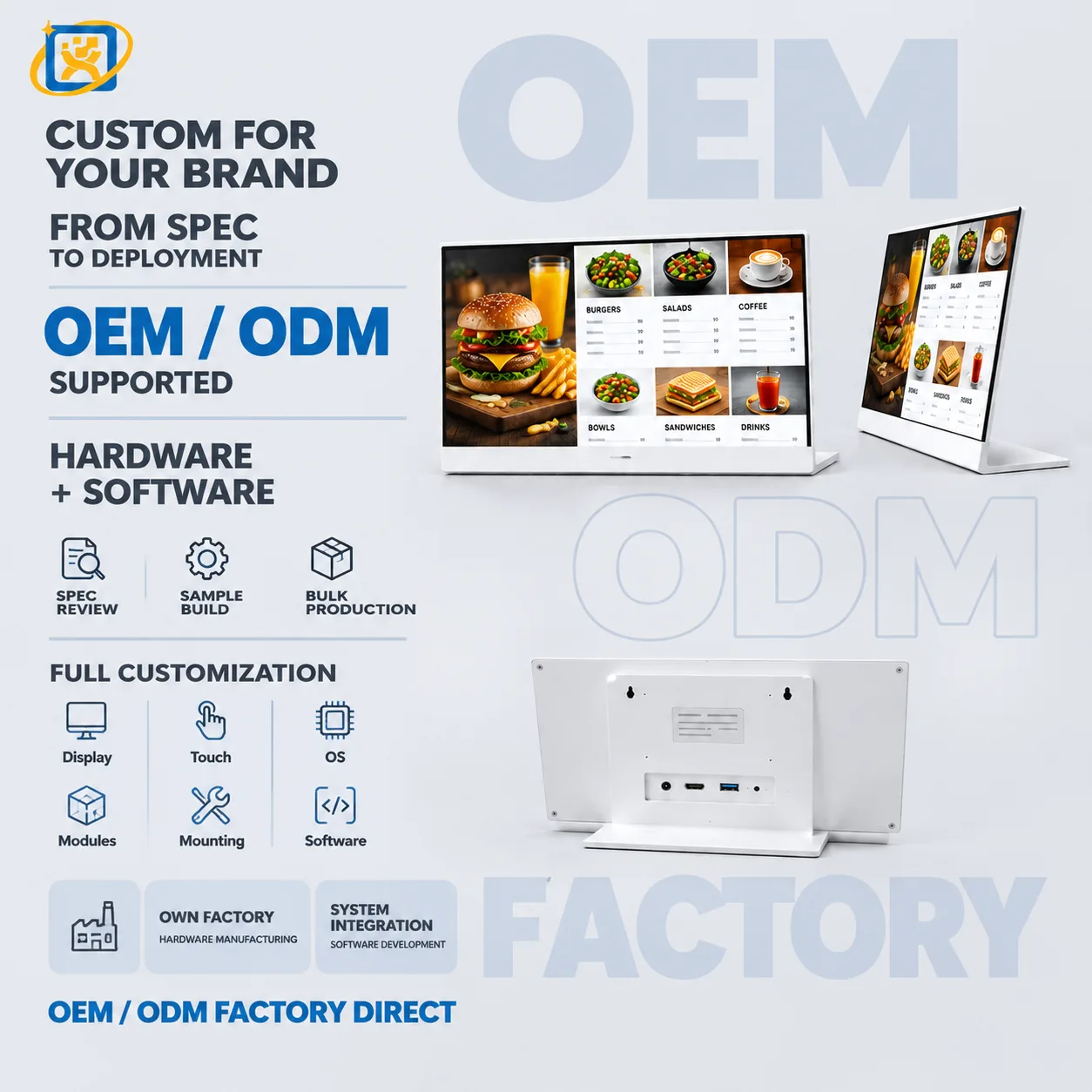
Desktop Digital Signage Menu Display

Model: OTO-260921-0053-SIGNAGE-DESKTOP

Compact desktop digital signage display with white frame and L-shaped stand for restaurant menus, retail counters and reception information.

Display
Wide-format panel, final size and brightness confirmed per project
Main colour
White frame and housing
Stand
L-shaped desktop base

FAQ

Common questions

What is your minimum order quantity?
A single unit can be accepted on selected models for evaluation or sample purchase. Volume pricing applies from 10 units. For OEM and ODM projects the minimum depends on the tooling and configuration involved.
What are your production and delivery lead times?
Samples ship in 7–14 days. Mass production runs at 20–35 days depending on configuration and quantity. Shipping time is additional and depends on the destination and the transport mode.
Do you support OEM and ODM projects?
Yes. OEM means we build to your design; ODM means we adapt an existing platform to your requirement. Dimensions, structure, colour, logo, configuration, hardware, software integration, interface layout and packaging are all within scope.
What payment terms do you accept?
Payment terms are agreed per order and confirmed on the proforma invoice, because they depend on the order value, the configuration and the destination. Send your preferred arrangement with the enquiry and we will confirm what we can accept.
How are orders shipped, and who arranges transport?
We coordinate with your forwarder or arrange transport as agreed in the order. Shipping terms and the Incoterm are confirmed in the quotation. Export documentation is prepared with each shipment.
What warranty and after-sales support do you provide?
A 3-year warranty with remote technical diagnosis and repair guidance. Where remote support cannot resolve a fault, the unit is returned to the factory for repair. Spare parts are supplied for the warranty period and beyond.

Scope a project with our engineering team

Send the workflow, the systems involved and the expected volume. We will come back with a hardware specification and lead time.