Product Comparison
21.5-inch vs 43-inch Self-Service Kiosks: Which Size for Which Job
A side-by-side comparison of the two most common self-service terminal sizes — throughput, interaction length, footprint, cost structure and the deployment scenarios where each one is the wrong choice.
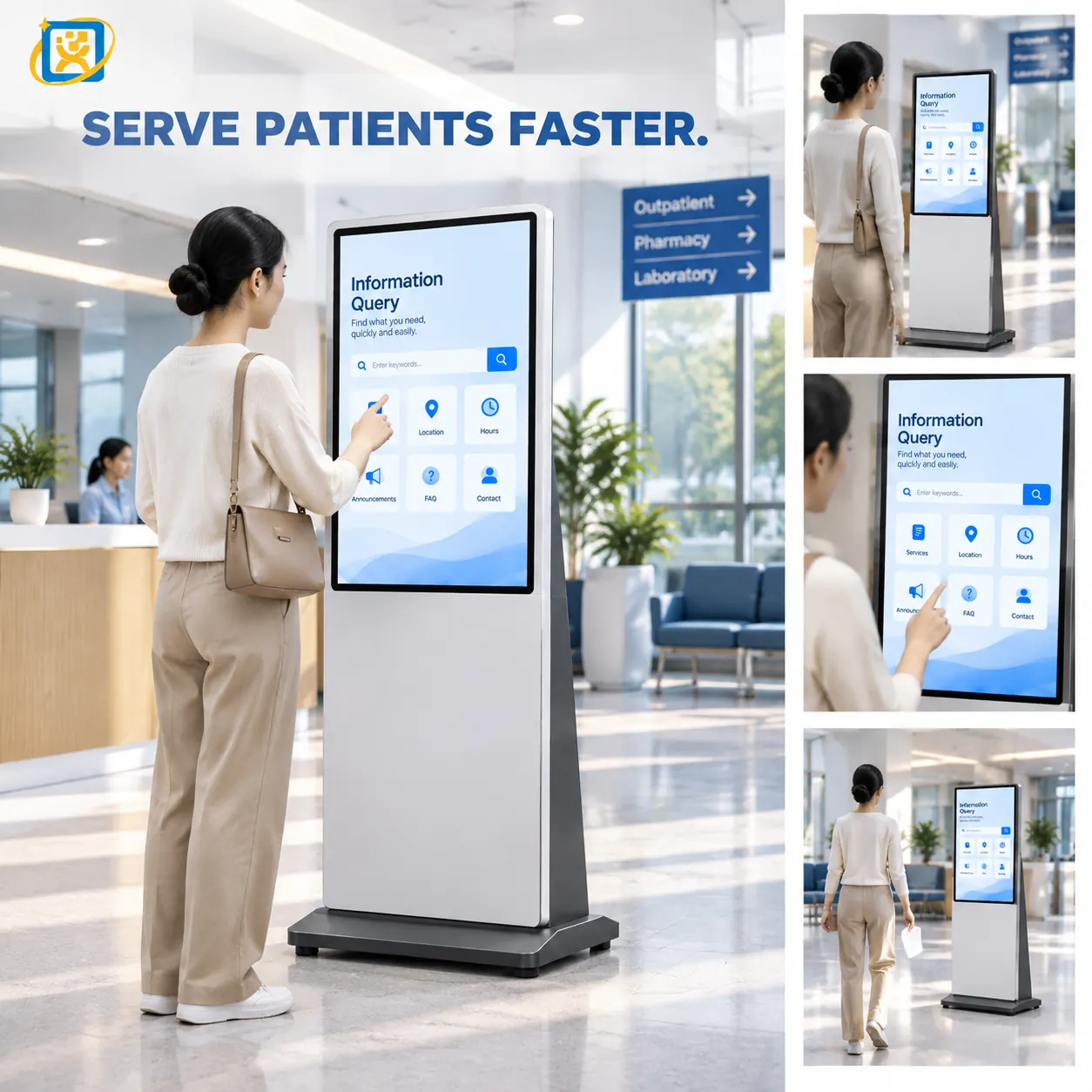
These two sizes cover the majority of self-service deployments, and buyers often start with a preference rather than a reason. The comparison below is organised around the decision rather than the specification sheet.
The short answer
Choose 21.5 inch portrait when the interaction is short and the terminal’s job is to issue something — a queue number, a ticket, a confirmation. Small footprint, fast interaction, low cost per position.
Choose 43 inch landscape when the interaction involves reading, entering or reviewing — a registration form, a scanned document, a multi-step process. Larger footprint, longer interaction, but far less scrolling.
Interaction length is the deciding variable
This is the single most reliable predictor of the right screen size.
| Interaction type | Typical duration | Right size |
|---|---|---|
| Queue ticket issue | 20–40 seconds | 21.5 inch |
| Appointment check-in | 40–60 seconds | 19–21.5 inch |
| Department selection and routing | 30–60 seconds | 21.5 inch |
| Registration with identity capture | 2–4 minutes | 43 inch |
| Form completion with validation | 3–6 minutes | 43 inch |
| Multi-service terminal | Varies | 43 inch or above |
The pattern: below about one minute, a compact portrait screen is faster because everything fits in one view. Above two minutes, the larger screen wins because scrolling is what makes a long form feel slow.
Throughput arithmetic
Screen size affects throughput more than most buyers expect, because scrolling and screen transitions add seconds to every interaction.
Consider a terminal handling 200 check-ins in a working day. At 50 seconds each, the terminal is occupied for about 2.8 hours. Add 15 seconds of scrolling per interaction — a conservative estimate for a form that does not fit on screen — and it becomes 3.6 hours. That is a 28% reduction in effective capacity from screen size alone.
In a lobby where one terminal covers the whole arrival flow, that difference decides whether a second terminal is needed.
Footprint and siting
| 21.5 inch portrait | 43 inch landscape | |
|---|---|---|
| Typical footprint | Narrow pedestal, or wall-mounted | Wide freestanding pedestal |
| Floor space | Low — often wall-mountable | Moderate — needs clear approach space |
| Mounting options | Wall, pedestal, counter-top | Pedestal standard; recessed possible |
| Approach space | One person at a time | One person, with space to step back |
The 43-inch unit needs approach space as well as footprint. In a narrow corridor, that is often the constraint that rules it out, regardless of the interaction requirement.
Peripheral capacity
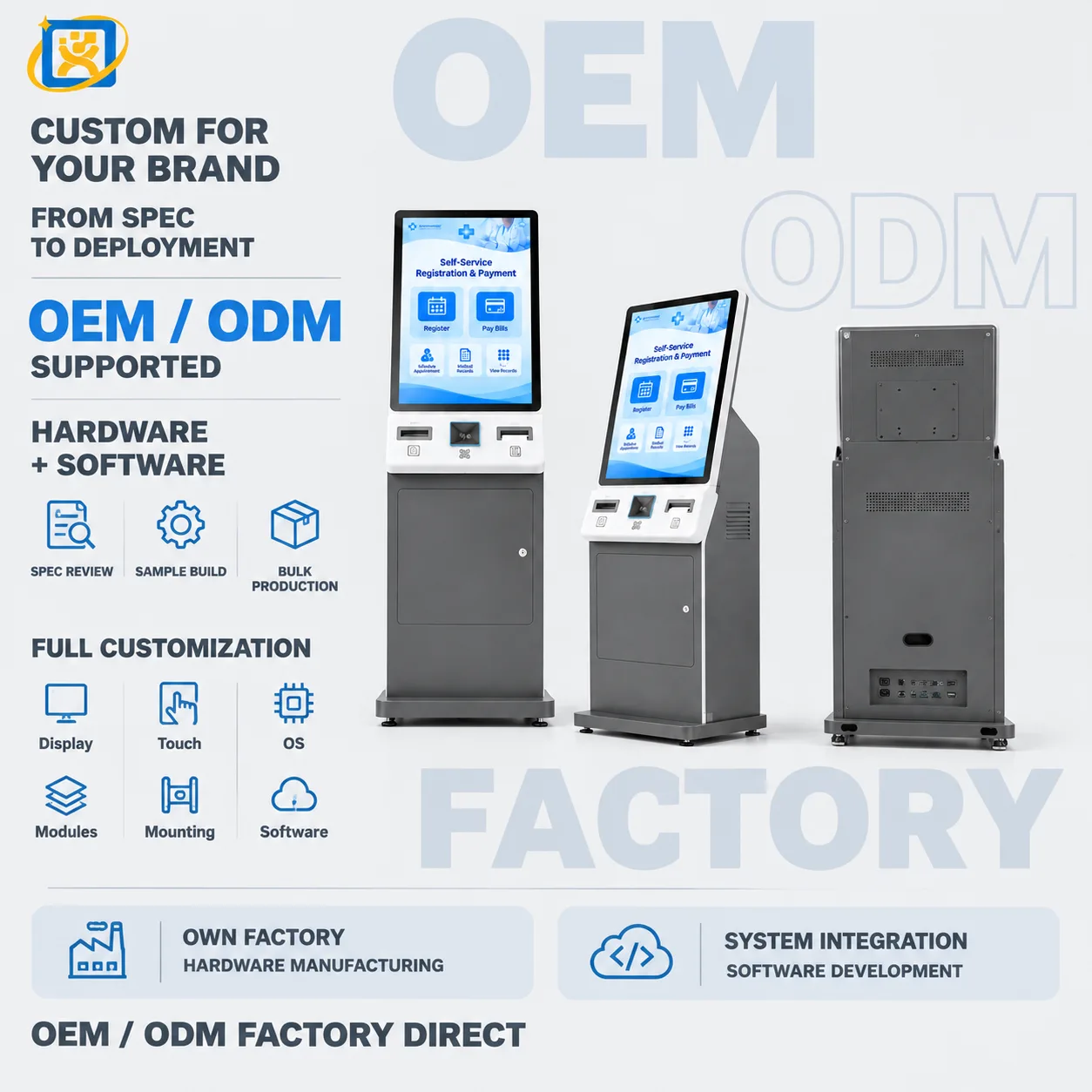
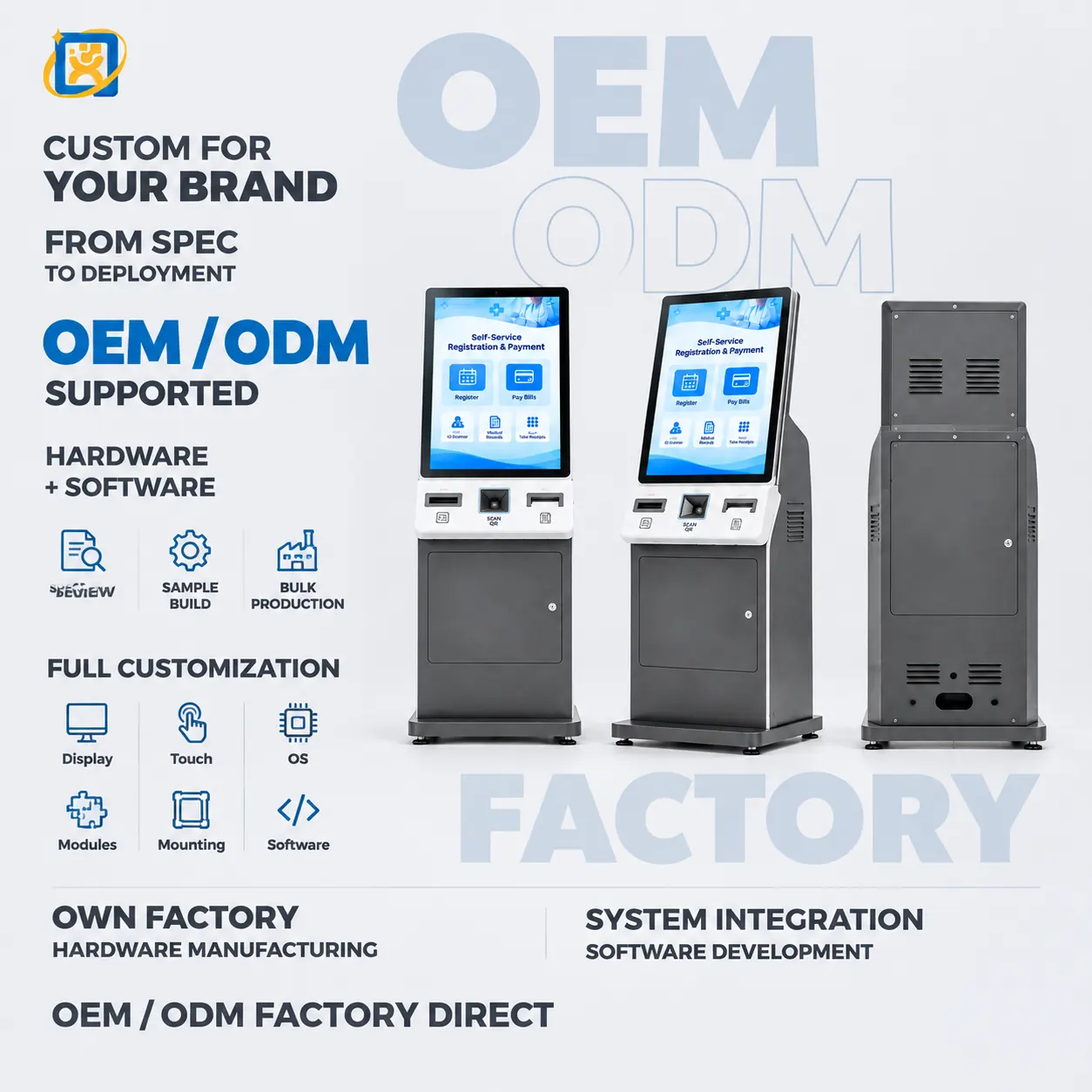
The larger enclosure is not only about the screen. A 43-inch unit has room for peripherals that will not fit comfortably in a compact housing:
- An A4 laser printer, which a 21.5-inch enclosure generally cannot accommodate.
- A document scanner plus a card reader plus a thermal printer simultaneously.
- A camera module positioned for a natural capture angle.
If the specification includes an A4 printer or a full document scanner, the 43-inch platform is usually the starting point rather than an upgrade.
Cost structure
The purchase price difference between the two sizes is real but smaller than the difference in deployment cost that follows from getting the size wrong.
What the larger unit adds:
- Higher panel and enclosure cost.
- More floor space, which in a hospital lobby has an opportunity cost.
- Higher shipping weight and volume.
What the smaller unit can add if it is the wrong choice:
- A second terminal to handle the throughput.
- Additional software work to split a long form across screens.
- Staff time assisting users who cannot complete the flow unassisted.
The comparison that matters is not unit price but cost per completed interaction.
Where each size is the wrong choice
21.5 inch is the wrong choice when:
- The form has more than roughly six input fields.
- The user must review a scanned document on screen.
- The application requires side-by-side content — a form and a reference panel.
- An A4 printer is in the specification.
43 inch is the wrong choice when:
- The interaction is a single confirmation.
- The available position is a narrow corridor or a counter.
- The deployment is a clinic reception where a large unit would dominate the space.
- The requirement is queue ticketing, where a portrait layout is more natural.
The middle option
It is worth noting that the decision is not strictly binary. A 32-inch unit often resolves the conflict between a multi-step form and a constrained position, and it is frequently overlooked because buyers frame the choice as compact or large.
Summary
| Decision driver | Recommendation |
|---|---|
| Interaction under one minute | 21.5 inch portrait |
| Interaction over two minutes | 43 inch landscape |
| Identity document capture | 43 inch |
| A4 printing required | 43 inch |
| Wall-mounted, no floor space | 21.5 inch |
| Narrow corridor | 21.5 inch or 32 inch |
| Dual purpose — display and interaction | 43 inch or 55 inch |
| Highest throughput per unit cost | Match to interaction length, not to price |
If you are still uncertain, the interaction type and the siting position will settle it. Send both to a manufacturer and the recommendation usually follows in one reply.
Written by the YUEQIANXIANG Engineering Team. This article describes general practice in self-service terminal specification and integration. Specific requirements vary by market, system and site — confirm the details against your project before committing to a configuration.
Request a quotation
Tell us the application, the quantity and the systems involved. If your question is about a configuration described in this article, mention it — it speeds up the reply.